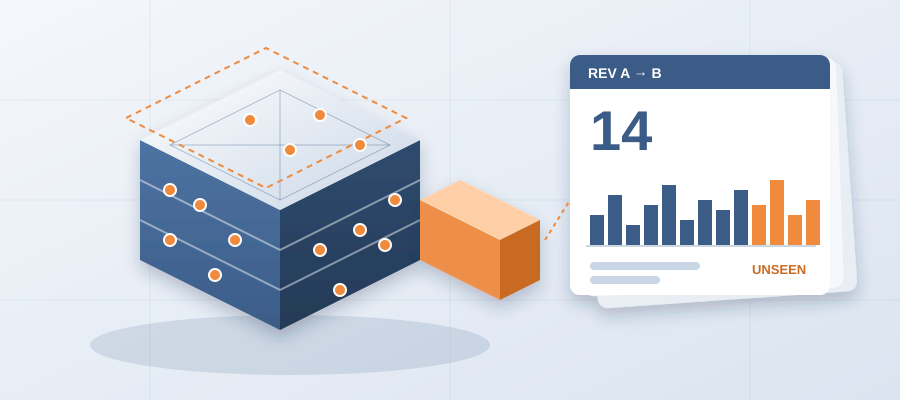
Your design changed 14 times this week. Did your team see all 14?
The Cost of a Moving Wall
In the AEC industry, change is constant. A wall moves, a door swaps, a duct reroutes. These are everyday events. But each one carries a ripple. When nobody flags the change, the ripple lands on site as rework.
Usually, teams catch up by exporting the model again, flipping between sheets and sending around updated lists. That takes days, sometimes weeks. By then, the design has shifted again and you are chasing a moving target. The list you sent is outdated before it reaches the trades.
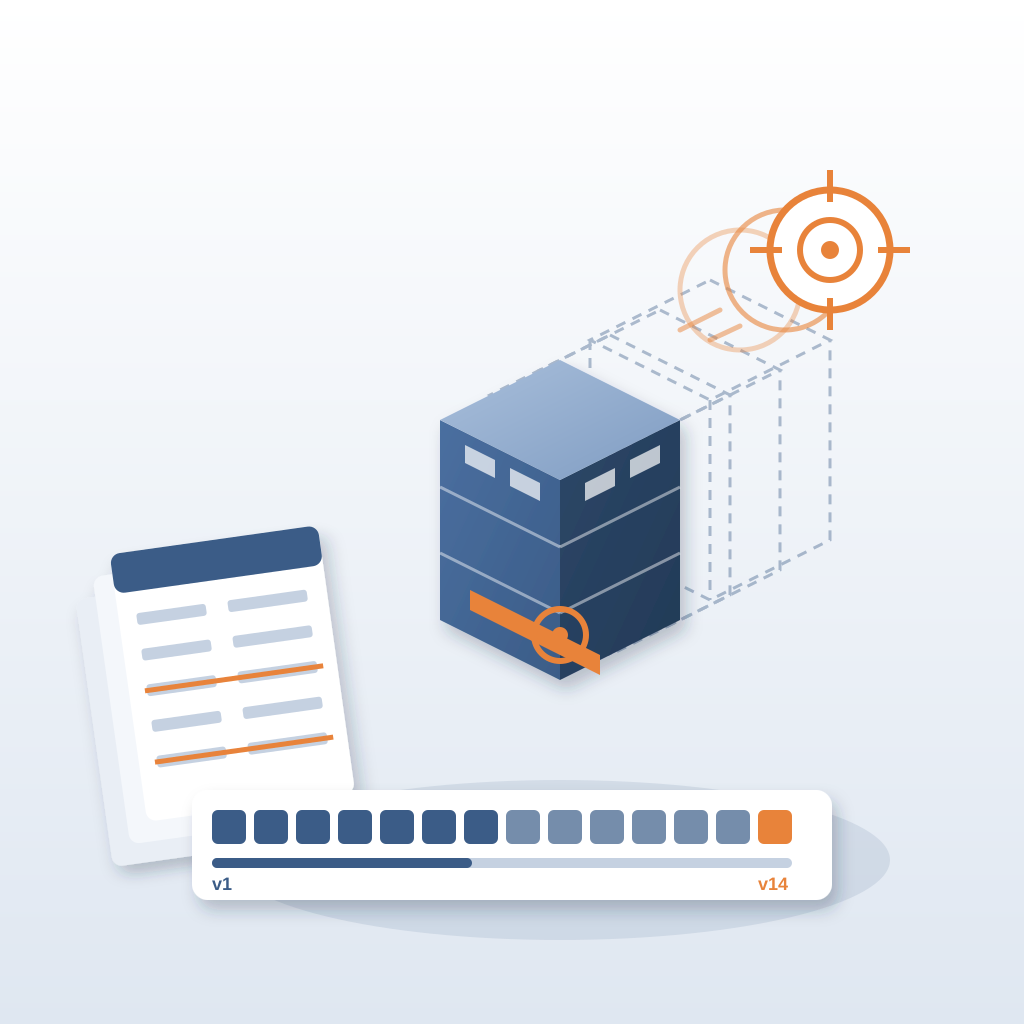
Consider a simple scenario. The architect moves a partition wall six inches to fit a new layout. That change can affect drywall runs, electrical outlets, baseboard lengths and the HVAC layout. If nobody traces it, you find out when a crew arrives and the duct does not fit. That is a clash found in the field, and it costs $5,000 to $50,000. Caught in the model, the same clash costs about $50.
The usual workflow is reactive. You wait for someone to say the model changed, then you go looking. But design is iterative. Changes happen weekly, sometimes daily. If you wait until the end, you lose the chance to weigh in on early decisions. You become the person who delivers bad news late, not the person who helped avoid it.
Now imagine you see the change the moment the architect publishes. That is what versioned exports do. With BidLight, every publish from Revit becomes a snapshot with its own files, author and milestone. You do not redo the comparison by hand. You pick two revisions and see what moved.
This is not about being faster for its own sake. When you can show the team exactly what a design change touched, you make better decisions with the design team while they are still open. That is what separates a coordinator who keeps the job on track from one who finds out in the clash meeting.
What a Versioned Record Gives You
BidLight is built for the way modern design teams work. It lives inside Revit and Navisworks, so you do not switch tools. You publish straight from the model, and the platform keeps every revision as its own snapshot.
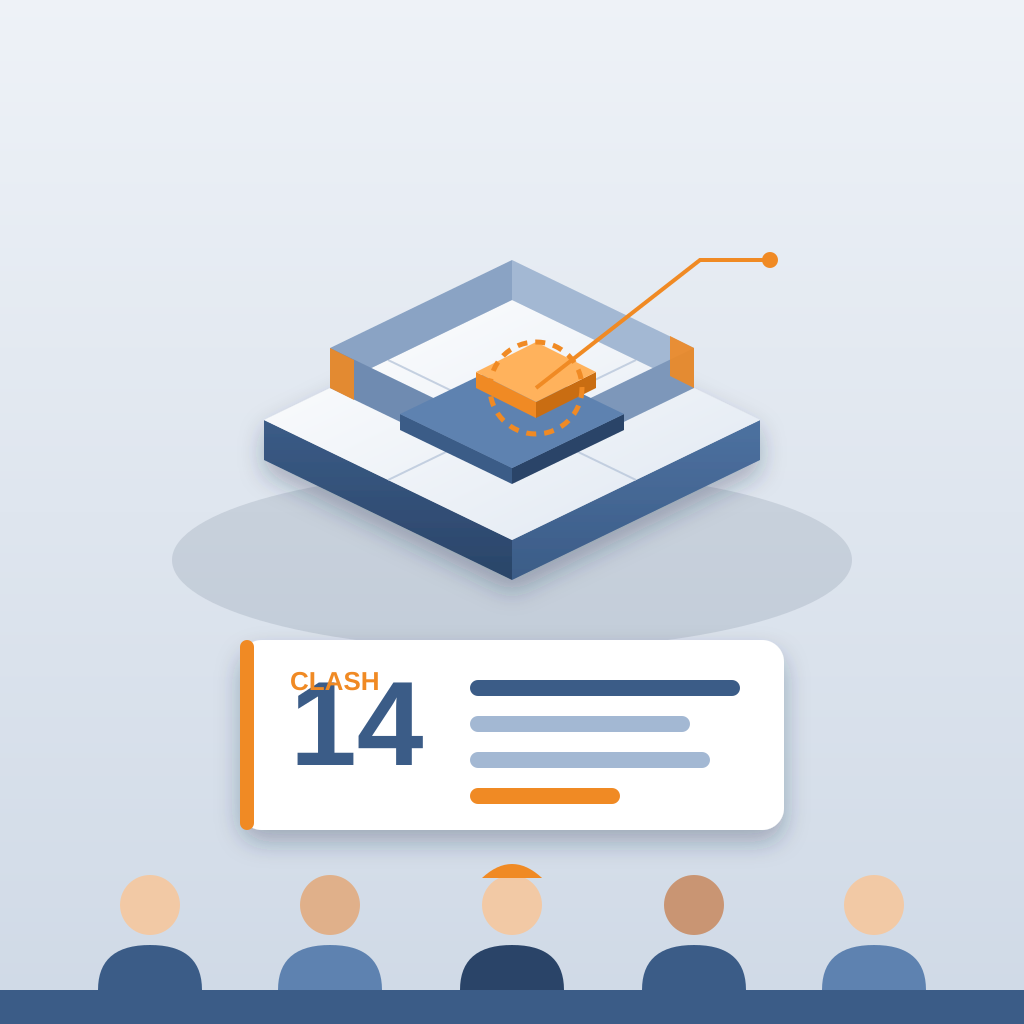
Any two revisions compare element by element, grouped by category: structural, MEP, envelope, interior. So when the week ends and the design changed 14 times, you do not read 14 emails. You open the comparison and see the elements that moved.
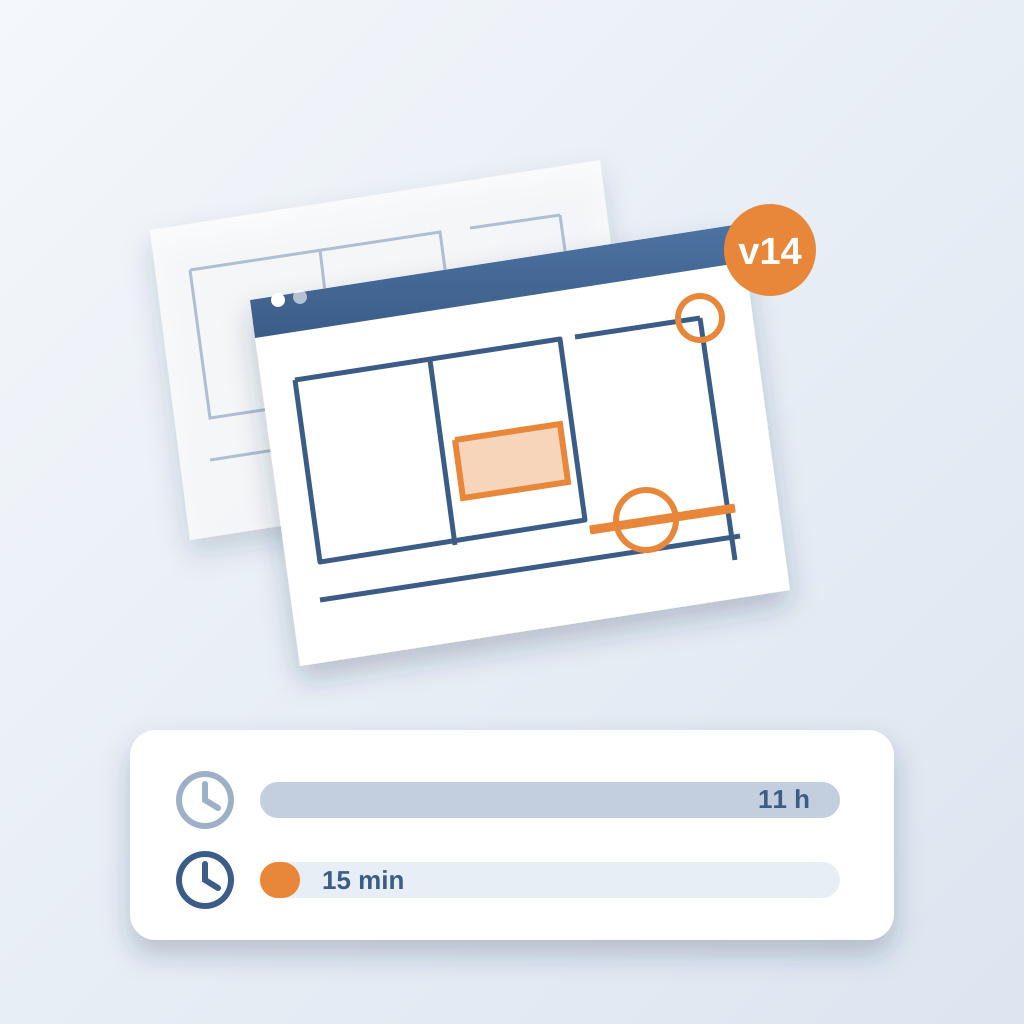
The result is a clear answer to the question that eats time on every job: which version is current, and what changed since the last one? Teams lose about 11 hours a week working that out. With the comparison, it takes about 15 minutes instead of a 90-minute meeting.
The record also holds up when someone asks later. Who changed the duct? When? On which milestone? It is all in the snapshot, with the author and the files. Nobody reconstructs history from email threads and 47 versions of the same markup.
And when the change does create a conflict, you pin an issue to the elements it concerns. The issue carries the sheet and the revision it came from, so the person who has to fix it sees the context without a phone call.
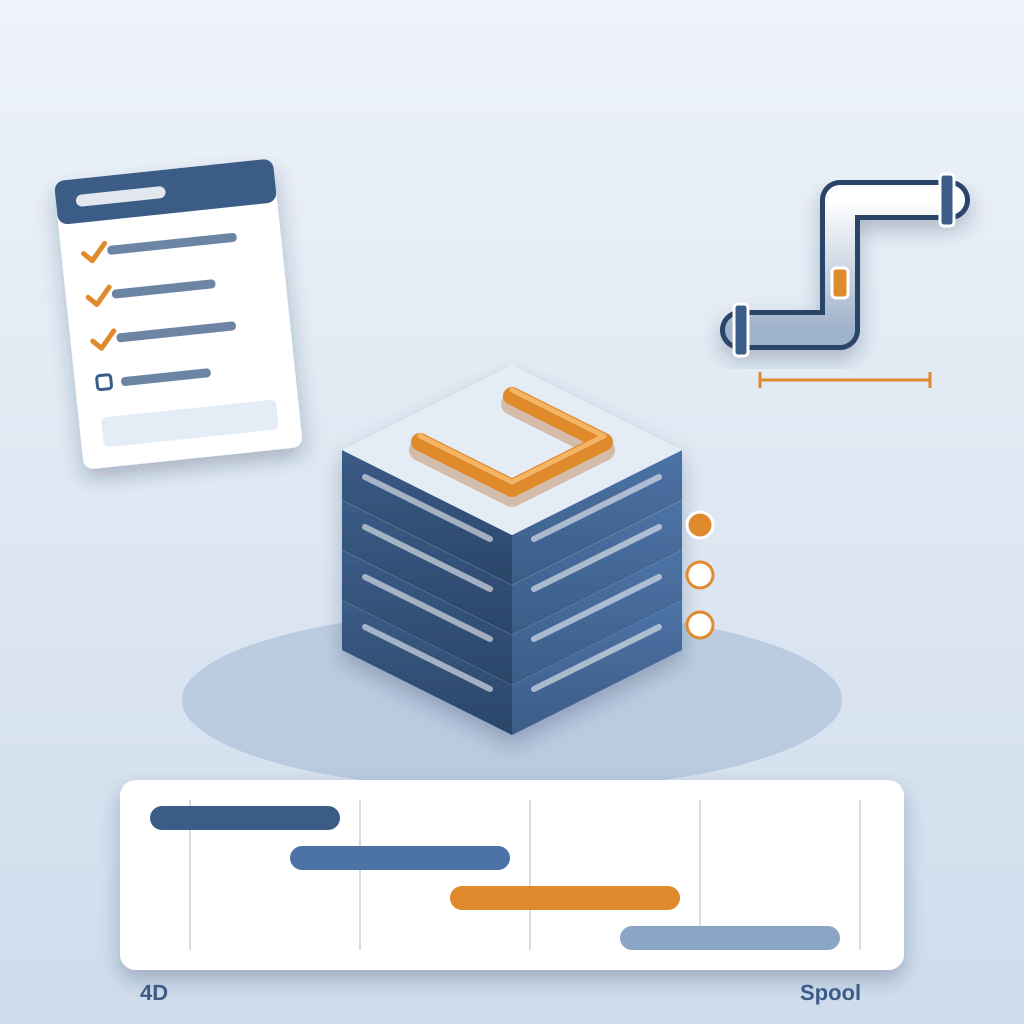
Beyond the software, BidLight offers done-for-you BIM services. If your team is stretched, we write execution plans, handle 4D sequencing and take on fabrication detailing and spooling. The same discipline applies: solve it in the model, not in the field.
Here is what a normal week looks like with this in place:
- Monday: you compare the last publish to this one and see what moved overnight.
- Midweek: new conflicts become issues pinned to the elements, each with an owner.
- Friday: the project view shows what closed, with proof, and what is still open.
No one asks "is this the latest?" because the record answers it. No one waits for the next coordination meeting to learn about a change that happened on Tuesday. That is where the hours come back, and it is also where the rework stops.
Making Ownership Visible
Seeing the change is half the job. The other half is making sure someone owns it.
Every issue gets an owner. The 6am digest lists each person's issues every morning, so nobody has to chase. And the project view shows who is behind while there is still schedule left to move work, instead of three weeks after a slip started.
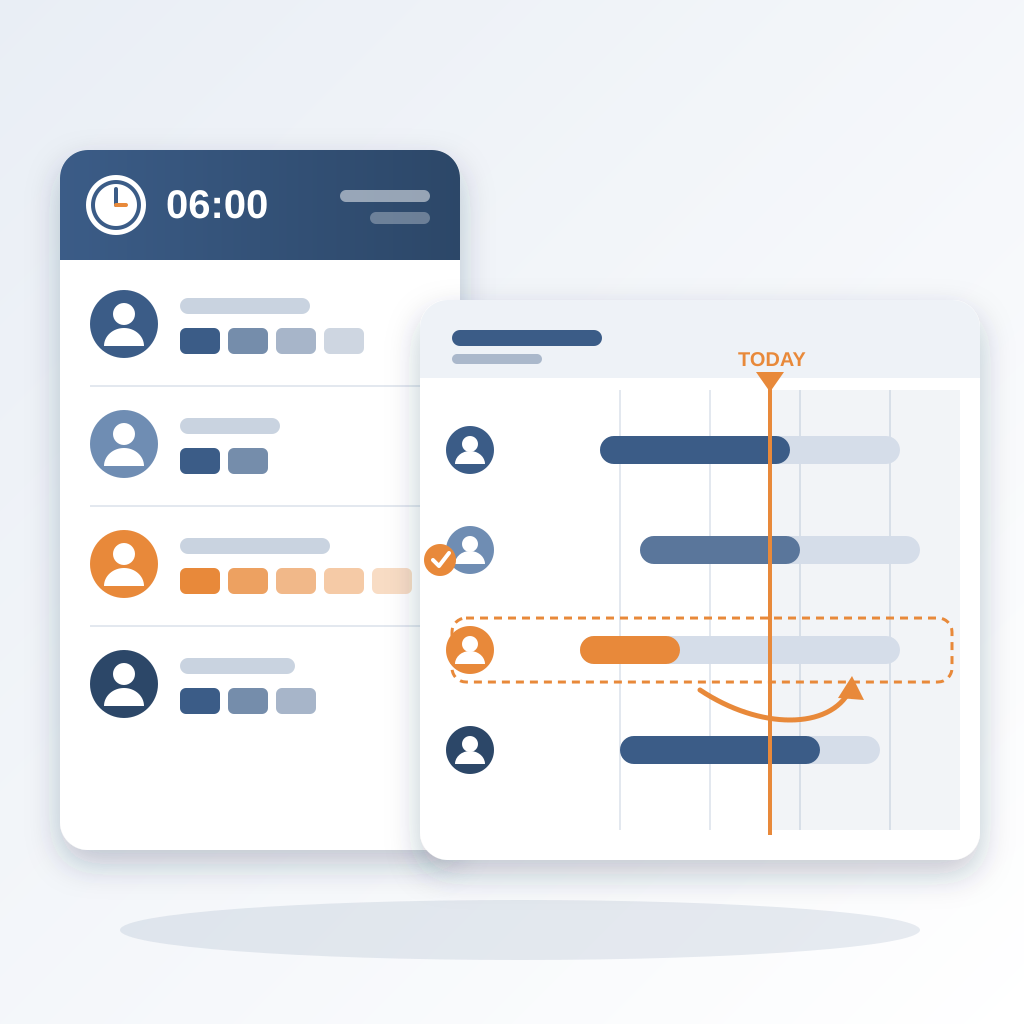
An issue closes only with proof: a screenshot, a tagged user and the model commit that delivered the fix. So a closed issue means something. The same problem does not come back on site, and you do not pay twice to fix it.
Here is why that matters for cost. An unresolved clash can burn $15K to $50K a week in idle field labour. A clash that sits 47 days can burn $28,000. The longer a change goes unowned, the more it costs, and none of that cost shows up until the crew is standing around.
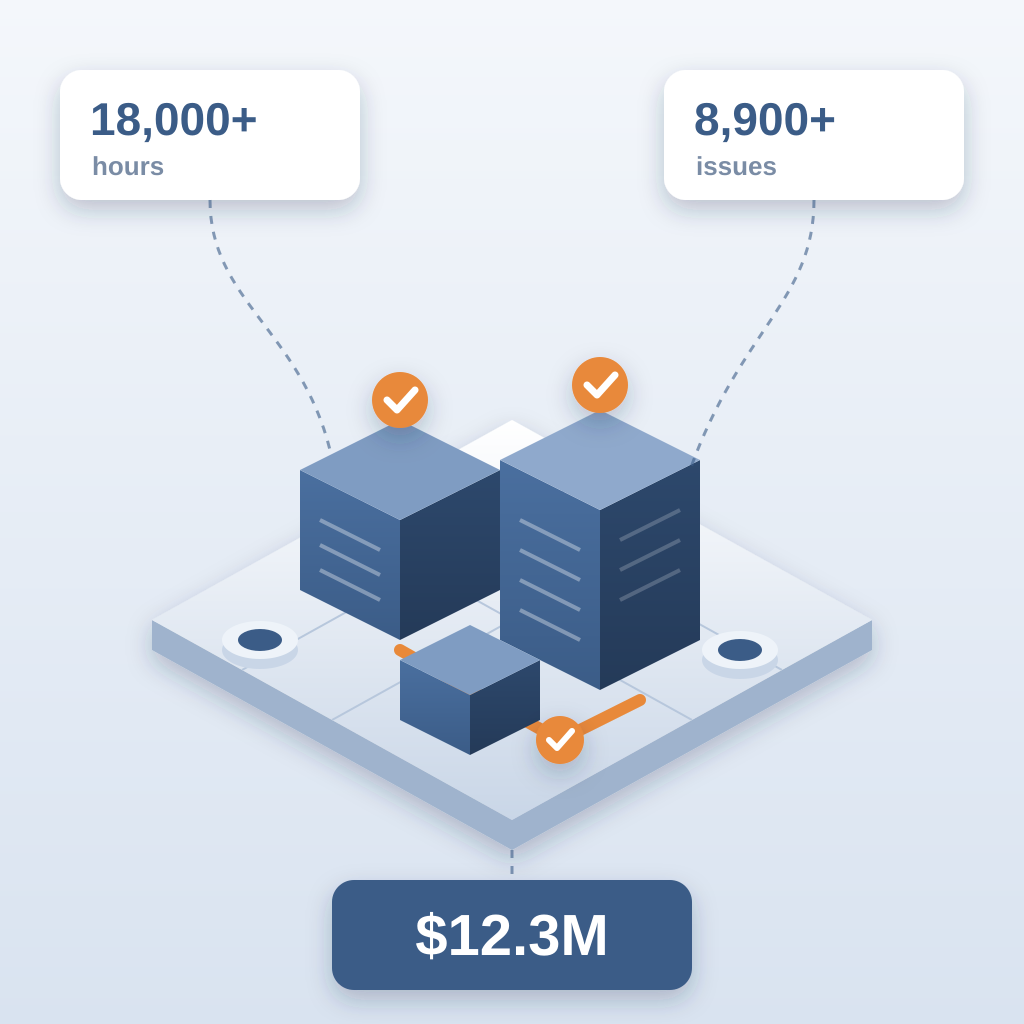
On the hyperscale programme, the team saved 18,000+ hours and resolved 8,900+ issues, with $12.3M in cost saved. The method was not clever. Every change was visible, every issue had an owner, and every closure had proof.
So next time the design moves, do not wait for the email that says "minor revision". Compare the two revisions, pin the issues, and let the digest do the chasing. Catch it in the model.