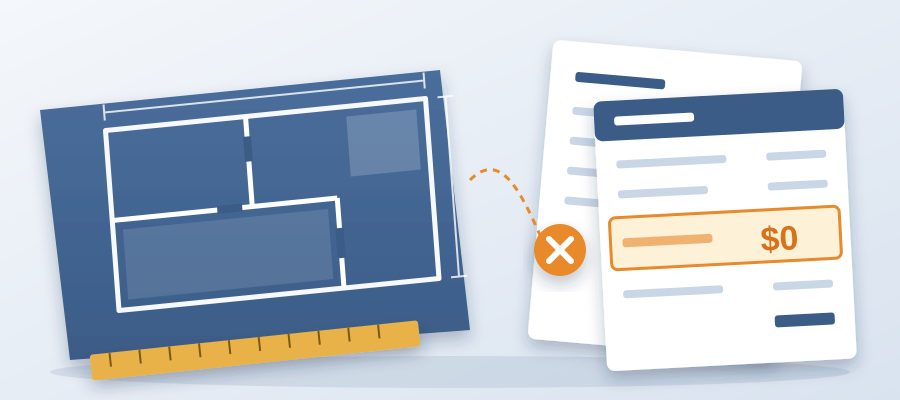
Your competitor's bid was $0 and you lost. Here's why.
What happened in that bid room
The story sounds like a punchline. Two bids went in on the same job. One had several hundred priced line items pulled straight off the latest model revision. The other had a single line that read zero dollars, with a note attached. The owner picked the zero. That was not charity and it was not a mistake. When you learn how to do quantity takeoff the right way, you learn that the number matters less than whether it still applies to the building the owner is about to construct.
Think about what the owner saw. Bid A was complete and tidy, and it said nothing. Bid B said, out loud, that the corridor wall moved 18 inches after pricing and that a corrected number was attached. That one line told the owner two things. This contractor reads the model and knows the design is still moving. This contractor will not sit on a stale number and hope nobody notices. The full takeoff looked professional, but it was priced against a drawing set that had already been superseded.
Here is the part that stings. The winning estimator did not have better information. Both teams had the same models and the same architect sending updates at 6pm on a Thursday. The difference was that one team priced from a model state they could point to. The other priced from whatever file happened to be open. The losing bid was fully priced. It was just fully priced against the wrong version.

So before you think about software, think about the sequence. Which model revision did your quantities come from? What changed since? What is that change worth? That is how to do quantity takeoff when the owner is watching the design move under their feet.
The takeaway from this room is blunt. Owners do not reward volume of line items. They reward confidence that your number maps to the building they will put up. A full takeoff from the wrong revision is not a bid. It is a liability with a cover page.
Why the current model is often the wrong model to price
Every estimator has done this. You wait for the latest revision, because pricing an old set feels wasteful. Then you price it, submit it, and find out the next morning that the corridor moved again. Waiting for the newest file is a reasonable instinct. It is also why bids go stale before the ink dries. On active projects the newest file is a moving target, and a takeoff is a photograph. The question is not whether you priced the latest revision. It is whether you know what changed since.
This is where most quantity takeoff workflows fall apart. The quantities live in one place. The revision history lives in another. The person connecting them is a human being working against a deadline. Nobody writes down the model version that fed the spreadsheet. Two weeks later a wall moves, and there is no clean way to know which line items it touched. The estimate is now a document with no address.
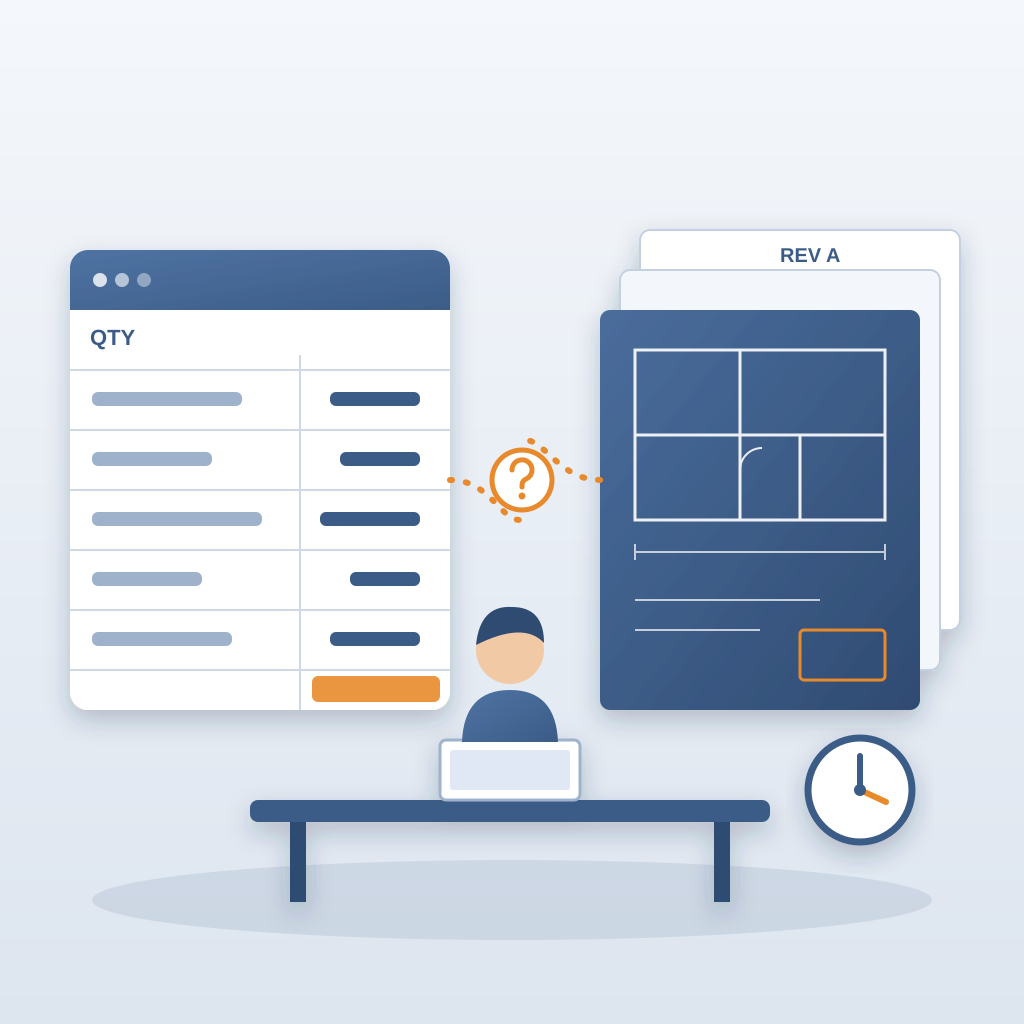
What is quantity takeoff in Revit, really? It is pulling what the model contains, element by element, with counts and dimensions that come from geometry instead of someone's memory. That is powerful. It is also the trap. A Revit quantity takeoff is only as current as the model state you pulled it from. If the model has moved, your takeoff is a historical artifact. You are not pricing the job. You are pricing a job that used to exist.
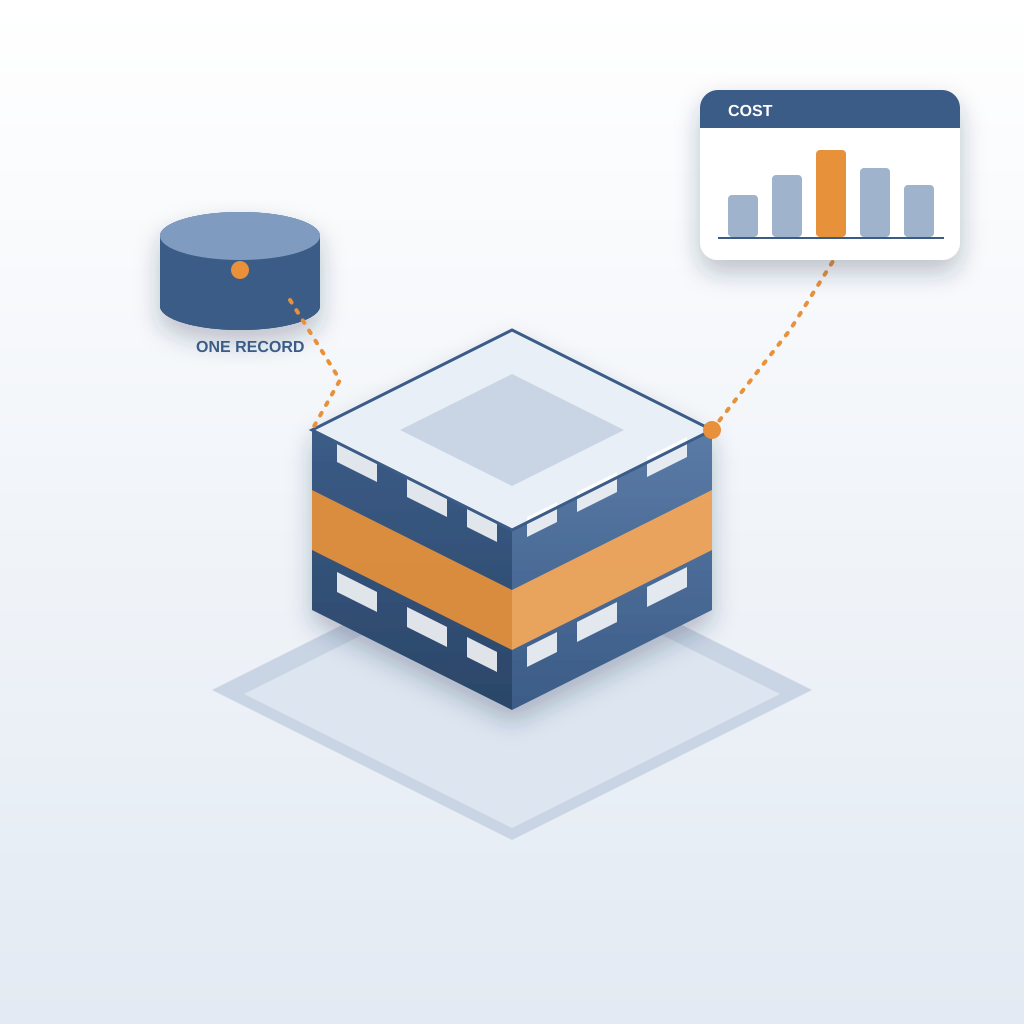
The fix is not to stop pulling takeoffs. It is to keep the cost on the same live record of the project that the model lives in. BidLight keeps that one record inside Revit and Navisworks. When the corridor wall moves, the cost moves with it, and you can see that it moved. That is the difference between a snapshot and a record. One is a bid. The other is a decision you can defend six weeks later when the owner asks why your number changed.
Most teams already have the data. What they lack is the link. The model knows the wall moved. The estimate does not, unless someone carries the news by hand.
The mechanics: how to do quantity takeoff without re-doing it
Begin with one live record of the project inside Revit. Not an export sitting in a folder. Not a spreadsheet named final_v3_ACTUAL.xlsx. The cost and the geometry live on the same model. You get labor, equipment, material and time cost in minutes. When the design changes, the number updates in real time because it rides on the same model. That is the whole idea, and it is why the winning bidder in our story could attach a corrected number the same day.
Next, let the machine do the sorting. Two AI models read geometry and metadata and classify BOQ line items at 86% accuracy. That is not perfect, and it is not meant to be. It gets you from a raw model to a priced structure fast enough that a person can review the edge cases and move on. Those are the hours that come back, the ones now going into copy and paste between a schedule and a spreadsheet.
Then price against current numbers. BidLight pulls from a roughly $30,000 pricing database, plus Craftsman, 1Build and RSMeans. The point is not that the database is large. The point is that your number stops being a relic of last year's pricing meeting.
Now think about the time you just got back. Estimates in minutes instead of days mean you can price the early design question while the client is still in the room. Finding what changed between two exports takes 15 minutes, not a 90-minute meeting that costs $2,000 to $3,000 in labour. The record adds up too: 18,000 hours saved and a 35% higher win rate. Those are not vanity numbers. They are the gap between the bidder who knows and the bidder who hopes.
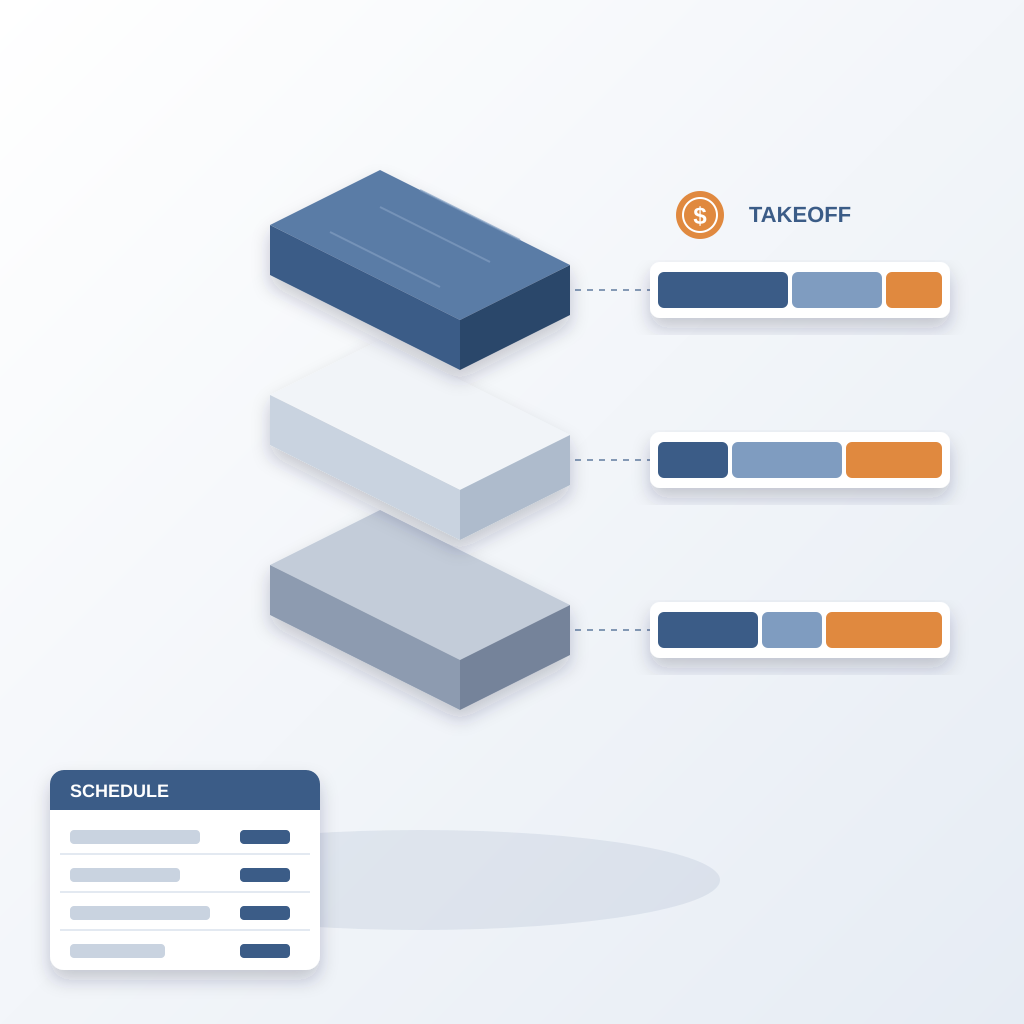
One more note. A Revit material takeoff and a Revit schedule are not the same animal. A schedule tells you what the model knows about a category. A material takeoff, done right, tells you what that material costs to buy and install. Teams that treat them as interchangeable end up with beautiful schedules and estimates that miss labour entirely. Keep the cost attached to the model and the distinction stops being a trap.
Where the AI tools fit and where they do not
When people search for the best AI tools for quantity takeoff, they usually want something that removes the estimator from the loop. That is the wrong target. The good tools remove the copying and the version chasing. They do not remove judgment. A Revit plugin for automated quantity takeoff is worth having when it turns hours of extraction into minutes. It is worth nothing if it hides which model revision it read.
So judge these tools on one question. Can it tell you what changed, and can it price the change? If the answer is no, you are buying speed on a stale number. If the answer is yes, you can walk into the meeting and say the corridor wall moved, here is the delta, here is the corrected bid. Done-for-you BIM services, from execution plans to 4D and 5D, sit on top of that same live record. The record is the foundation. Everything else is presentation.
There is a hard truth about accuracy percentages. Eighty-six percent sounds like a B, and on classification that passes, because a person still checks the line items that matter. What would not pass is a system that gets 99 percent of the classification right and gives you no idea which model revision it priced. Precision on the wrong version is just a more confident mistake.
The best AI tools for quantity takeoff will feel less like a tool and more like a colleague who never forgets which drawing they were looking at. If a vendor cannot answer the version question on the first call, keep looking. That is the whole test.

What to do differently on your next bid
Pick one number and one revision, and write both down before you price anything. That sounds trivial. It is the difference between the two bids in our story. When you can say which model state your quantities came from, you can also say what has changed since.
Put the change note in the bid itself. The winning bidder did not hide the corridor move. They led with it. Owners are not offended by a design that changed. They are offended by a number that pretends nothing did. One short line saying the wall moved 18 inches after pricing and a corrected number is attached is worth more than fifty pages of well-formatted assumptions nobody reads.
Stop treating re-takeoffs as failure. They are the job. The problem was never that you had to reprice the corridor. The problem was that repricing took three days and a group chat. When the estimate lives with the model, a re-takeoff takes minutes, so you can afford to do it. That is the entire economic argument. You are not buying software. You are buying the ability to answer the design-change question fast enough to win the room.
And bill for what you are already good at. The layout-change number a client asks for at 9am runs off the model you already drew. That is paid work, not a favor you throw in to look helpful. Turn early estimates into a service, and let the model make it cheap to deliver.

The next time the design moves after you price, you have a choice. Send a full takeoff from the revision you happened to have open. Or send the number that matches the building and say so. One of those wins jobs. The other looks complete right up until the award letter goes to someone else. Keep one live record of the project inside Revit, with cost riding on the same model, and you will be on the right side of that choice. That zero was not a trick. It was a promise that the number is current. Make yours the same promise, with the actual dollars attached.