Your Client Asks 'What If We Move the Lobby?' You Answer in Minutes, Not Days
The Meeting That Used to Stall a Project
Picture the meeting. The client wonders about moving the lobby entrance. Maybe they are thinking about foot traffic. Maybe they saw a rendering with a different flow. You smile, nod and say you will get back to them.
Then the real work starts. Someone opens the old model and the new sketch side by side. Someone else checks the walls, doors, finishes and MEP runs by eye. By the time you have an answer, the client has moved on to another question, and the answer is already stale.
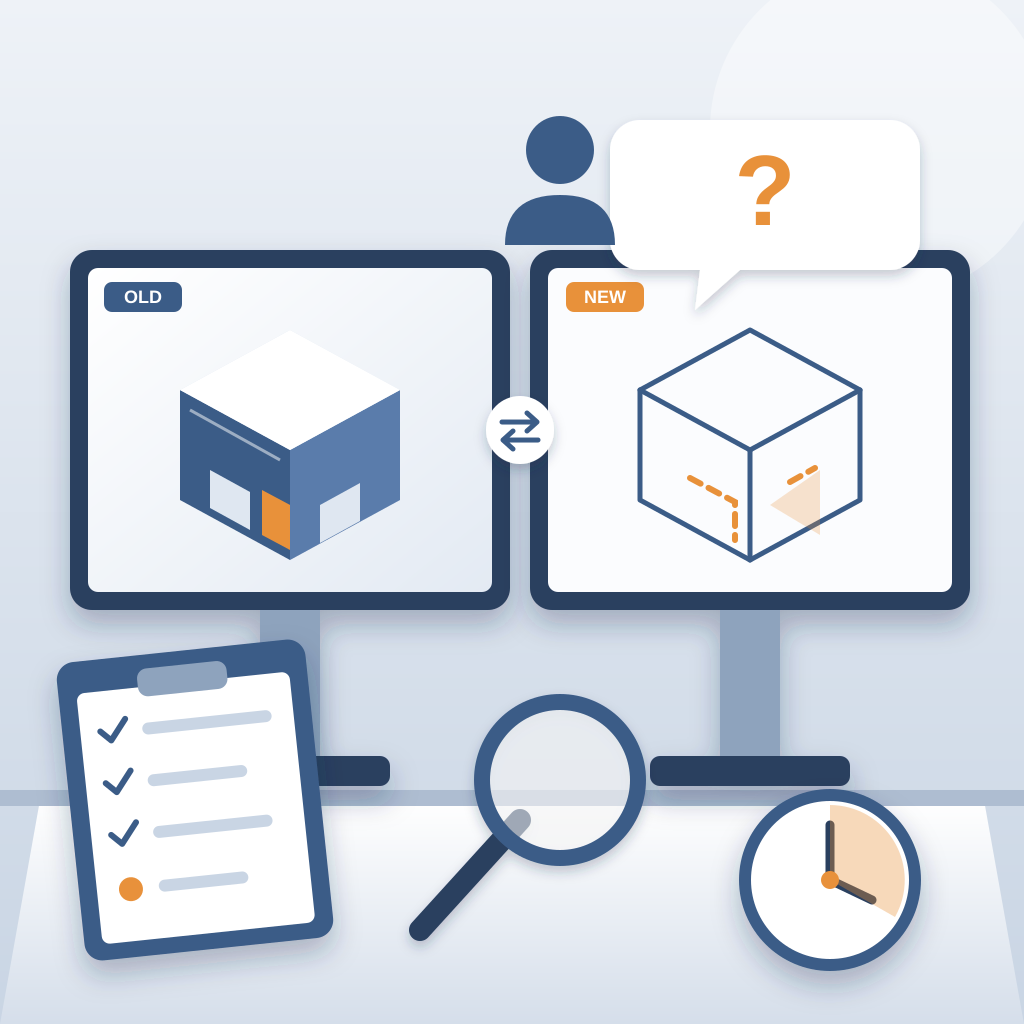
That costs you momentum and credibility. When a client asks "what if", they want to know what the change touches, right now. If you cannot say, they start to wonder what else you do not know. And the real danger comes later: a change nobody traced through the model turns into rework on site.
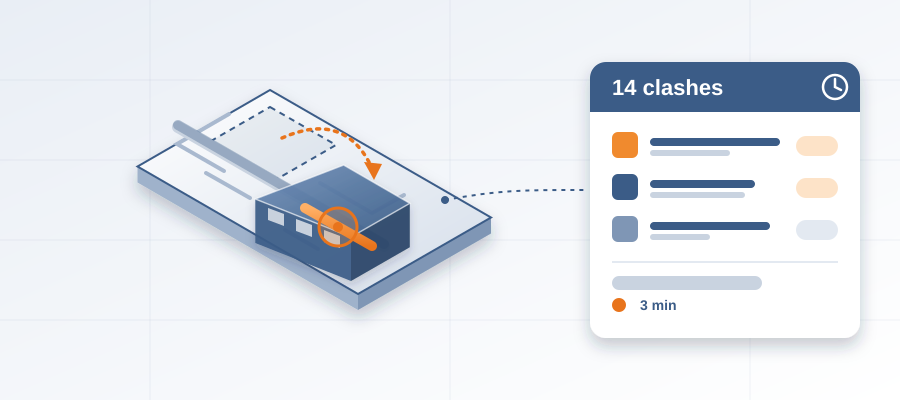
BidLight changes the order of events. It runs inside Revit and Navisworks, where your model already is. Every publish is a versioned snapshot with its own files, author and milestone. Publish the lobby option as a new revision, compare it to the current one, and you see which elements moved, were added or were removed. The comparison is element by element and grouped by category: structural, MEP, envelope, interior.
So when the client says "move the lobby", you do not say "we will get back to you next week". You say "give us the afternoon". You walk out with a list, not a promise.
What the Comparison Shows
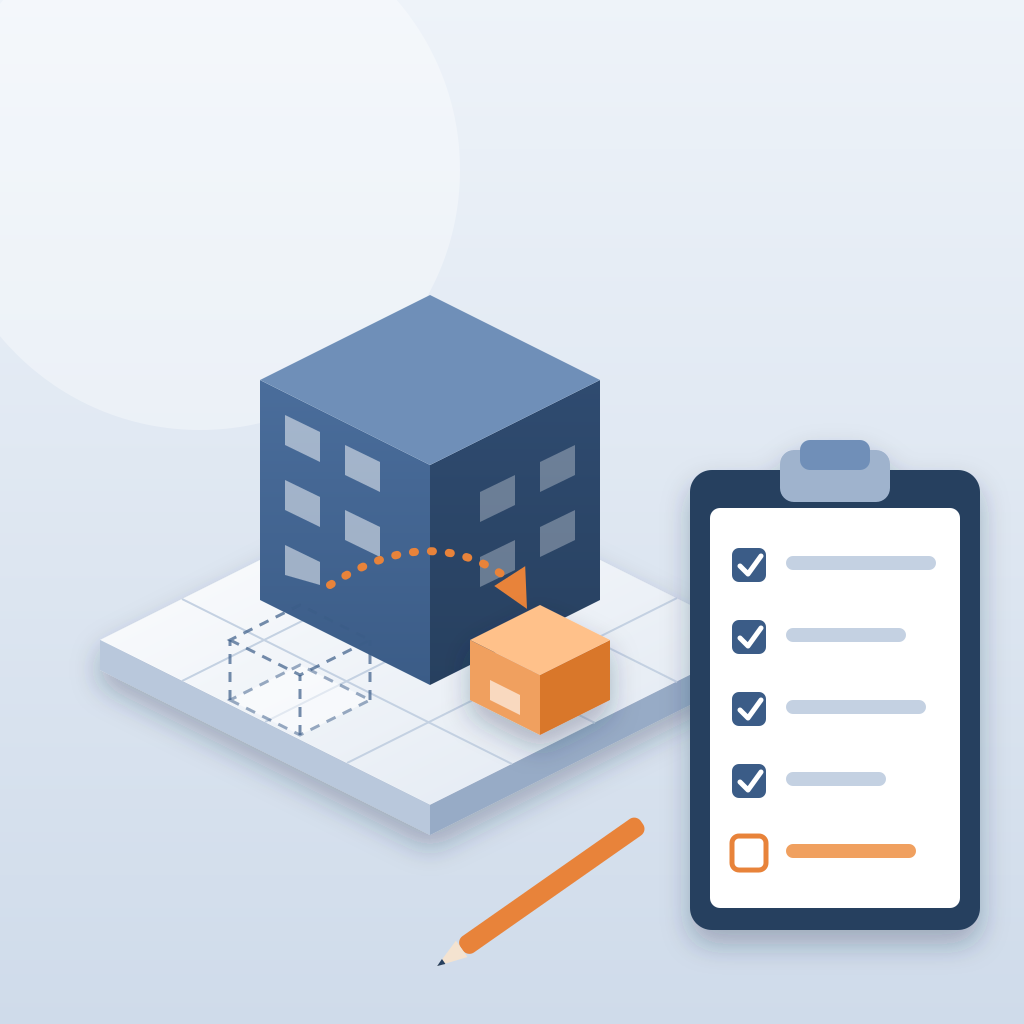
A lobby move is never one wall. It touches the storefront, the ceiling, the finishes, the door hardware, maybe a few mechanical runs above the ceiling. Miss one of them and it shows up on site as a clash nobody planned for.
Here is what you get from the comparison:
- Every element that changed between the two revisions, by category.
- The MEP runs that now cross something they did not cross before.
- The structural elements the new layout leans on.
- The issues already open in that zone, so you do not raise what the team is already working on.
The old way was a week of silence. The new way is a conversation. And on a job with a tight schedule, the person who can keep that conversation going is the person the client trusts with the next decision.
Why Comparing by Hand Slows You Down
Most of us grew up comparing drawings by eye. You open the PDFs, flip between sheets, mark the differences and build a list in a spreadsheet. It works, but it does not scale. The average BIM model has thousands of elements, and a simple lobby move touches dozens of them. Every design change means digging back through the sheets and hoping you caught everything.
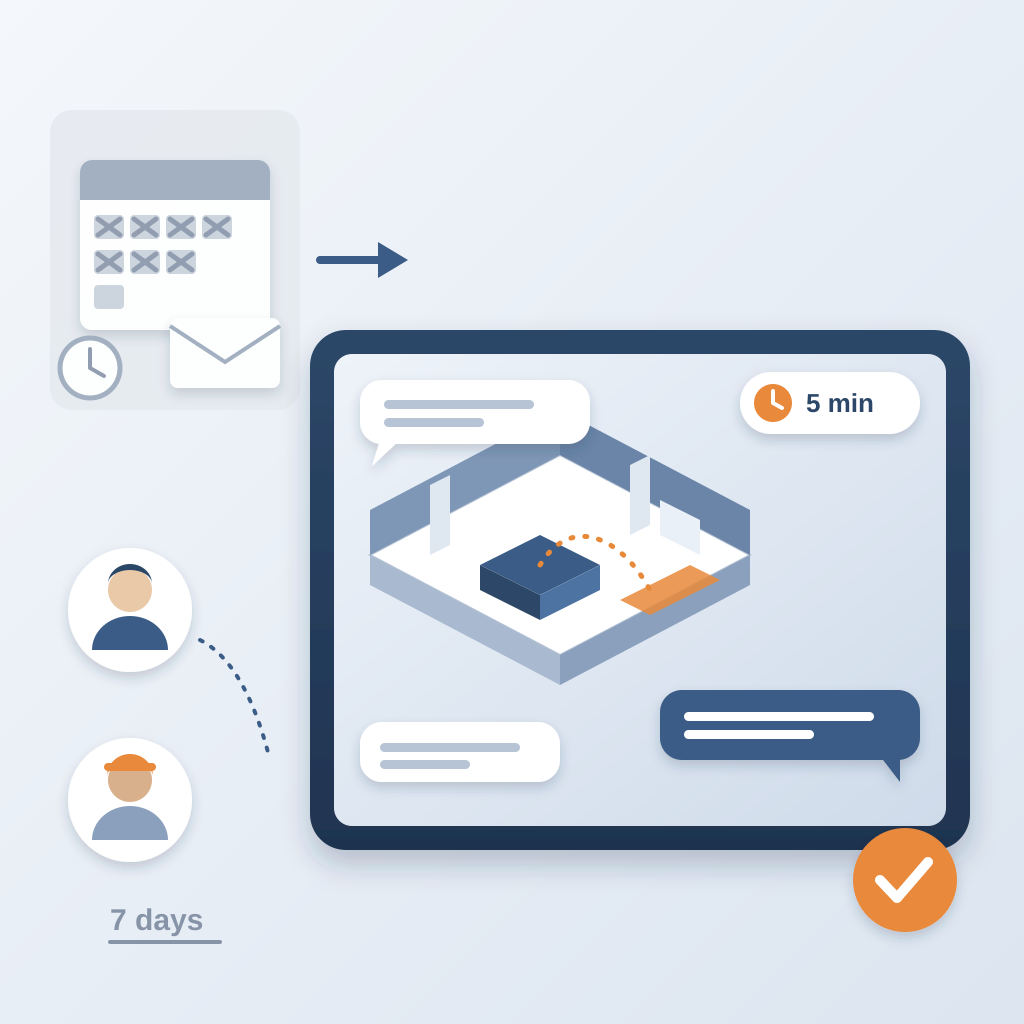
There is a cost to that. Teams lose about 11 hours a week working out which model version is current. And when two people compare by hand, they come back with two different lists. Then you are in a 90-minute meeting to reconcile them.
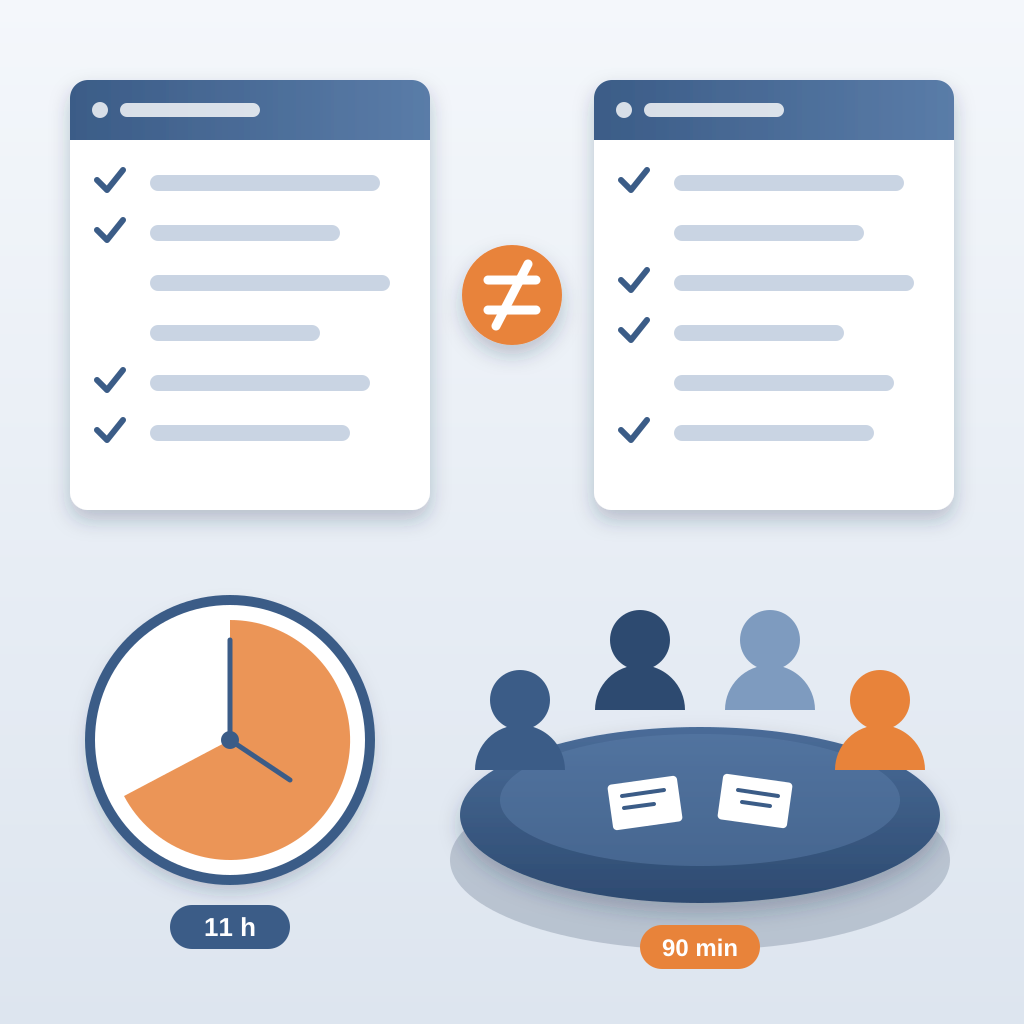
With versioned exports and an element-level diff, the same question takes about 15 minutes instead of a 90-minute meeting. You are not hunting for what changed. You are reviewing it.
That time goes to the work that matters: checking the new layout against site conditions, talking to the trades, and telling the client what the change means for the schedule.
Turning What Ifs into Assigned Work
Seeing the change is half of it. The other half is making sure someone acts on it.
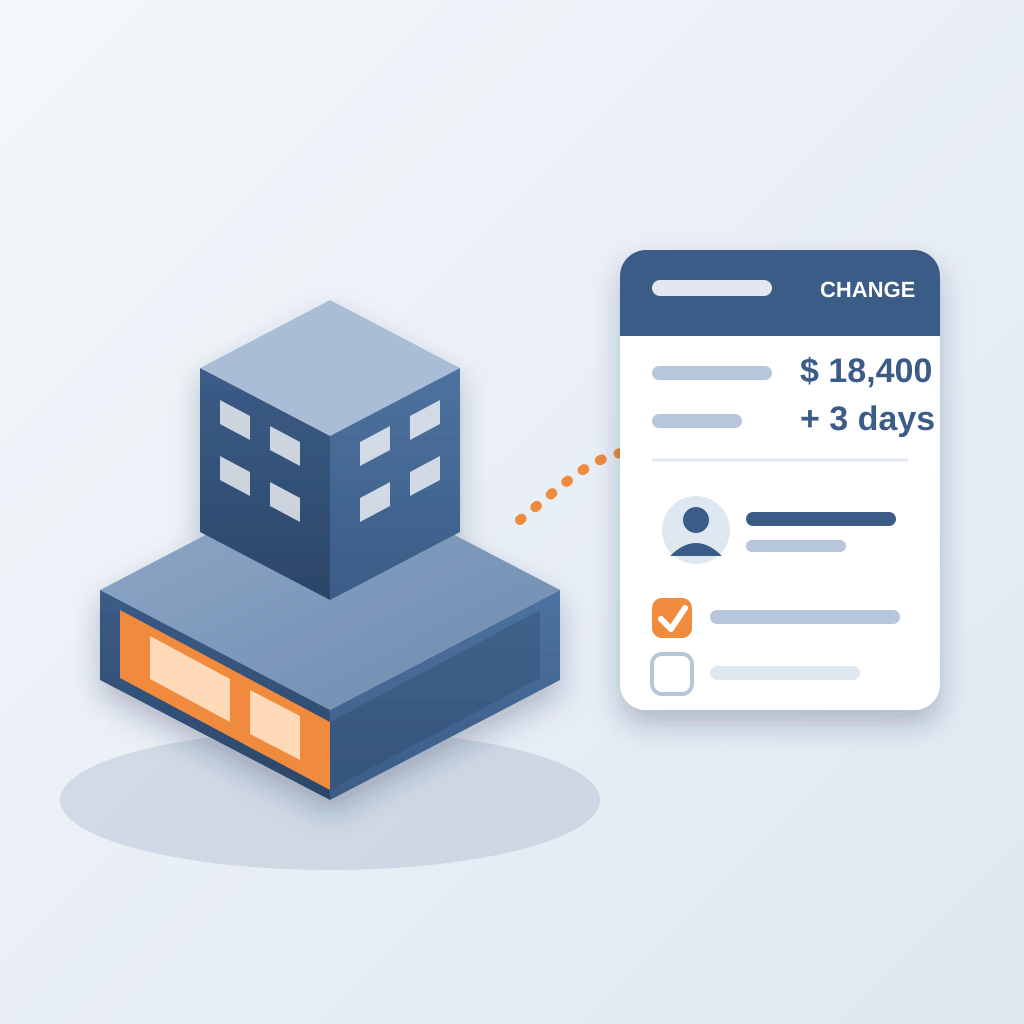
Once you have the list, pin an issue to each affected element. The issue carries the sheet and the revision that raised it. Tag the person who owns it. From there, the 6am digest tells each owner what is theirs, every morning, so nobody has to chase.
Closing is gated. An issue closes only with a screenshot, a tagged user and the model commit that fixed it. So when the lobby option goes ahead, you can show the client and the GC that every element it touched was handled, and by whom.
Let's get concrete. You are in a meeting, the client asks about moving the lobby. You publish the option, compare, and tell them which trades are affected and who has to act. That is the kind of answer that makes you a partner, not a vendor. When they are ready to build, they remember who gave them the clear picture.
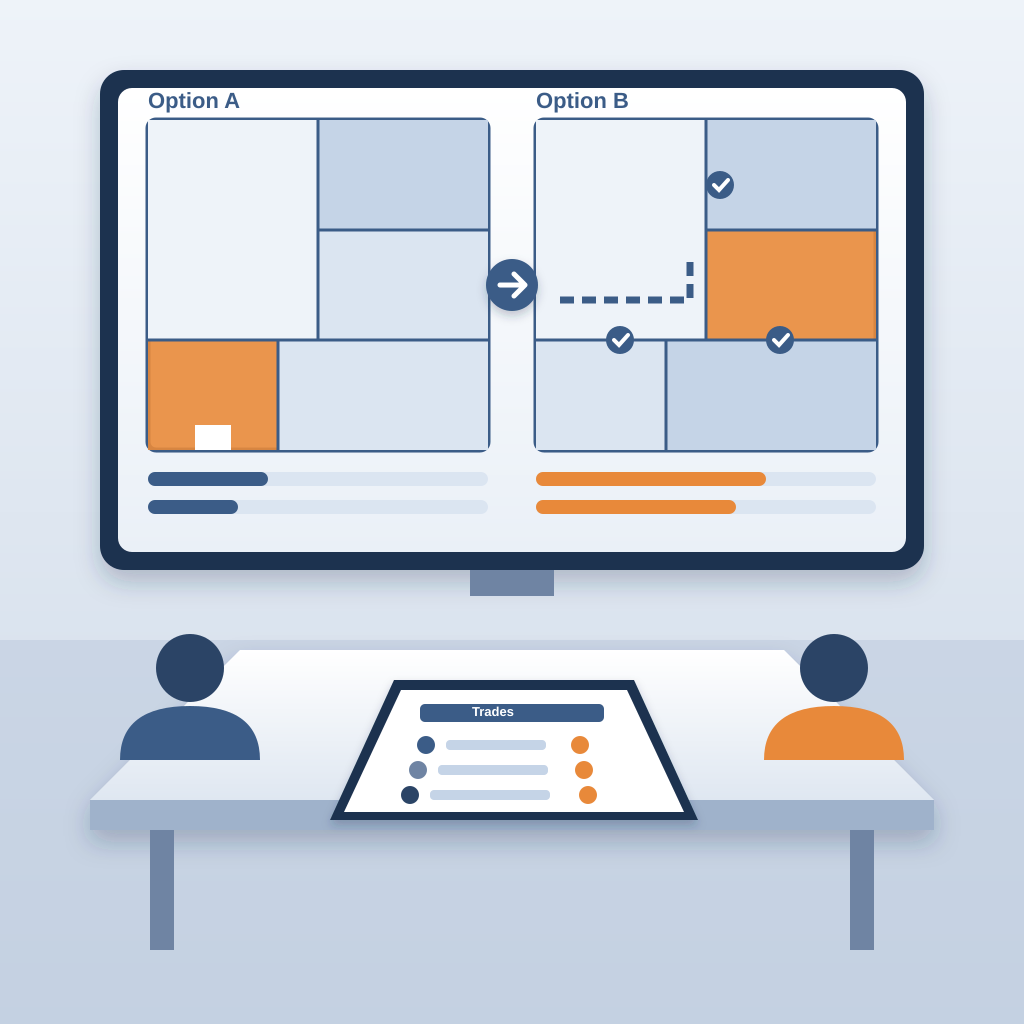
The takeaway is simple. A late change costs the least in the model, where fixing a clash is about $50. In the field, the same clash is $5,000 to $50,000. Ask the question early, and you already have the answer.