Your 3 AM Model Revision. Know What Changed by Monday.
The 3 AM Revision: Why Monday Is Too Late
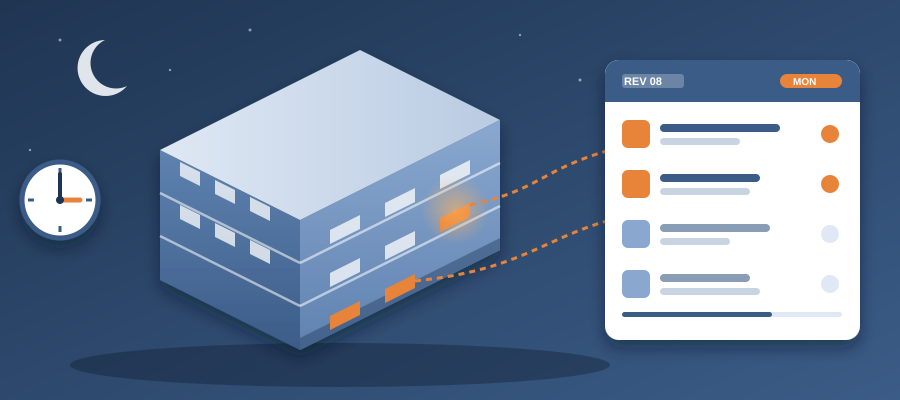
It is 3 AM, and the architect just moved a wall, changed a window spec or swapped a duct layout. They did not call you. They did not email you. They hit save and went to bed. That save quietly changed every element near it, and every coordination issue you closed yesterday may be open again. When you walk into the Monday morning meeting, someone will ask what changed. Do you know?
In the traditional workflow, you do not. You have last week's export and a stack of markups. The only way to get the answer is to open the model, compare sheets by eye, update your list and hope you caught every change. That takes hours, sometimes days. By the time you finish, the design might have changed again. It is a treadmill, and it is why so many coordinators feel like they are always chasing the model.
Meanwhile, project management tools that sync files were supposed to solve this. But most still force you to export, upload and reconcile. They do not live inside Revit. They do not watch the model and react. They are digital versions of the same manual process, which means you are still exposed to the Monday morning surprise.
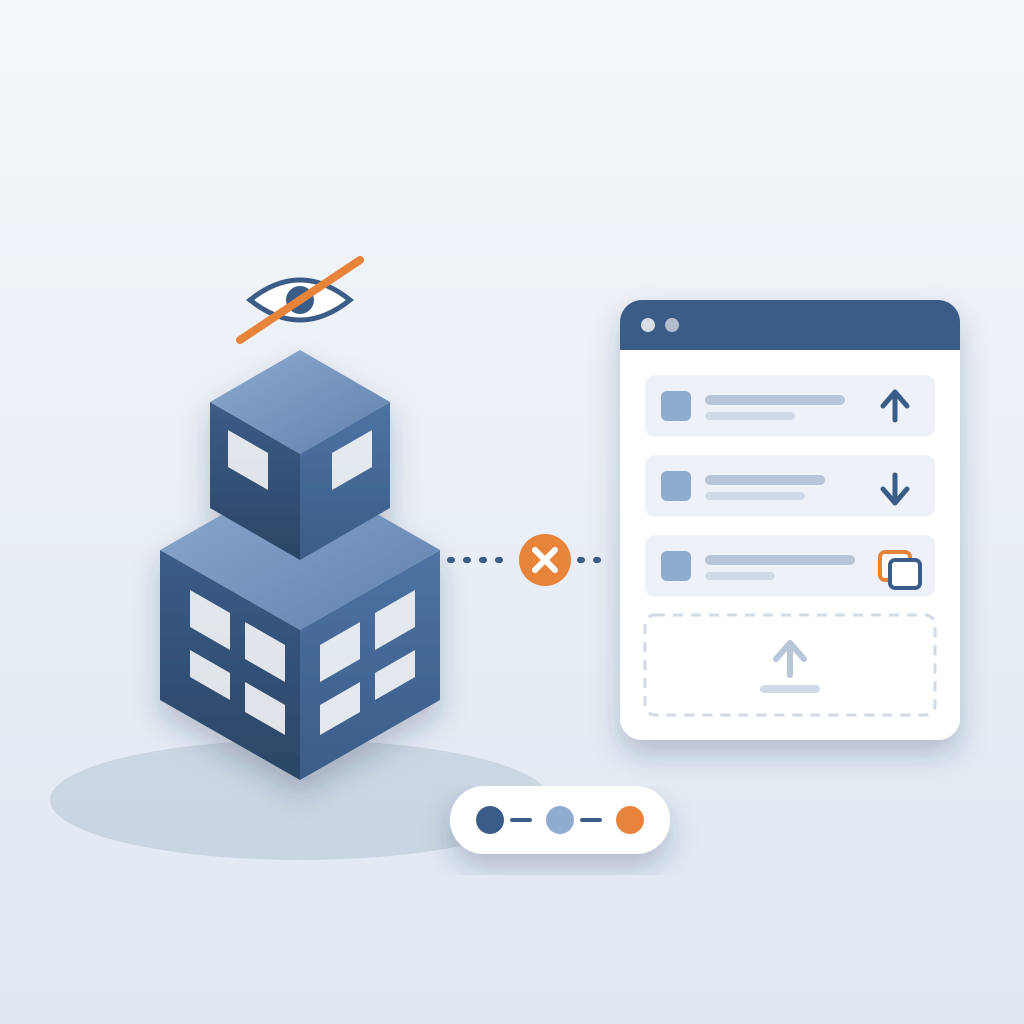
The cost of that surprise is not just embarrassment. It is rework on site, idle crews and eroded trust. When you show up without knowing what changed, you tell the team you are not on top of the model. A clash that sits 47 days can burn $28,000 in idle field labor. There is a workflow that catches the change when the model publishes, and it does not require you to work at 3 AM.
BidLight is built for exactly this moment. It runs inside Revit and Navisworks. Every publish becomes a versioned snapshot with its own files, author and milestone. When the 3 AM revision lands, you compare it with the last one and see what moved, element by element. Not a manual check. Not a rebuilt history. You see it before the meeting, and in about 15 minutes instead of a 90-minute meeting.
What Actually Happens When a Design Changes?
Let us get concrete. Say you are coordinating a mid-rise commercial project. Last week you published the Revit model and walked the team through it. Structure, ducts, plumbing, electrical, finishes. Every discipline had its open issues pinned to the elements. Everyone felt good.
Then, on Thursday night, the architect makes a change: they move the mechanical room from the basement to the second floor, and they swap the roof assembly for a different system. Two seemingly small decisions. But they ripple through dozens of elements. Duct runs change, pipe routes change, structural loads change, and the roof build-up changes. Your Friday plan is now fiction.
Without a record, you would not know any of this until Monday, when the GC calls to ask why a trade built to the wrong layout. You would have to dig through the model, compare versions and update your list by hand. If you are lucky, you catch most of it. If you are not, a crew builds to the old layout. Neither outcome is acceptable.
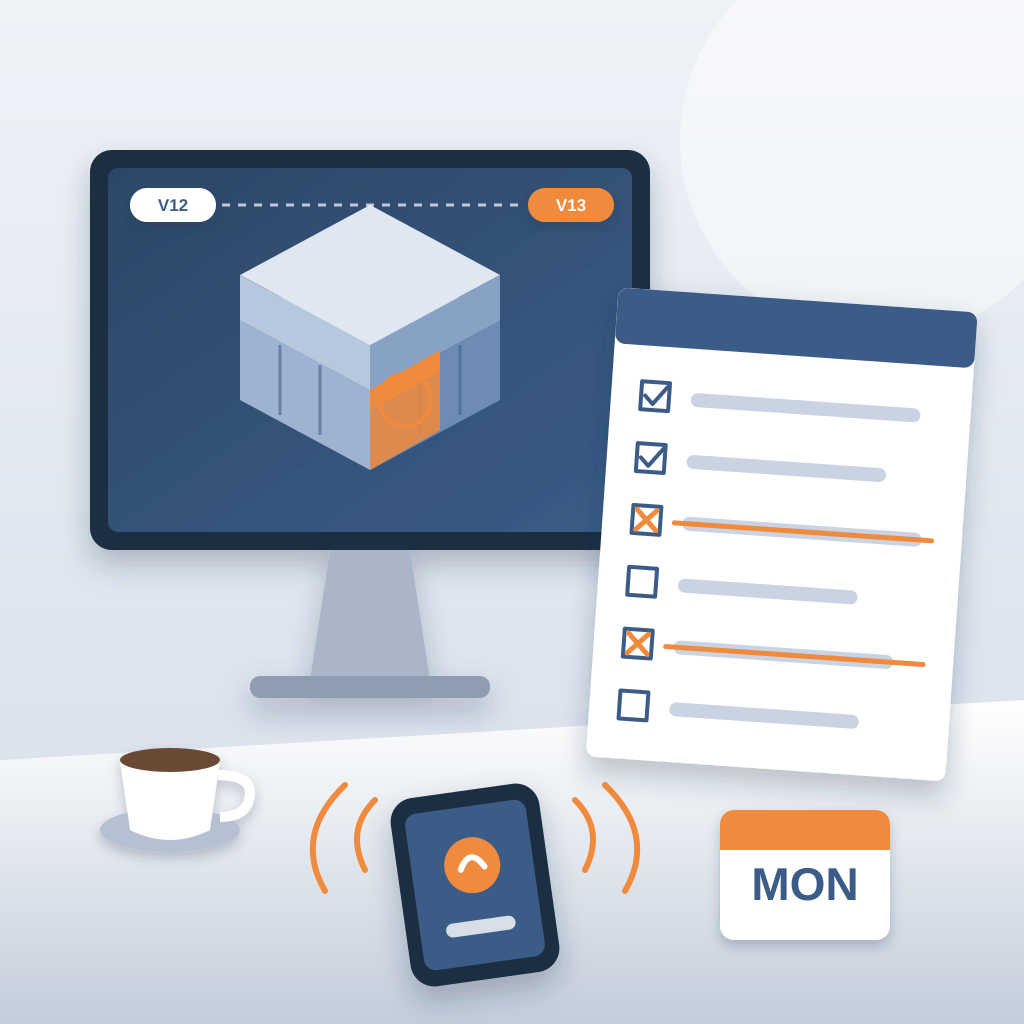
With BidLight, the moment the architect publishes that revision, it is stored as a new snapshot. By the time you open Revit on Friday morning, the comparison is ready. You can read the diff by category, see the moved mechanical room under MEP and the roof change under envelope, and prepare your plan. That is not just convenience. It is the difference between catching a clash at about $50 and finding it in the field at $5,000 to $50,000.
In fact, this is where coordination software earns its keep. It is not about automating a manual task. It is about closing the gap between the model and the people who build from it. When you can turn a late-night change into a morning briefing, you stop being the coordinator who gets back to people and become the one who always has the answer.
How BidLight Reads the Model and Tracks the Change
You may be wondering how this works in practice. BidLight lives inside Revit and Navisworks. You publish your current model, and the platform stores it as a snapshot. Pick any two revisions and the comparison shows what was added, removed or moved. It sorts the result into categories: structural, MEP, envelope, interior.
Each changed element can carry an issue. You pin it to the geometry, and it brings the sheet and the revision it came from. You tag the person who has to act. Nothing is left in a thread.
When the owner fixes it, they publish again. The issue links to the model commit that delivered the fix. Closing requires a screenshot, a tagged user and that commit. You do not run a separate script. You watch the issues move toward closed.
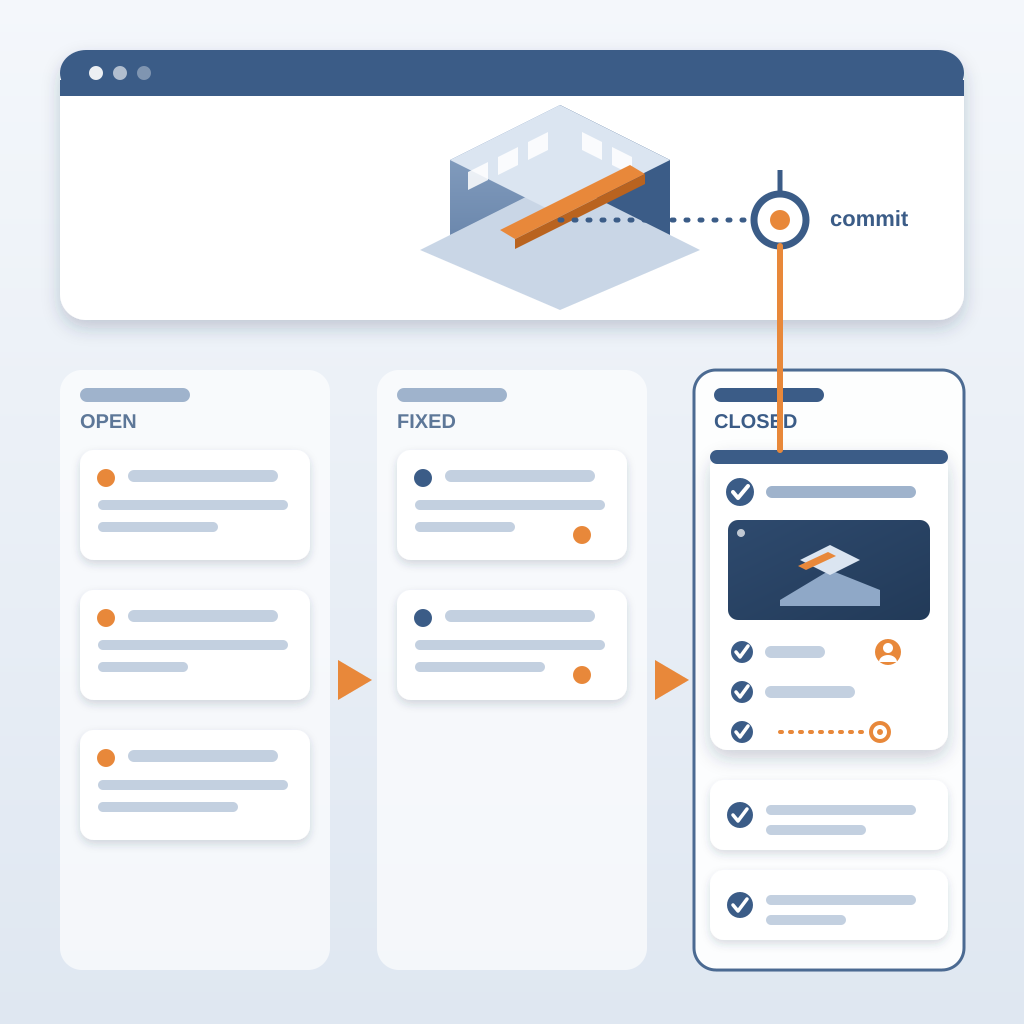
This is what makes BidLight different from a shared folder. A folder holds files. It does not tell you what changed between them. Most tools require you to export a model, upload it, then work out the differences yourself. That works when the design is frozen. It fails during active design development, when changes are constant. BidLight is built for that.
For coordinators, the practical result is that you spend less time on repetitive checking and more time on the questions that matter: which trade is blocked, which issue is overdue, which discipline needs a call. You can compare any two milestones in minutes. What changed between design development and the issued set? What moved since the last site walk? You get the answer on the screen.
3D viewing uses GLB and JSON, and screenshots are captured automatically, so the proof for each issue is attached as you work.
Daily Accountability and Team Conversations
When you can see a change within minutes, your conversations with the team shift. Instead of saying "we will find out next week," you can say "here is what the revision moved, and here is who owns it." That kind of responsiveness is rare in the AEC industry, and it builds trust.
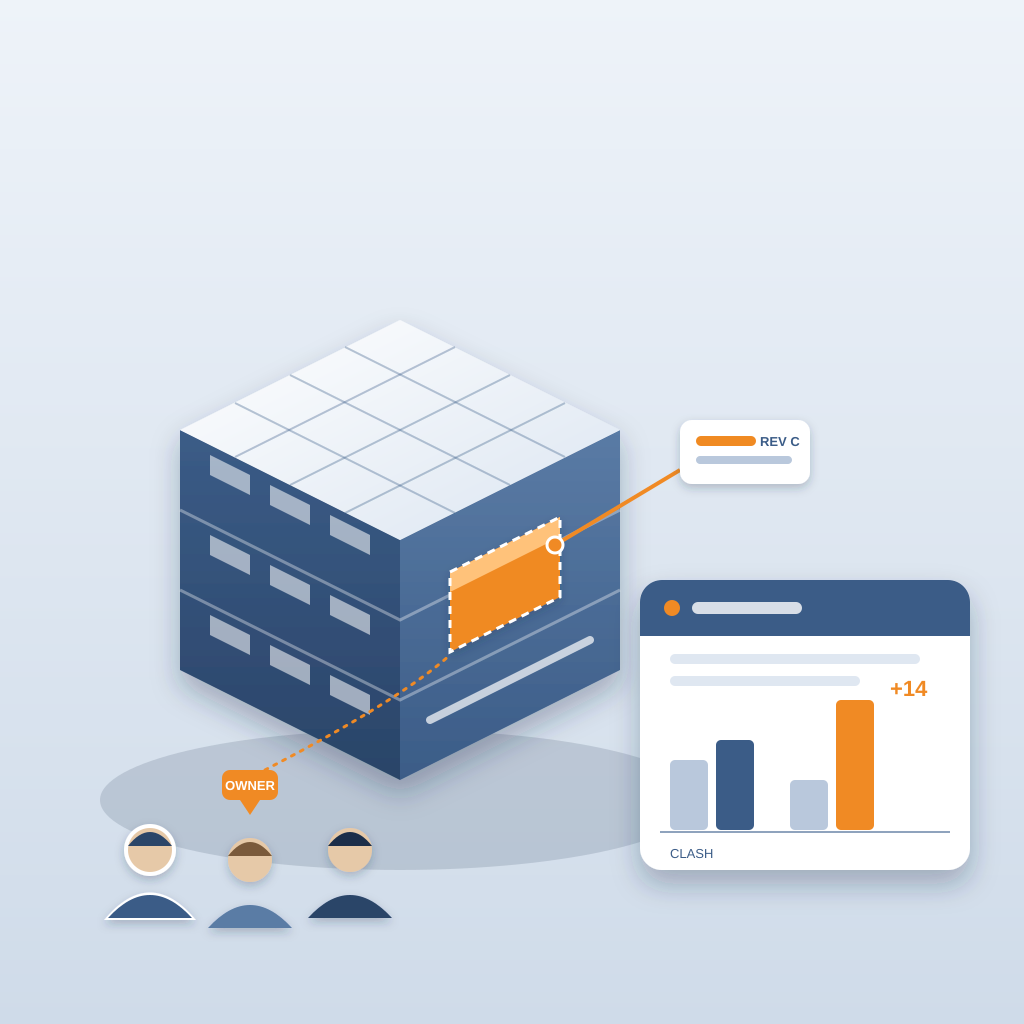
It also changes the Monday meeting. Every owner got the 6am digest. They know what is theirs. The meeting is about the items that are stuck, not a reading of a list. The project view shows who is behind, so you can move work while there is schedule left.
Per-person resolution rates, shown as the Problem Solver Index, make ownership visible without chasing. Nobody has to be the person who nags.
What Does It Take, and What Does It Save?
The first question is usually what it costs to run. BidLight is priced per licence, billed annually or monthly. Basics is $260 per licence per year ($30/month), Core is $330 ($39/month), Complete is $440 ($51/month) and Max is $590 ($69/month). Enterprise pricing is custom. Every plan includes unlimited projects, and AIA members get discounts of up to 29%.
Now the other side. Where does the saving come from? Not from a spreadsheet. It comes from three places on the job.
- Rework you never do. A clash caught in the model costs about $50. The same clash in the field costs $5,000 to $50,000.
- Crews that keep working. An unresolved clash can burn $15K to $50K a week in idle field labor. Catch it early and nobody stands around.
- Hours you get back. You stop losing 11 hours a week to working out which version is current.
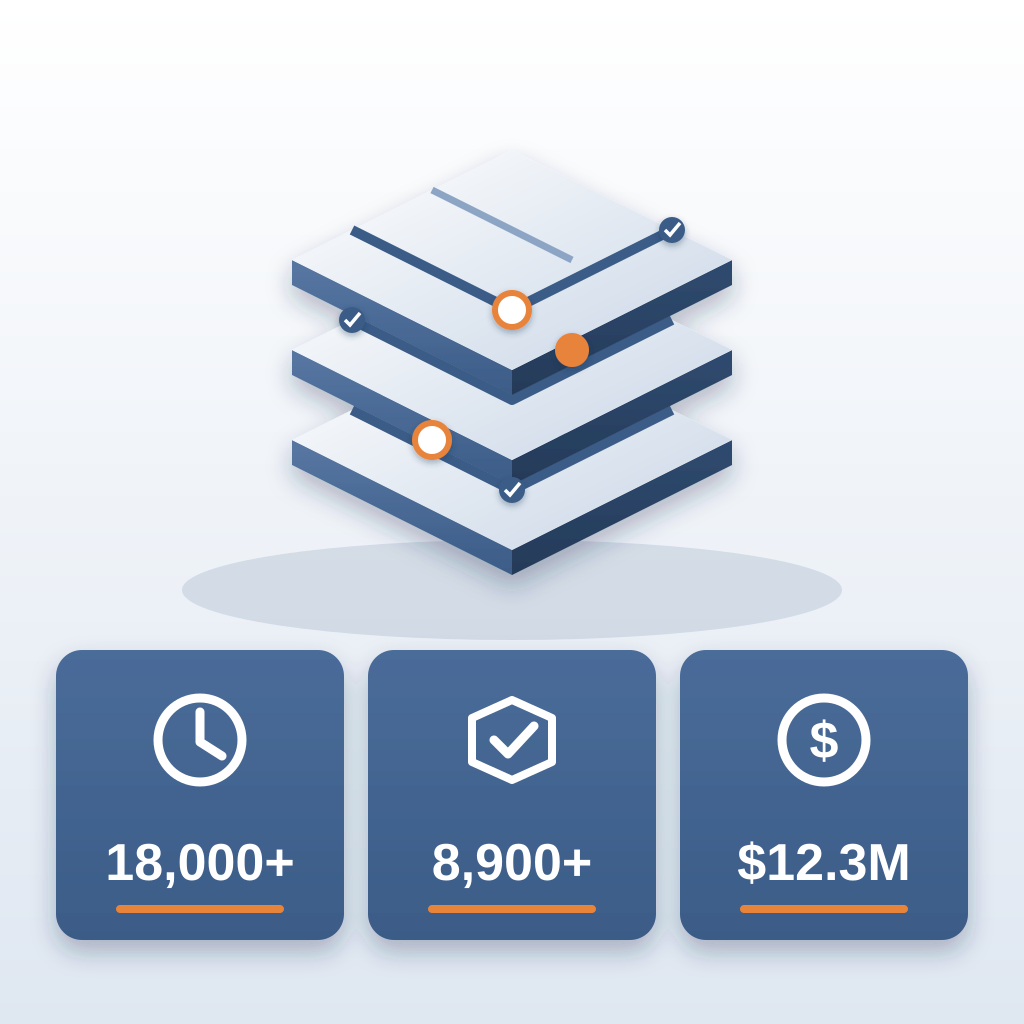
On the hyperscale programme this added up to 18,000+ hours saved, 8,900+ issues resolved and $12.3M in cost saved.
And if you already use Revit, you do not need to learn a new platform. BidLight lives inside your existing software, so the learning curve is short. You can start saving time almost immediately, not after a month of training.
Make the Record Part of Your Routine
One of the strongest reasons to adopt this is that the record builds itself. Traditionally, coordinators rebuild history from email each time someone asks what happened. That is slow and it is often wrong. With BidLight, every publish, comparison, issue and closure is stored as the work happens.
Here is how it works. Publish after each model session. Compare against the last milestone. Pin the issues. Let the 6am digest reach the owners. Close with proof. That is the routine.
For example, you might set a rule: nothing closes without a linked commit, and any item older than 7 days gets raised on the next call. That is a simple rule, and it keeps the job honest.
This approach also positions you as a strategic partner rather than the person who sends reminders. When you can say, if we move the mechanical room, these elements and these three owners are affected, you add value beyond the list itself. That is the kind of insight a project team relies on.
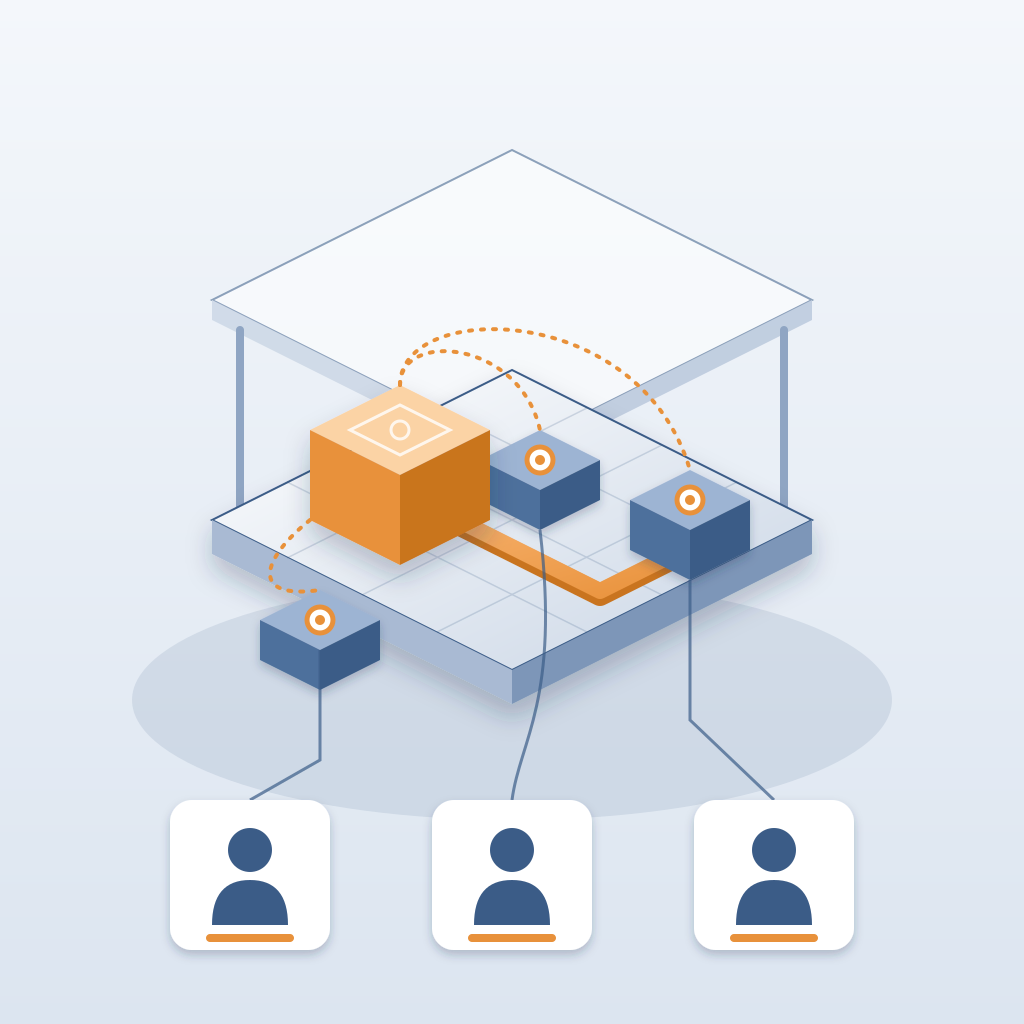
And if you wonder how to combine all this with your existing workflow, the answer is simpler than you think. BidLight works with Revit and Navisworks, so you do not need to change how you work. You add a step: publish the model, and let the comparison do its thing. Everything stays in the project, so nobody reconstructs the history from email.
If you want help setting it up, we also do the BIM work for you: execution plans, 4D sequencing, fabrication detailing and spooling. Call +1 480 859 4697 or book a video call.