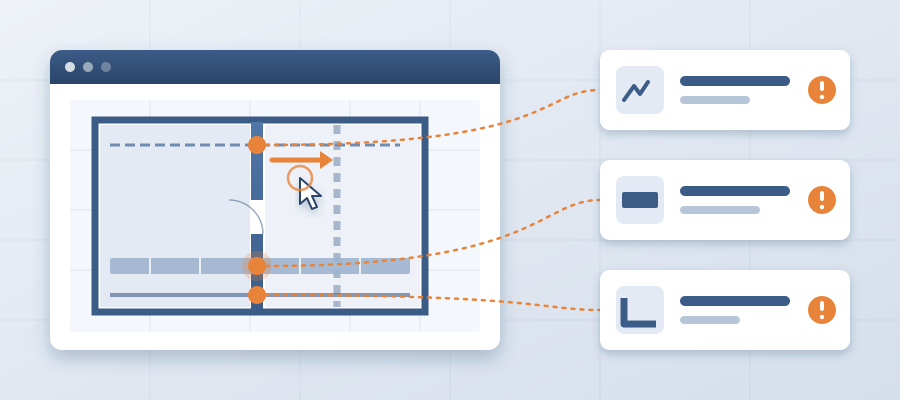
The Architect Moved a Wall in One Click. Who Finds Out?
The Real Cost of One Wall Move
Every model revision sends a ripple through the project. An architect nudges a wall 18 inches to fit a new window layout. The mouse click takes half a second. For everyone downstream, that means checking footings, framing, insulation, finishes and MEP rough-ins. By the time they finish, the architect has moved three more things.
When you rely on email and markups, each change cascades. A wall shift affects structure, ceilings, sleeves and routes. The effort to track every impact by hand is so high that most teams simply do not. They cross their fingers, keep working from the old set and hope nothing blows up. That works until a crew arrives on site and the footing was never updated. A clash found in the field costs $5,000 to $50,000. Found in the model, it costs about $50.
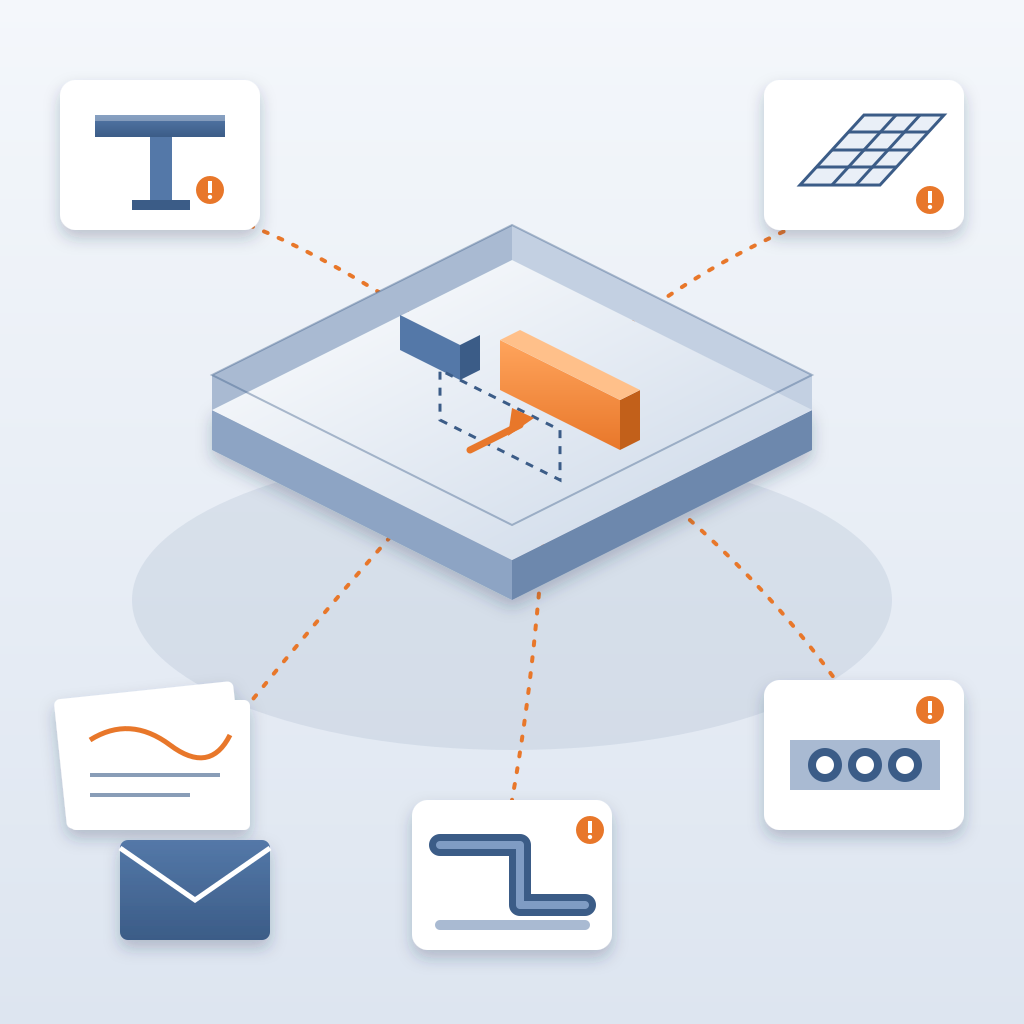
BidLight changes that sequence. It runs inside Revit and Navisworks, and every publish is a versioned snapshot with its own files, author and milestone. When the wall moves, the next snapshot shows it. The comparison lists every element that changed, grouped by category: structural, MEP, envelope, interior. No redo. No guesswork.
Consider a mid-rise residential project where the architect decides to push a stairwell core three feet east for better egress. Under the old process, you find out when someone redraws a section. With BidLight, the owner of each affected element has an issue pinned to it by the end of the day, with the sheet and revision that raised it.
The real cost is not the change itself, but not knowing. When people work from outdated files, you either leave rework for the field or end up in a change-order dispute. BidLight closes that gap by making the record a natural by-product of design.
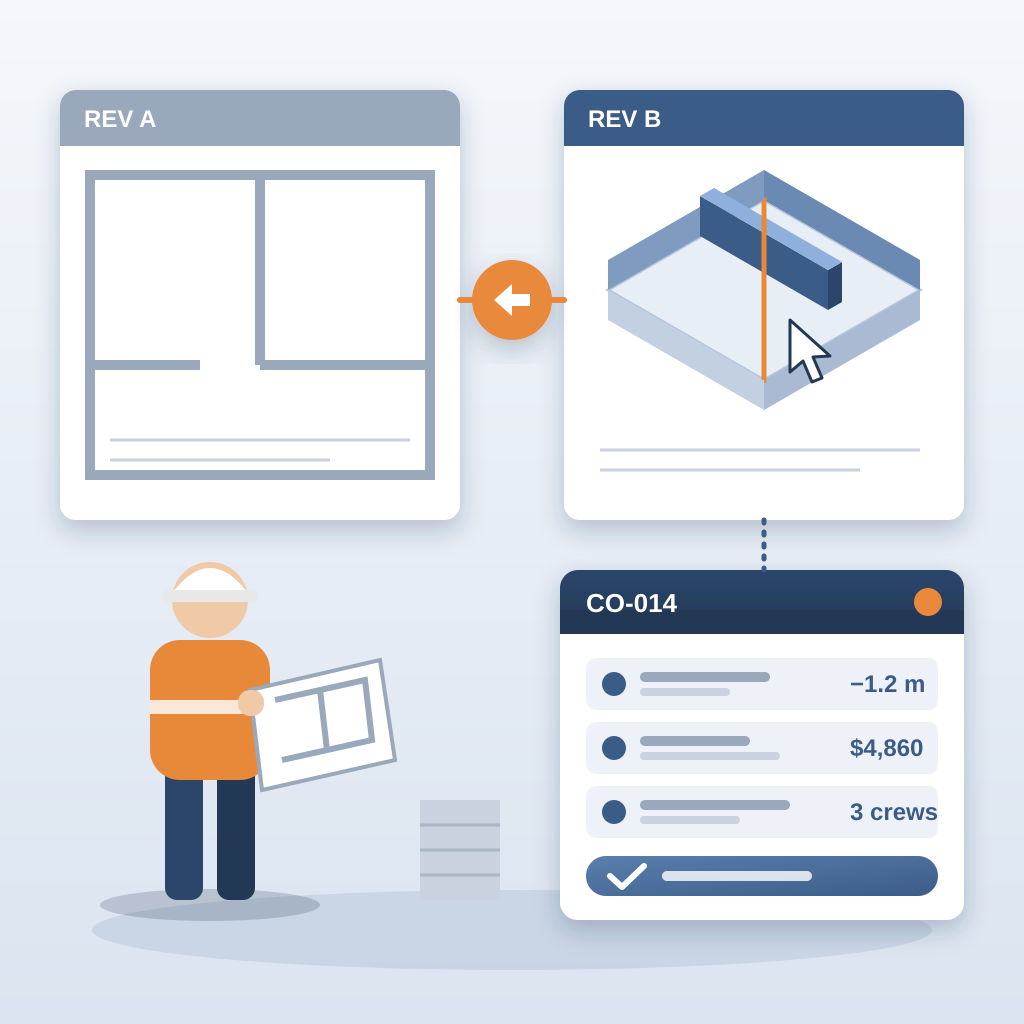
That is what a coordination record straight from the Revit model looks like when it keeps up with the design.
How the Record Keeps Up in Real Time
To see how this works, look at what a publish contains. Every publish carries the model files, the author and the milestone. Two snapshots can be set side by side. The comparison reads the geometry of every wall, slab, duct and pipe, and flags what moved, what was added and what was removed.
That comparison feeds the issues. An issue pins to the element it concerns and carries the sheet and revision with it. The people who own the affected elements are tagged, and the 6am digest tells them what they own the next morning.
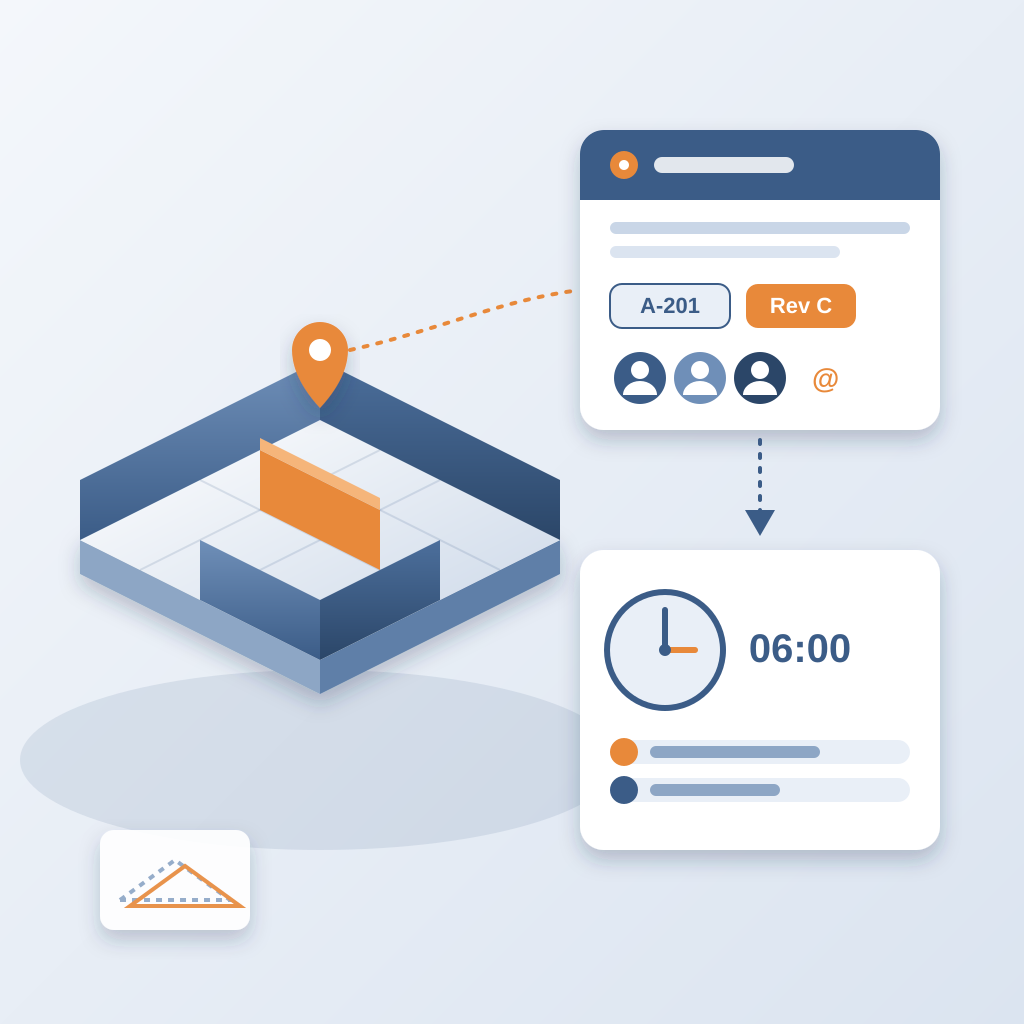
Detail matters most when you are coordinating across disciplines. The comparison is tied directly to the model, so what you see is what changed, not what someone remembers changing. That is the difference between a static markup and a living record.
Say a project switches from standard gypsum board to impact-resistant drywall in a corridor. The old way means finding every instance, checking every sheet and hoping you did not miss one. In BidLight, the publish shows the changed elements, and each one can be pinned and assigned.
It also catches things a person might miss, like an element that quietly moved category. And because it works with the model inside Revit, you never have to reconcile separate files by hand. The record stays in sync with the model.
For firms delivering design-build or integrated projects, this changes how you run coordination meetings. You walk in with the list of changes and the open issues, and you leave with owners for each one.

Why Speed of Awareness Matters
The debate between a live model and a static record often focuses on thoroughness, but the real differentiator is speed, specifically, how fast people react to change. Static documents are a snapshot: you review a set of drawings, send notes and hope nothing changes. But change is inevitable. Every architect moves walls. Every owner adds a last-minute requirement.
With email and markups, even a small change can trigger a large amount of re-checking. You have to compare, reconcile and notify. That takes hours or days. By the time you finish, the design has shifted again. You are always behind. A versioned record keeps you ahead.
When an architect swaps a curtain wall system for punched windows, the next publish shows the changed elements. You see the impact before the architect closes the file, and the people who own the facade get the issue the same day.
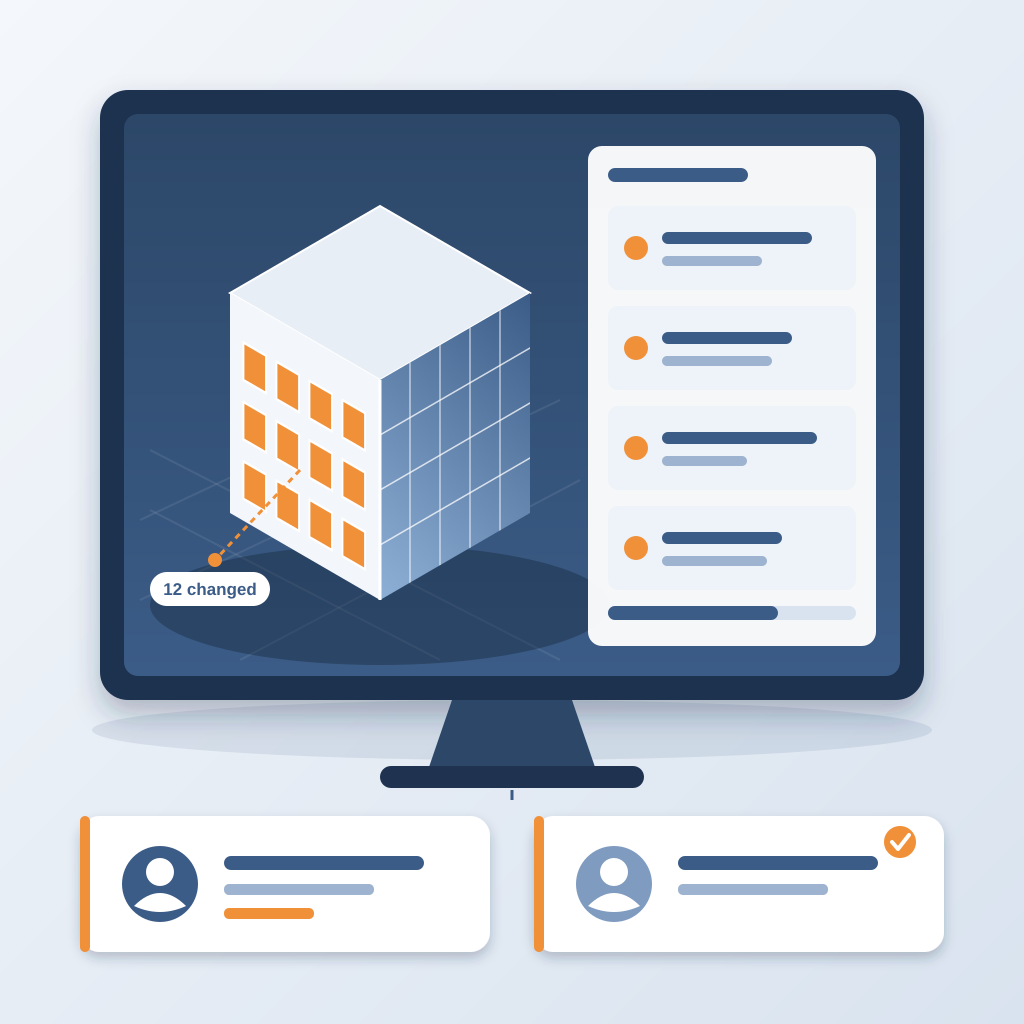
This is especially useful on detailed models. When the model is developed far enough for fabrication and assembly, every element carries precise geometry and data, which makes the element-level comparison sharper. If your model is less developed, the comparison still works. It simply lists the elements that exist.
Consider a hospital project with extensive MEP systems. Tracking ductwork changes by hand could take days. With BidLight and a well-developed Revit model, you compare two snapshots and read the ductwork changes in about 15 minutes. When the architect shifts a ceiling plenum height, the affected duct and ceiling owners both hear about it.
The bottom line: a live record against a pile of email is no contest once you add up the cost of change. Manual methods bleed time and risk. A versioned, owned record earns trust, holds the schedule and cuts rework.

So stop chasing scattered updates. See what moved the day it moves, and make sure someone owns each consequence.