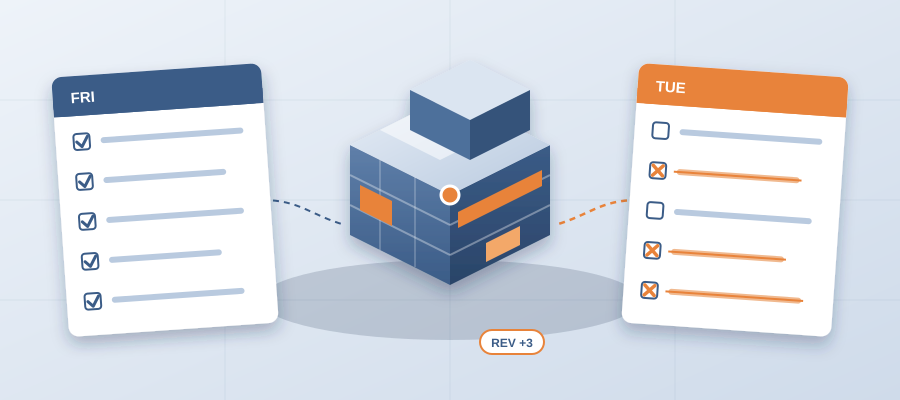
The Coordination List You Sent Friday Is Wrong by Tuesday
The Re-Checking Problem: Why Your List Is Stale Before You Send It
You finalize your coordination notes on Friday. On Tuesday the architect emails a new model revision. A wall moved, a duct got upsized, a window type changed. Your notes are now wrong. You face a choice: send the old list and hope nobody notices, or spend days re-checking the model.
Most coordinators pick the second option every week. Their main job becomes chasing model changes. Every design update means opening the model, checking what moved, re-marking sheets and re-sending notes. By Friday they have a fresh list, but by Tuesday it is outdated again.
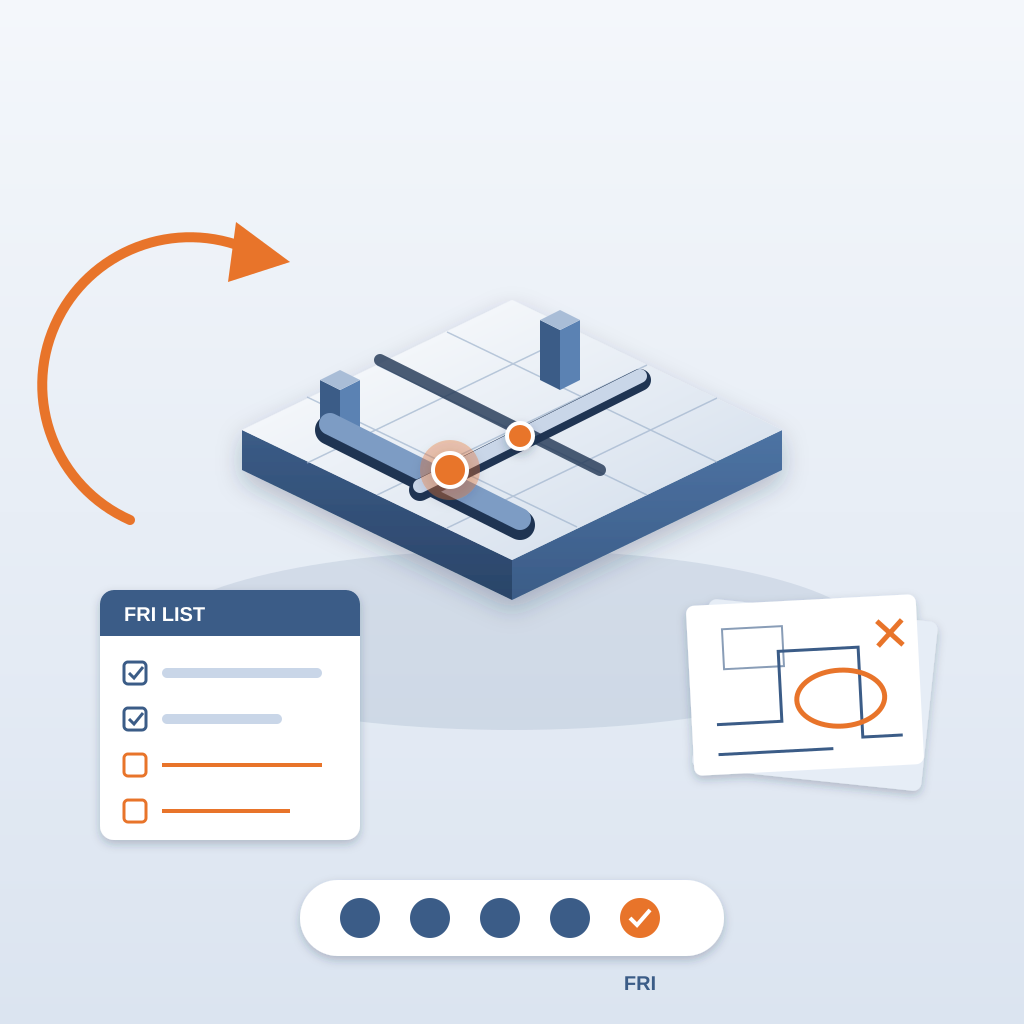
The root cause is not lazy people or slow processes. It is the disconnect between design and record. Traditional review treats a model as a snapshot. BIM is supposed to be live, but most teams still compare files by hand. That gap turns every design revision into a full re-do. The real cost is the hours you could have spent solving problems.
That also costs money on the job. About 11 hours a week go to working out which model version is current. A clash caught in the model costs about $50. The same clash found in the field costs $5,000 to $50,000.
What Changes: A Versioned Record Inside Revit
The breakthrough comes when you stop treating coordination as a separate activity. Instead of exporting files and taking them into another tool, you keep the record where the model lives. BidLight runs inside Revit and Navisworks. When the architect updates the model, you publish it, and the new snapshot sits next to the last one.
Each snapshot carries its own files, author and milestone. You pick any two and compare them element by element. The comparison lists every element that moved, grouped by category: structural, MEP, envelope, interior. That is not perfect knowledge of the job, but it tells you exactly where to look, and the review takes about 15 minutes.
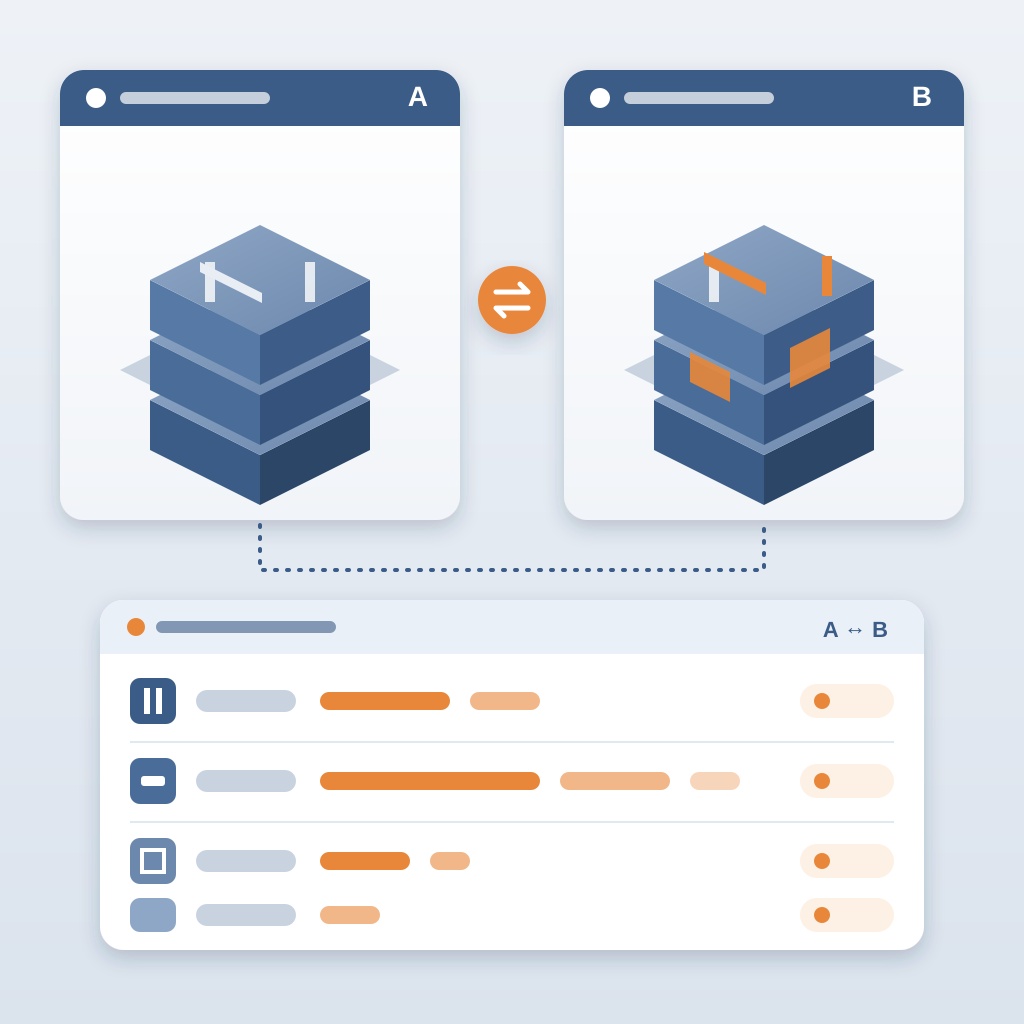
You push the model once per revision. Every time it changes, you publish again. The record updates, and you stop chasing scattered updates because the changes come to you.
How the Time Comes Back
A coordinator who expects a six-hour grind can often finish the comparison in a fraction of that. The rest of the day goes into the part that matters: deciding which changes need action, pinning issues to the elements and tagging the people who own them.
That time goes into solving problems. You start looking at why issues were slow to close. You see which trades are behind. You spot recurring conflicts in the same area and fix the cause. Instead of being a file comparer, you become the person who keeps the schedule safe.
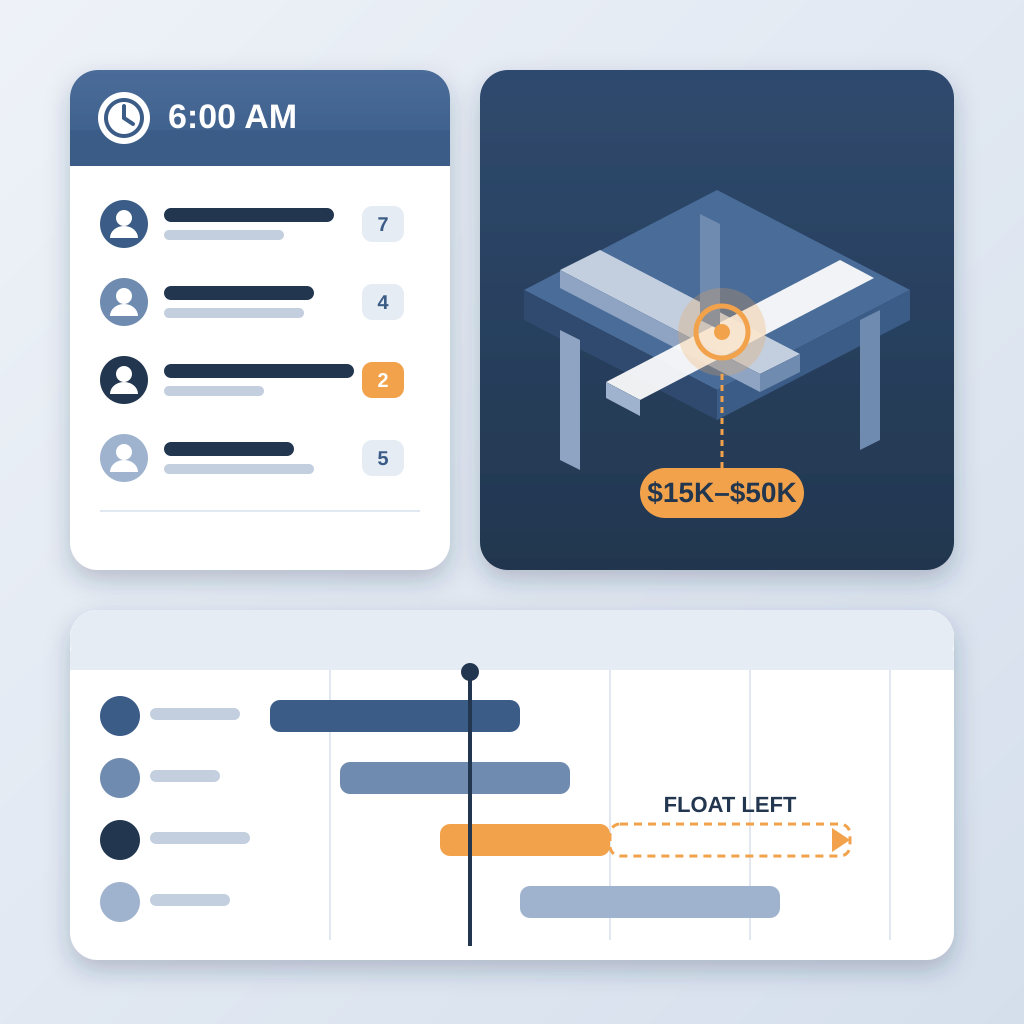
The 6am digest does some of that work for you. It tells each owner what they own before they start the day. And the project view shows who is behind while there is still schedule left to move work. An unresolved clash can burn $15K to $50K a week in idle field labour, so the days you win here are real days.
The key is not only the saving. It is the credibility. When you send a list on Friday, it stays accurate through Tuesday, because the next revision comes with its own comparison. People notice.
A Live Record vs Email and Markups
The traditional process works like this: receive a model, review it by eye, mark up drawings, mail the notes, wait for replies. It is linear, slow and fragile. Every revision breaks the chain.
A live model promises that changes flow through automatically. But most teams only use it for design, not for the record. Their coordination process remains stuck in email threads and 47 versions of the same markup. The result is a gap between what the model knows and what the team has been told.
This is not a competition between two tools. It is a comparison between an open loop and a closed one. In an email process, the loop stays open: model changes happen, but the notes stay frozen until someone manually updates them. In a versioned record, the loop closes. A model change creates a comparison, a comparison creates issues, and issues close with proof.
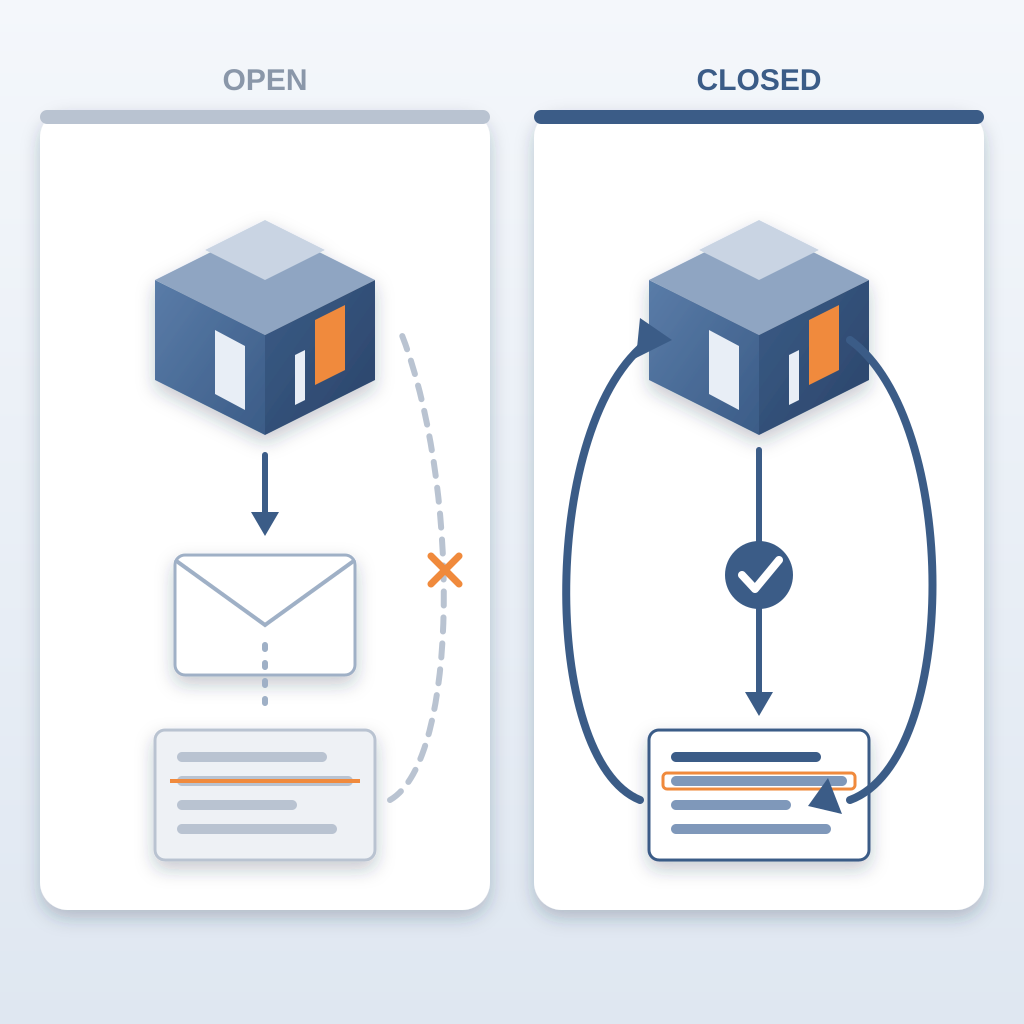
Teams do not need more models. They need better integration between their record and the model. That integration turns a well-developed Revit model from a nice deliverable into a live project record. It is the difference between a static document and a dynamic one.
The Hidden Cost of Re-Doing Work (and How to Stop It)
Most teams measure review time. Few measure re-do time. A coordinator might think the review takes a few hours. In reality it takes much more: the first pass, plus every re-check after the model changes. That re-do time is invisible because it is baked into the weekly routine.
To reduce mistakes on the job, you need to fix the feedback loop. Errors creep in when you copy information from a model into notes by hand, or when you miss a change because you did not compare every version. A comparison generated from the model removes both sources.
A practical first step: publish your model to a versioned record and see how many revisions you actually absorb. Start with one project. Most teams are surprised by how often the model changes during schematic design. Without a record, each change means another full pass. With BidLight, each revision costs a short review of the comparison instead.
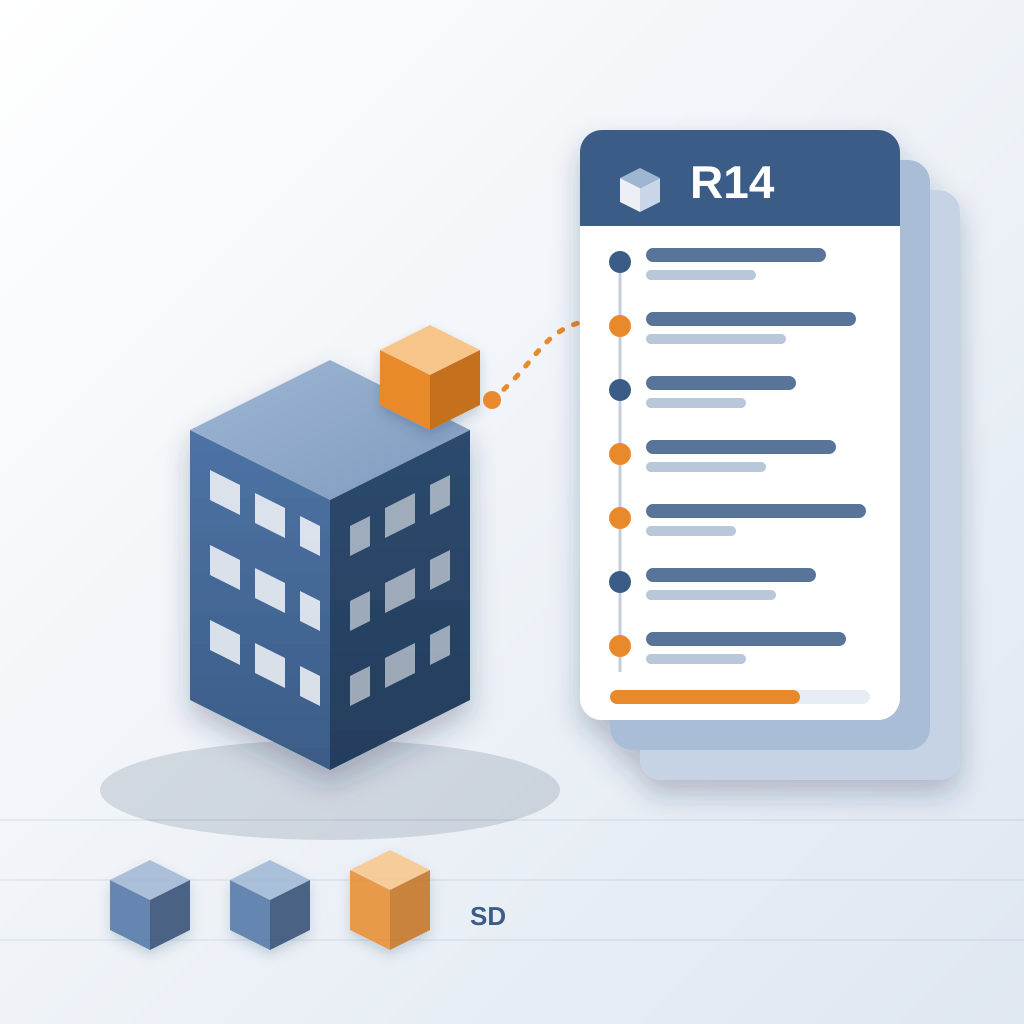
This is not about replacing coordinators. It is about letting them do higher-value work. The human brain is great at judgment, not at re-checking the same wall twelve times. Let the record handle the counting.
Take the First Step: Publish Once, Compare Always
You do not need a two-year transformation to stop re-doing work. You need one publish button and a record that compares. BidLight works inside Revit and Navisworks. You publish your model, and the comparison is ready.
Start with a Basics license at $260 a year ($30/month), or Core at $330 a year ($39/month). Every plan includes unlimited projects, and AIA members get discounts of up to 29%. Try it on one project. See if it saves you an hour. If it does, the math works.
If you need more than software, BidLight also does done-for-you BIM work: execution plans, 4D sequencing, fabrication detailing and spooling. But start with one publish. See how long it takes to read a comparison. Compare that to your current re-check cycle.
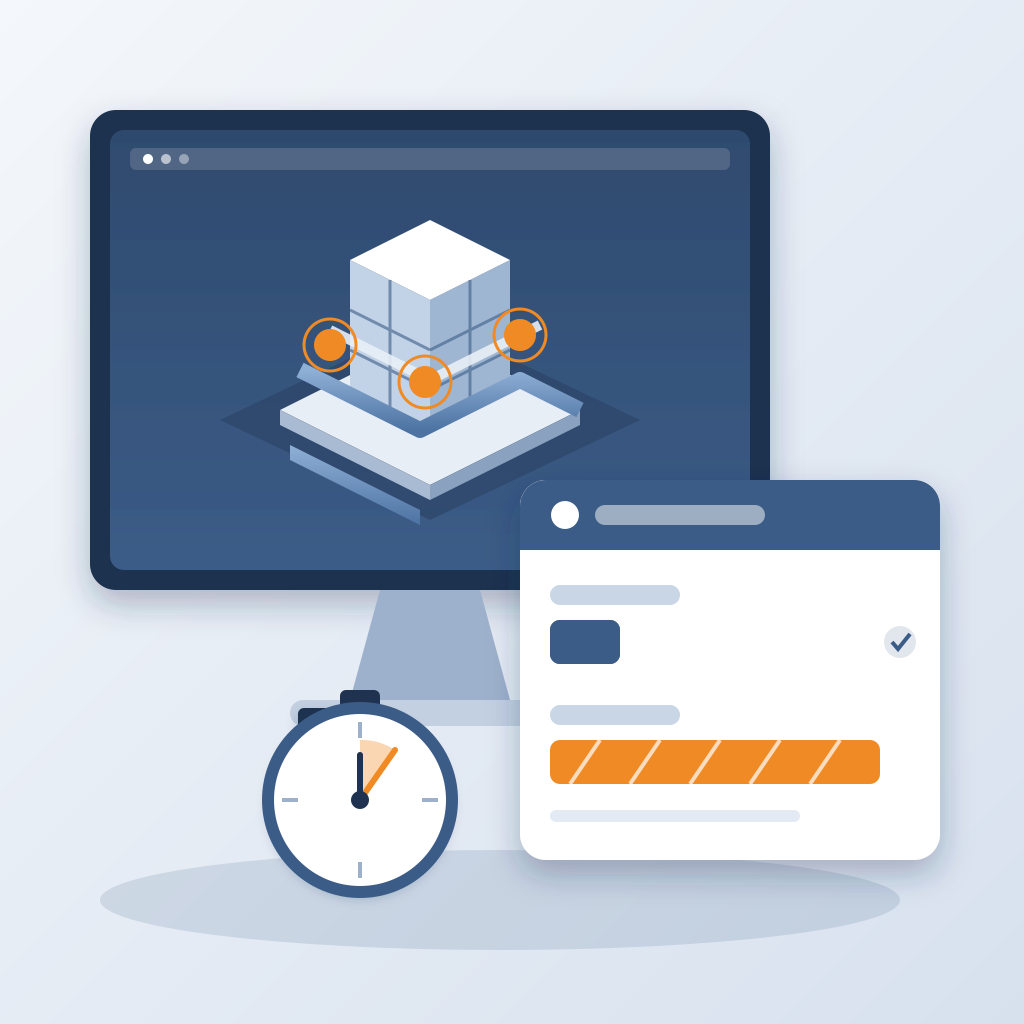
Stop chasing scattered updates. Stop re-doing work that is already done. The model changes. The record changes with it. It is time your coordination caught up.