The Cost of a Late Change: A Concrete Example
The Six-Inch Wall
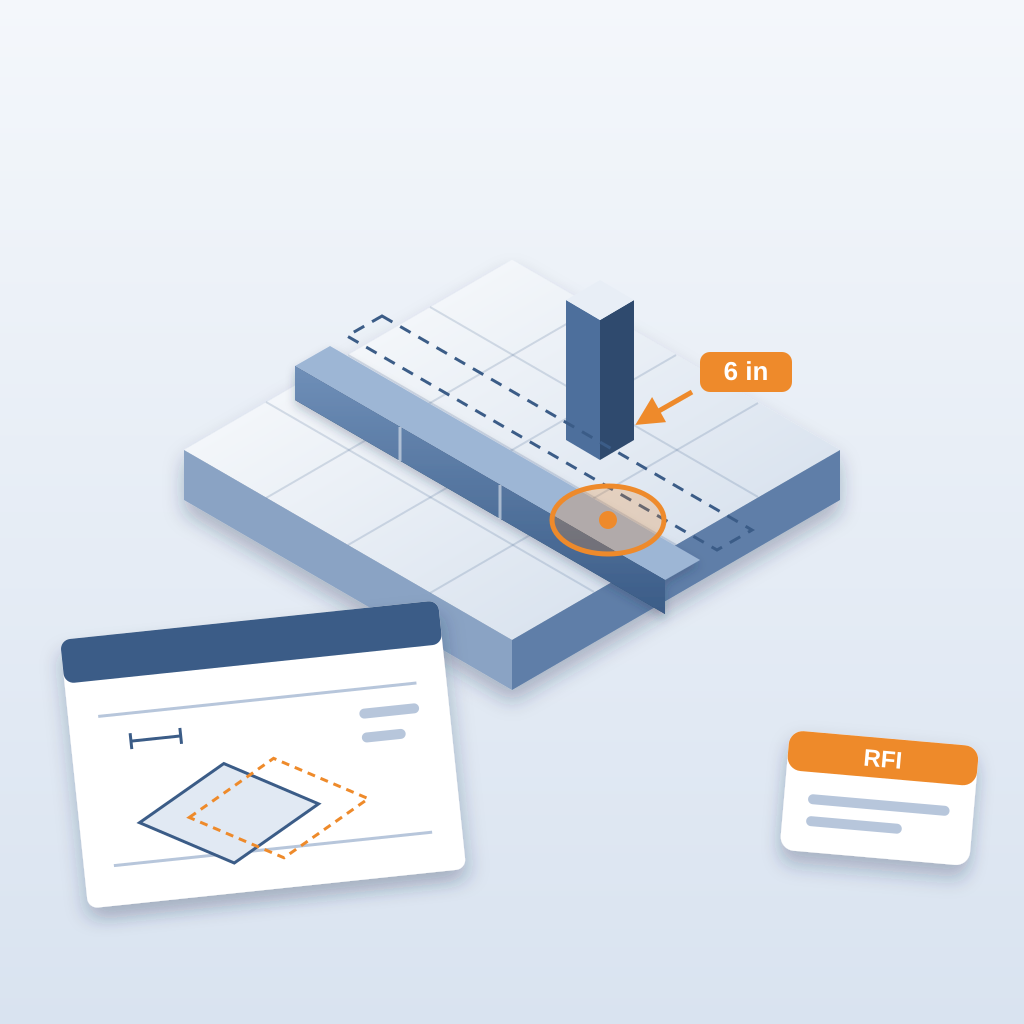
A wall moves 6 inches after the structural drawing is locked. On screen, it looks like a small nudge. In the field, it can mean a different beam, a different connection and a re-sequenced pour. Nobody planned for it, because the change looked minor in Revit.
That is how late changes work. By the time structure is locked, even a small shift ripples through the whole project. The steel is ordered. The fabricator is cutting. The sequence is set.
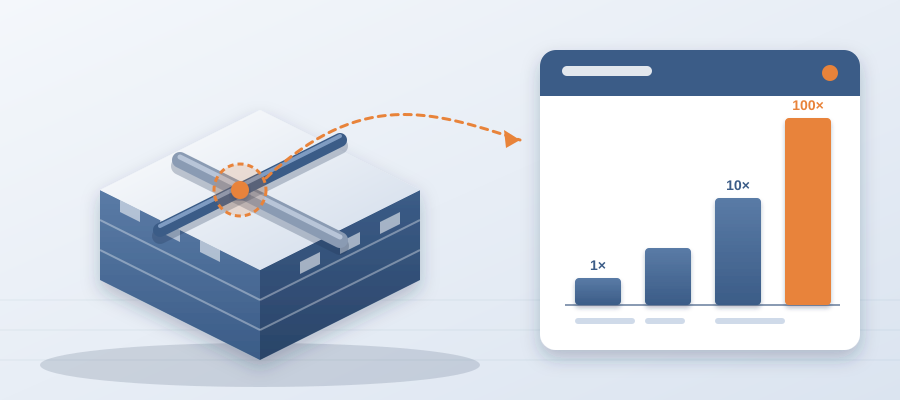
Now put numbers on what it means to find out when. If the team sees the clash in the model, it costs about $50 to fix. If a crew finds it in the field, the same clash costs $5,000 to $50,000. Same conflict, two orders of magnitude apart, and the only difference is when somebody saw it.

And that is before the idle time. An unresolved clash can burn $15K to $50K a week in idle field labour while people stand around waiting for an answer. A clash that sat 47 days can burn $28,000. So the question to ask on every late change is not "how big is it?" It is "how soon will we know?"
You catch it in Revit before it hits the field, and you hand the owner of that zone a clear task. That is how you stop a small shift from becoming a dispute. When the change is caught late, you are not just paying for the physical work. You are paying for rushed logistics, overtime and the paperwork battle that follows. The earlier you see it, the cheaper it is.
Why Late Changes Are So Expensive
Late changes are expensive because they break a sequence. Every trade has a window. When a wall moves, the steel detailer has to revise, the concrete crew has to re-plan the pour and the electrician has to re-run conduit. Each delay compounds. By the time you reach the field, a 6-inch move can push the schedule by days. And days cost money.
The expense is not only materials and labour. It is the cost of re-coordination. The structural engineer has to issue a revision. The detailer has to redraw the connection. The project manager has to chase a change order and get it approved. That is hours of overhead that nobody bills directly and everyone feels.
Most teams do not catch a late change until the RFI arrives. By then, the fabricator has the drawing and the sequence is locked. A 6-inch move may not seem like much, but in construction geometry is everything. A small shift can invalidate dozens of drawings and require a full re-coordination.
That is the real cost of a late change. It is not just the field work. It is the time spent arguing, the strained relationships and the damage to the schedule. Owners remember when a small change became a big dispute. That is why catching changes early is worth so much.
Two Versions of the Same Week
Take the same 6-inch move and run it two ways.
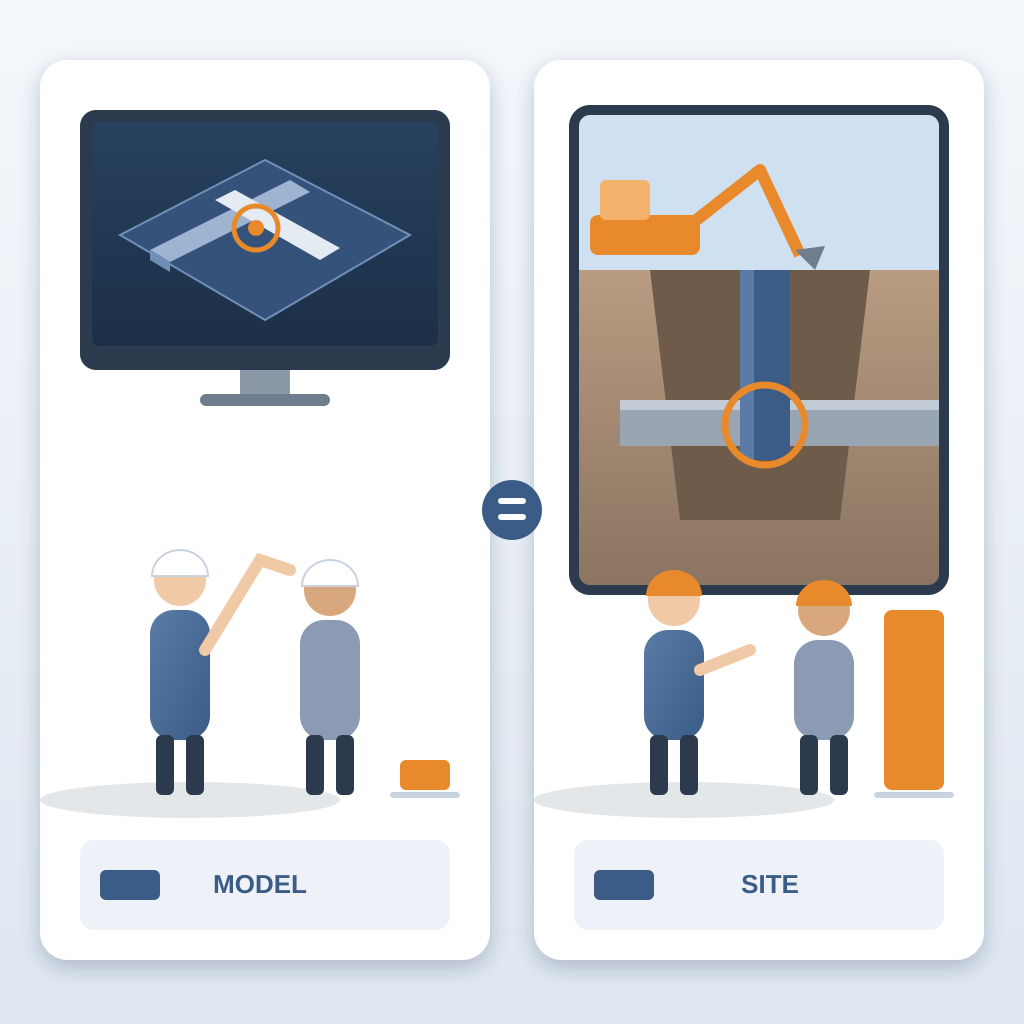
In the first, the change reaches the model on Monday and nobody notices. The coordination meeting is Thursday and the agenda is full. The wall gets built on the old line by Friday, the duct arrives the next week, and the crew finds it does not fit. The foreman calls. The RFI goes out. The crew moves to another area, or waits. Every day of waiting is idle labour you pay for and cannot get back.
In the second, the revision is published Monday. The comparison shows the wall, the beam and the duct by Monday afternoon. Three issues are pinned and assigned. On Tuesday at 6am each owner sees theirs. By Wednesday the fixes are in the model and linked to their issues. The crew never sees a problem.
Same change. Same people. The only difference is where the problem was found.
How Versioned Exports Change the Game
Seeing a change early is not about speed alone. It is about changing your relationship with the design team. When you can show what moved in minutes, you become a partner in the design process. You are not the person who delivers bad news after the fact. You are the person who helps the team decide before they commit.
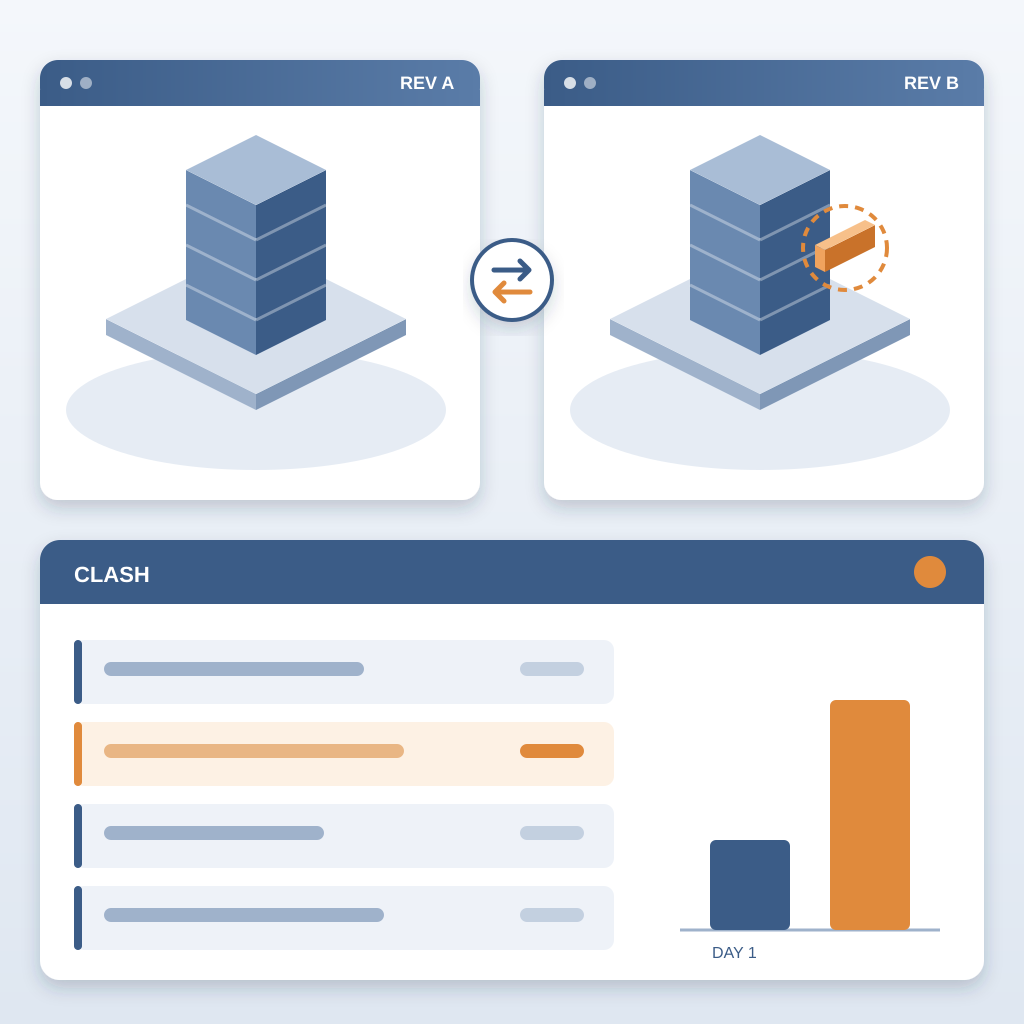
Here is how it works. BidLight runs inside Revit and Navisworks, and you publish straight from the model. Every publish is a versioned snapshot with its own files, author and milestone. When the wall moves, you compare the new revision to the last one. The comparison is element by element and grouped by category: structural, MEP, envelope, interior.
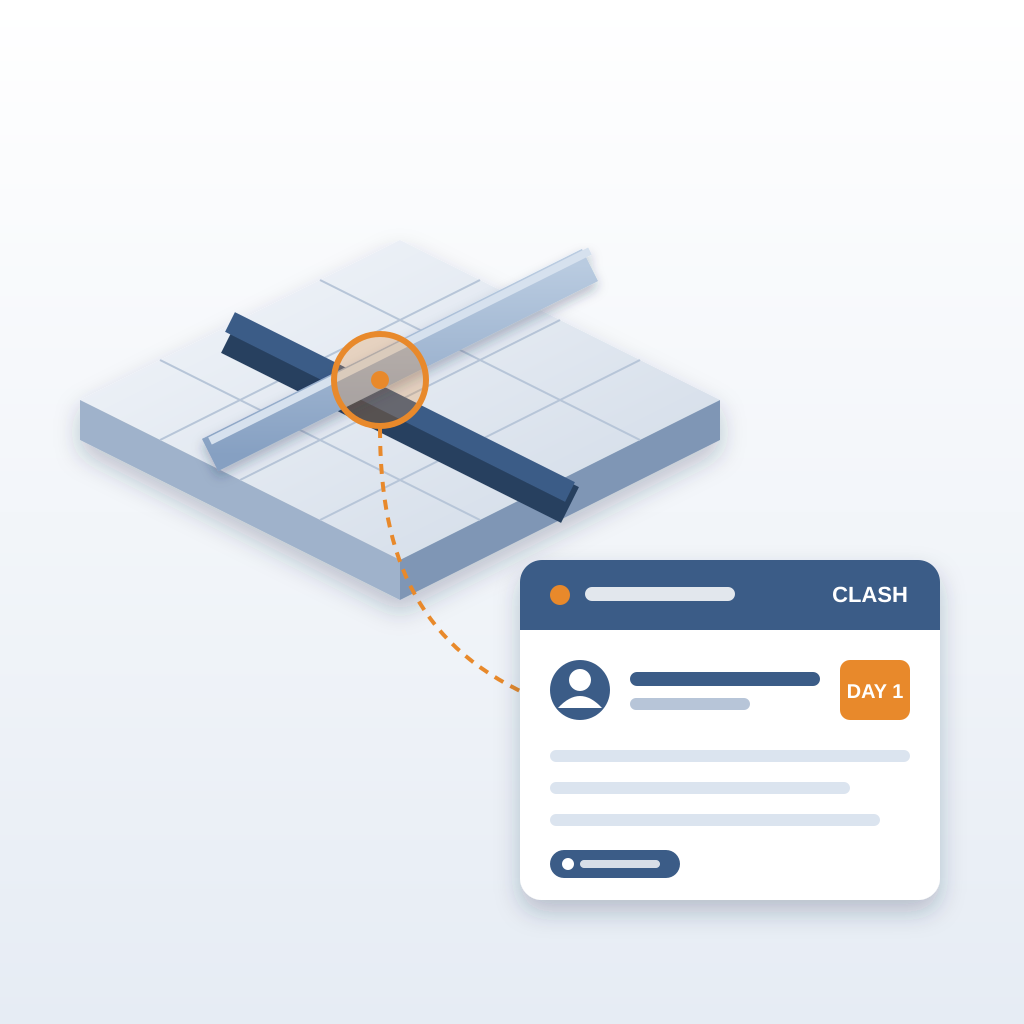
So you see the moved wall. You see the beam it now meets. You see the duct that used to pass clear and now does not. You pin an issue to each affected element. The issue carries the sheet and the revision that raised it, and the person who owns it gets it in the 6am digest the next morning.
That is the part that saves the schedule. You do not wait for the next coordination meeting. You do not wait for a human to read every sheet. The change is on the record, with an owner, on day one.
Teams lose about 11 hours a week working out which model version is current. With the comparison, the same question takes about 15 minutes instead of a 90-minute meeting. On the hyperscale programme, the case study team saved 18,000+ hours and resolved 8,900+ issues, with $12.3M in cost saved.
None of that is magic. It is the same coordination work, done in the model, where it is cheap.
Closing the Loop With Proof
Catching the change is the first half. The second half is making sure it is fixed, not just discussed.
An issue closes only with proof: a screenshot, a tagged user and the model commit that delivered the fix. If the engineer says the beam is resolved, the commit that changed the beam is linked. If it is not, the issue stays open and the digest keeps showing it.
This matters on late changes more than anywhere. The pressure to move on is high, and "I think that is sorted" is how the same problem comes back on site. A gated close means the answer is in the model. The median issue closes in 7 days, and the project view shows which ones are running behind while there is still schedule to move work.
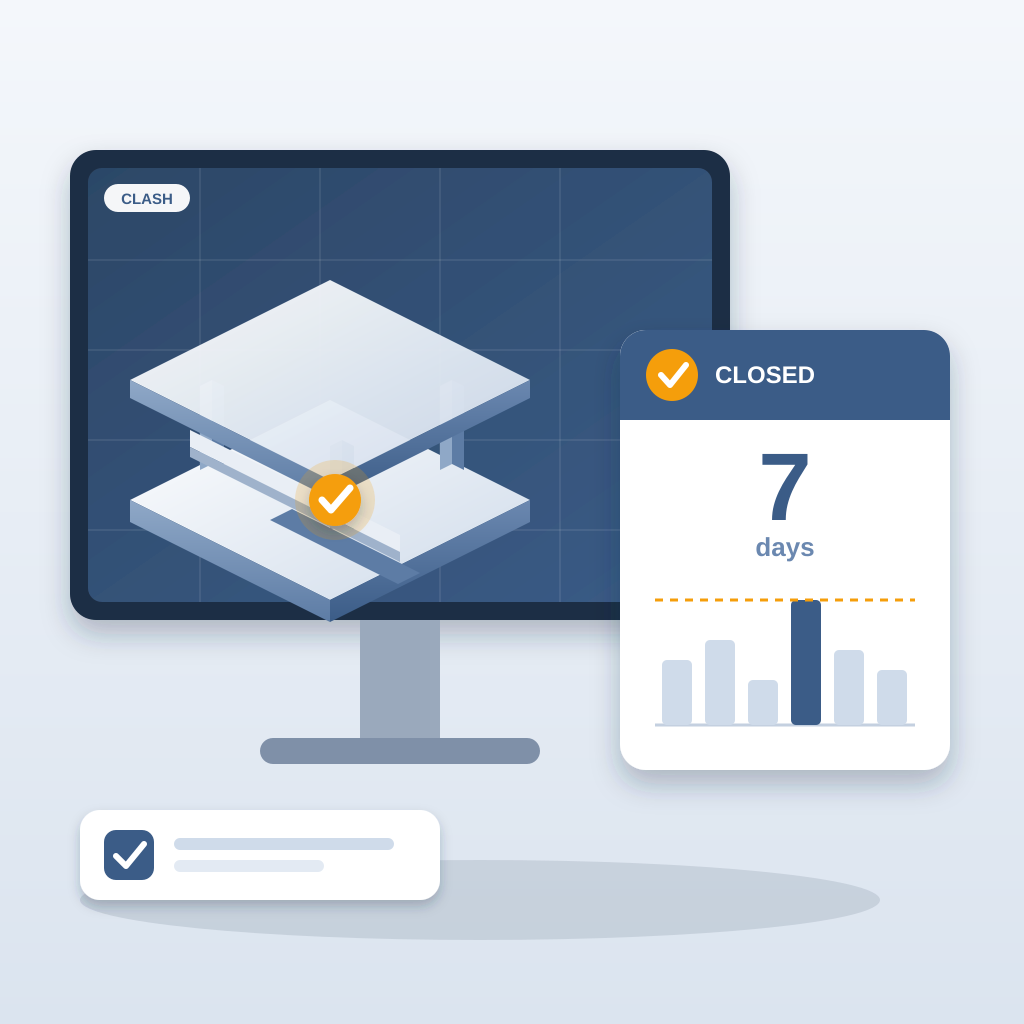
Think about what that does to an owner meeting. You can say, "The wall moved. Here are the elements it touched. Most are closed with proof. Two are with the MEP lead and due Thursday." That is a conversation about decisions, not about blame.
Per-person resolution rates, through the Problem Solver Index, make ownership visible without anyone having to chase. People who close their issues are visible. People who are falling behind are visible early enough to help.
And you do not have to run all of this alone. If your team is stretched, BidLight also delivers done-for-you BIM services: execution plans, 4D sequencing, fabrication detailing and spooling. We take the coordination load while your people stay on the job.
Your Next Step
Start small. Pick the zone where changes hurt most, such as the plant room, the ceiling void over the corridor or the structural grid near the core. Publish each revision of that zone for two weeks. Compare them, pin the conflicts and watch how many of them you would have found only on site. That is the number that makes the case to your project manager.
You do not need to be a tech wizard to use this. If you use Revit, you already have the model. Publish it, publish the next revision, and compare the two. The learning curve is a day, not a week. And the payoff is immediate: the first late change you see in the model instead of the field.
Plans are priced per licence, from Basics at $260 a year to Max at $590, with unlimited projects on every plan and a custom Enterprise plan. AIA members get up to 29% off.
So next time an architect nudges a wall, do not wait for the RFI. Open the comparison and see what it touches. You might avoid a five-figure field surprise and a tense call with the owner.