Your Change Log, Written by the Model, Not by Hand
The change log you never wrote
Every project has a change log. Nobody sits down and writes it. It accumulates in Teams threads, in email chains with three RE: prefixes, in Bluebeam markups named final_rev2_AB. You know the change happened because someone mentioned it, or because a clash showed up on site and the foreman asked why the duct is where it is. The log exists. It is just scattered across four tools and a dozen people's memories.
Reading that log is the job that eats your week. You pull the latest model from the folder, check it against the one you reviewed last Tuesday, and try to spot what moved. You compare PDFs. You open the issue tracker and see tickets that were closed without a screenshot. You ask three people which version is current and get three answers. That is the 11 hours a week. Not modeling. Not coordinating. Just working out what changed.
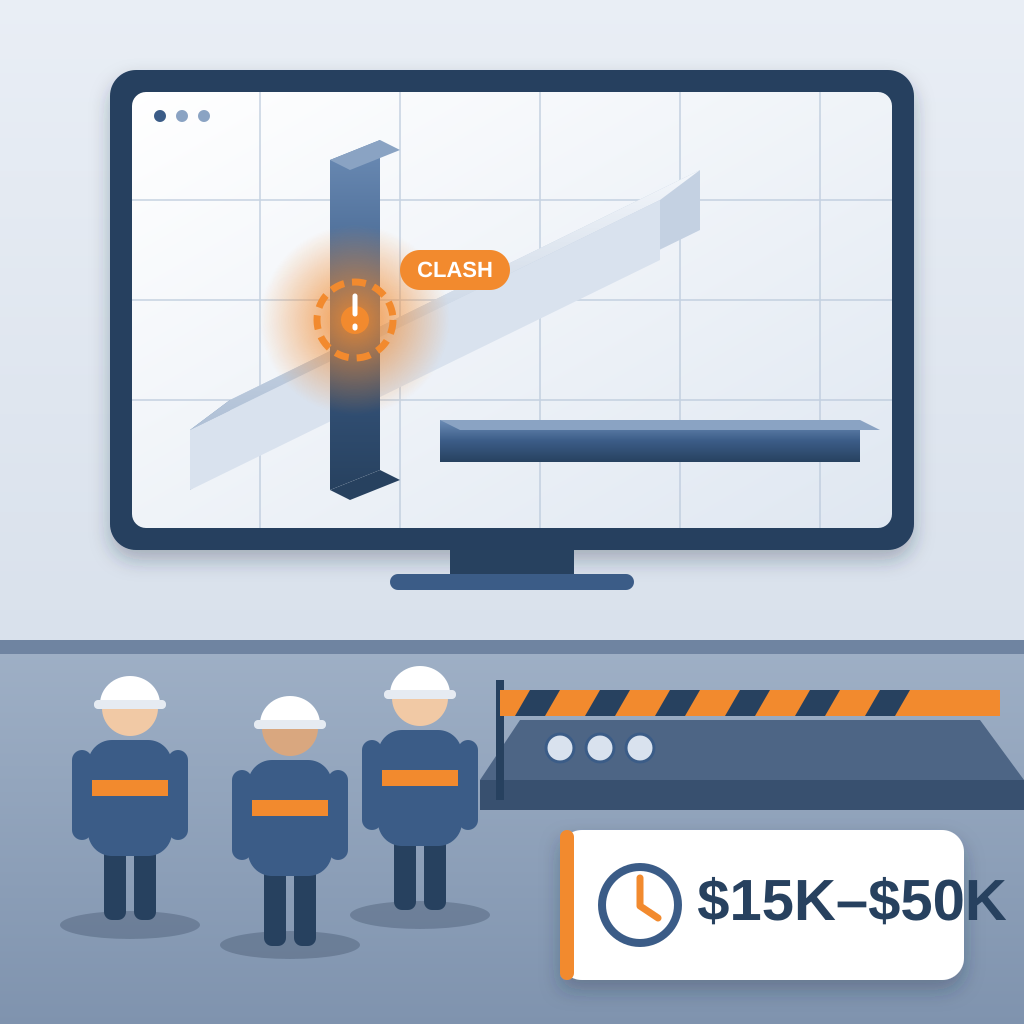
The cost is not only your time. Every hour spent reconstructing the log is an hour not spent catching the clash that will stop a crew next week. And the field does not wait. A crew standing idle behind an unresolved clash burns $15K to $50K a week. The change log you cannot read is the reason the clash stayed unresolved.
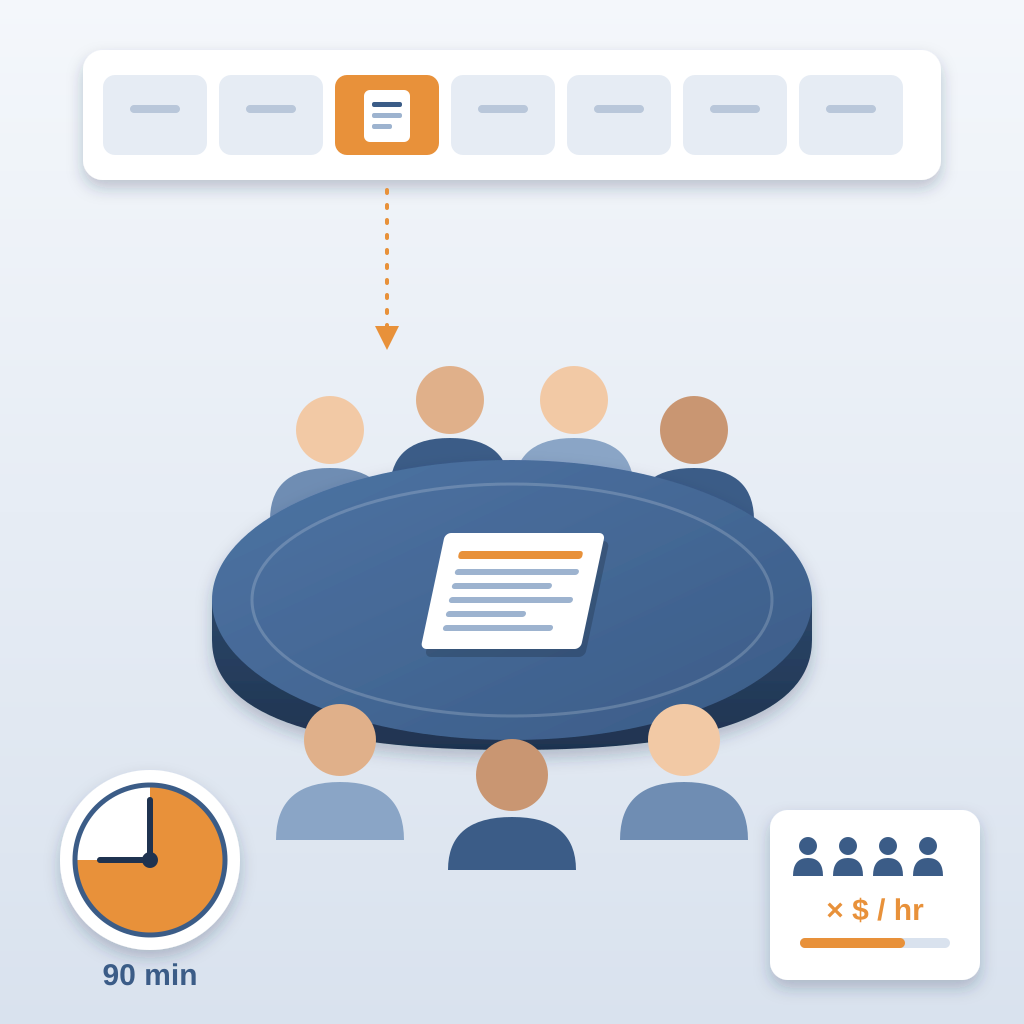
At some point you start treating the meeting as the log. The 90-minute coordination call becomes the place where you read out what changed, because it is the only structured moment anyone has to reconcile versions. That is a costly way to read a log. You are paying senior people to listen to a recap that could have been a diff.
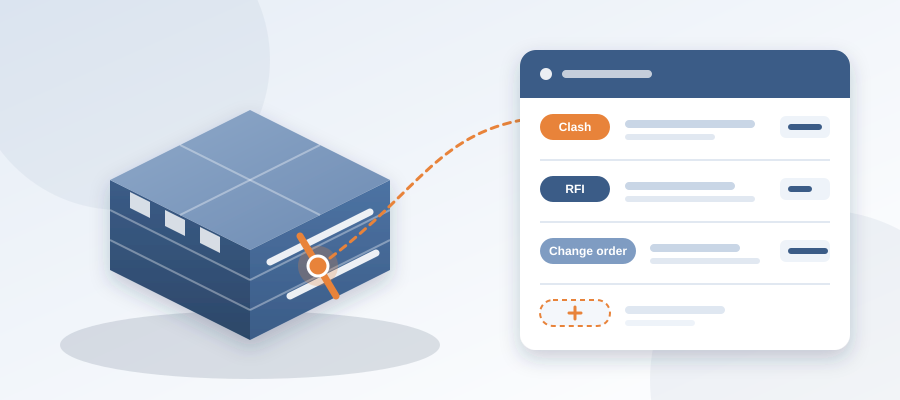
BidLight does not ask you to write a change log by hand. It builds one automatically from every export, version by version, diffed element by element. The log is a byproduct of the work you already do, not a separate chore.
What an element-level diff looks like
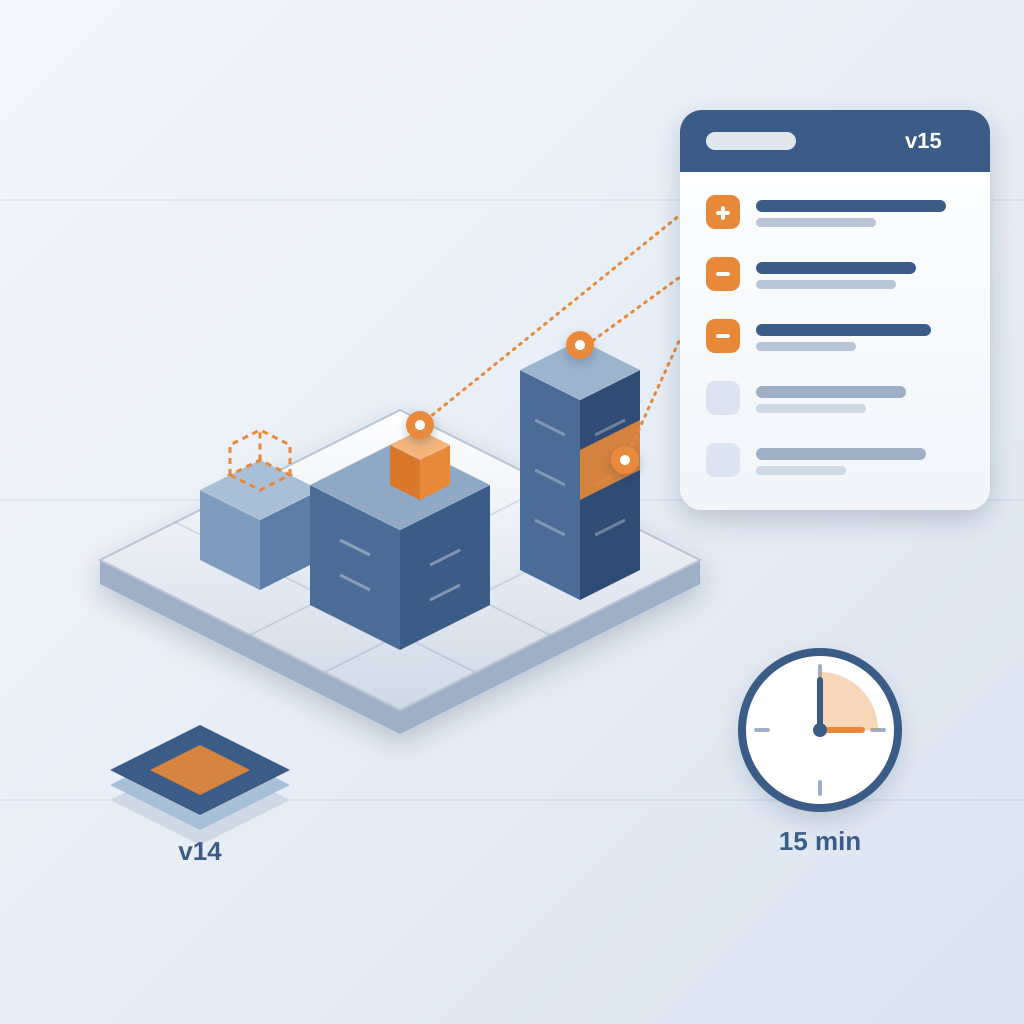
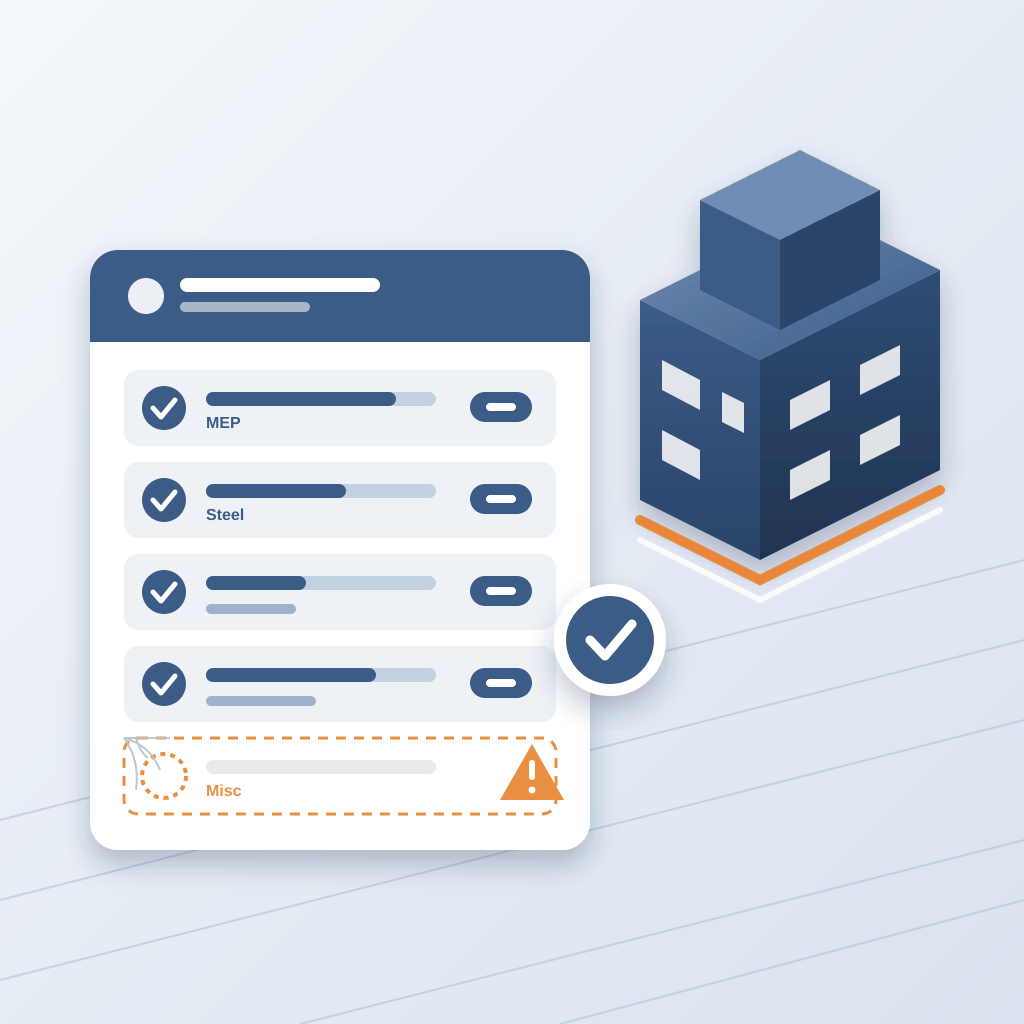
A diff is not a screenshot comparison. It is a category-by-category comparison of every element in the model, structural, MEP, envelope, interior, against the previous version. When a wall moves six inches, the diff shows that wall, with its element ID, in the category it belongs to. When a pipe reroutes, you see the pipe. You do not have to open two models side by side and squint.
The diff runs on export. That means every time you publish a model, BidLight versions it and compares it to the last one. The output is a list of what changed, pinned to the exact geometry that changed. It takes about 15 minutes to read the diff and know what moved. It takes 90 minutes to run the meeting where people try to remember what moved.
This is also where the change log becomes searchable. If you need to know when the ceiling grid changed, you do not scroll through Teams. You open the element and see every version it ever had. That is the record you can hand to a project manager who asks why the ceiling is lower than the drawing. The answer is in the model, dated and attached to the element.
Custom topic categories matter here. Every project has its own way of grouping changes: by level, by system, by trade, by package. The diff lets you filter by those categories because the model already knows what each element is. You are not hand-tagging a spreadsheet. You are reading the model's own structure, versioned and compared.
When you need to build a change log for a specific purpose, like a case study or a lessons-learned review, you are not starting from scratch. You are exporting a filtered view of the diff. The log is already there. You are just choosing how to slice it.
How to set up tracking categories that do not rot
Start with the categories you already use in coordination. Structural, MEP, envelope, interior is the baseline. Most projects need a subcategory for MEP, mechanical, electrical, plumbing, because a duct clash and a conduit clash get resolved by different people. The diff can group by those subcategories if your model is set up that way. If it is not, fix the model first. A diff is only as good as the categories in the model.
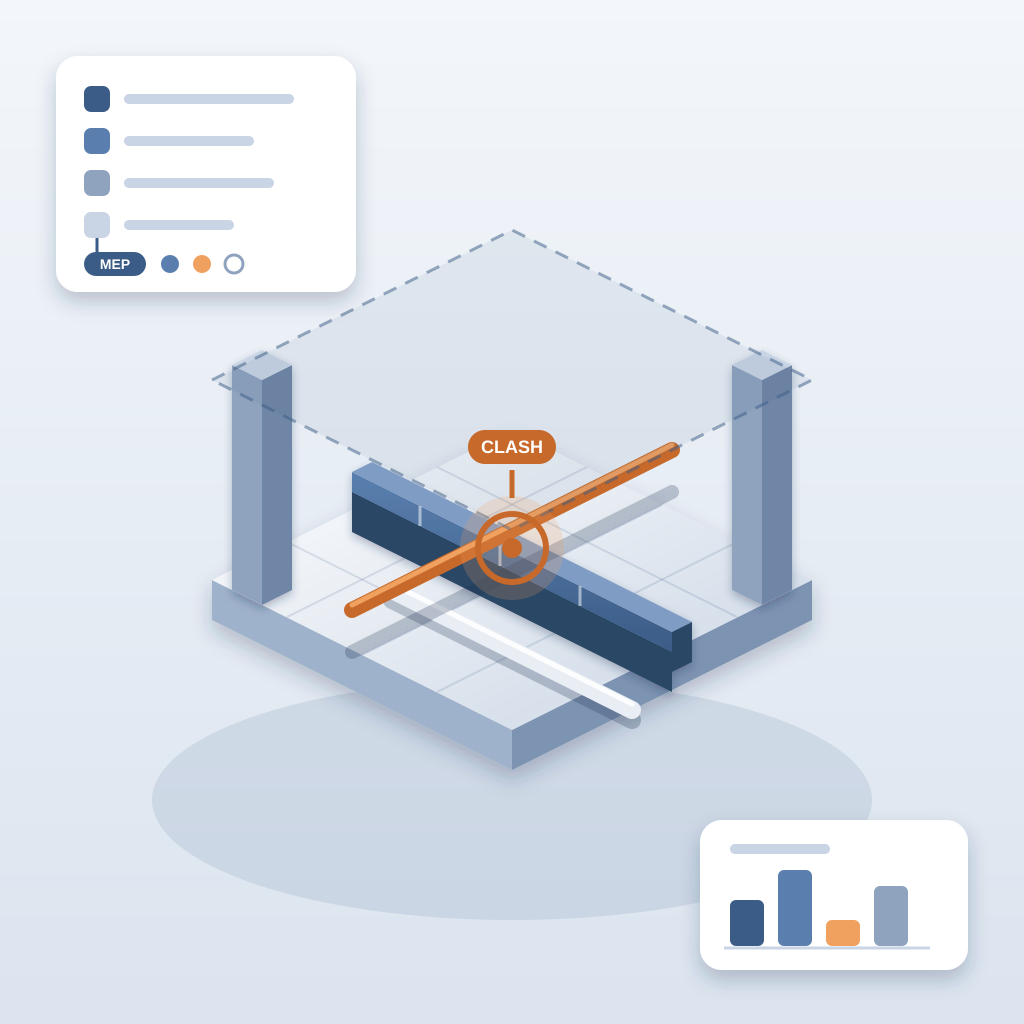
Next, decide what counts as a change worth tracking. Every element moves during design. You do not need a log entry for every nudge. You need a log entry for anything that affects coordination: a wall that moves into a duct route, a beam that drops below a ceiling grid, a sleeve that disappears. The diff shows all of it. Your job is to filter to the changes that affect other trades, and that filter becomes your tracking category.
The categories should be stable across versions. If you rename a category every week, the log becomes unreadable. Pick categories that match how the project is built: by level, by zone, by trade package. Those are the same categories the field uses. When the diff is filtered by those categories, the superintendent can read it without a translator.
Ownership is the other half of the category. A change category without a name attached is just a list. BidLight pins every issue to a tagged user, and the 6am digest tells that user what they own. The category tells you what changed. The owner tells you who is fixing it. The diff plus the digest is the change log that updates itself.
The last rule: do not create a category you will not maintain. A tracking category that nobody reviews is worse than no category, because it gives the illusion of control. Start with three or four categories that map to the trades on your job. Add more only when the diff proves you need them.
The cost of reading the log the old way
The 11 hours a week is the visible cost. The invisible cost is the clash that slips through because the log was too messy to read. A clash caught in the model costs about $50 to fix. The same clash found in the field costs $5,000 to $50,000. The difference is not the fix. The difference is when you found it.
When the change log is scattered, you find clashes late. Not because you are bad at coordination, but because you cannot see the change in time. The wall moved on Tuesday. The diff would have shown it Tuesday afternoon. Instead, you find out on Friday when the MEP model is already coordinated against the old wall. Now you are re-coordinating a week of work, or worse, the field is already installing.
The idle labor number is the one that gets attention. $15K to $50K a week behind an unresolved clash. That is a crew standing around, or a crew working around an obstacle, which is slower and often wrong. The change log is how you avoid that. If the diff shows the clash the day the model changes, you resolve it before the crew is scheduled to be there. If the log is a meeting, you resolve it after the crew is already on site.
The 90-minute meeting is not free either. Multiply the attendees by their loaded hourly rate and you have a number. But the real cost is that the meeting is the only place the log gets read, so the log gets read once a week instead of every day. A daily diff takes 15 minutes. A weekly meeting takes 90 minutes and misses six days of changes.
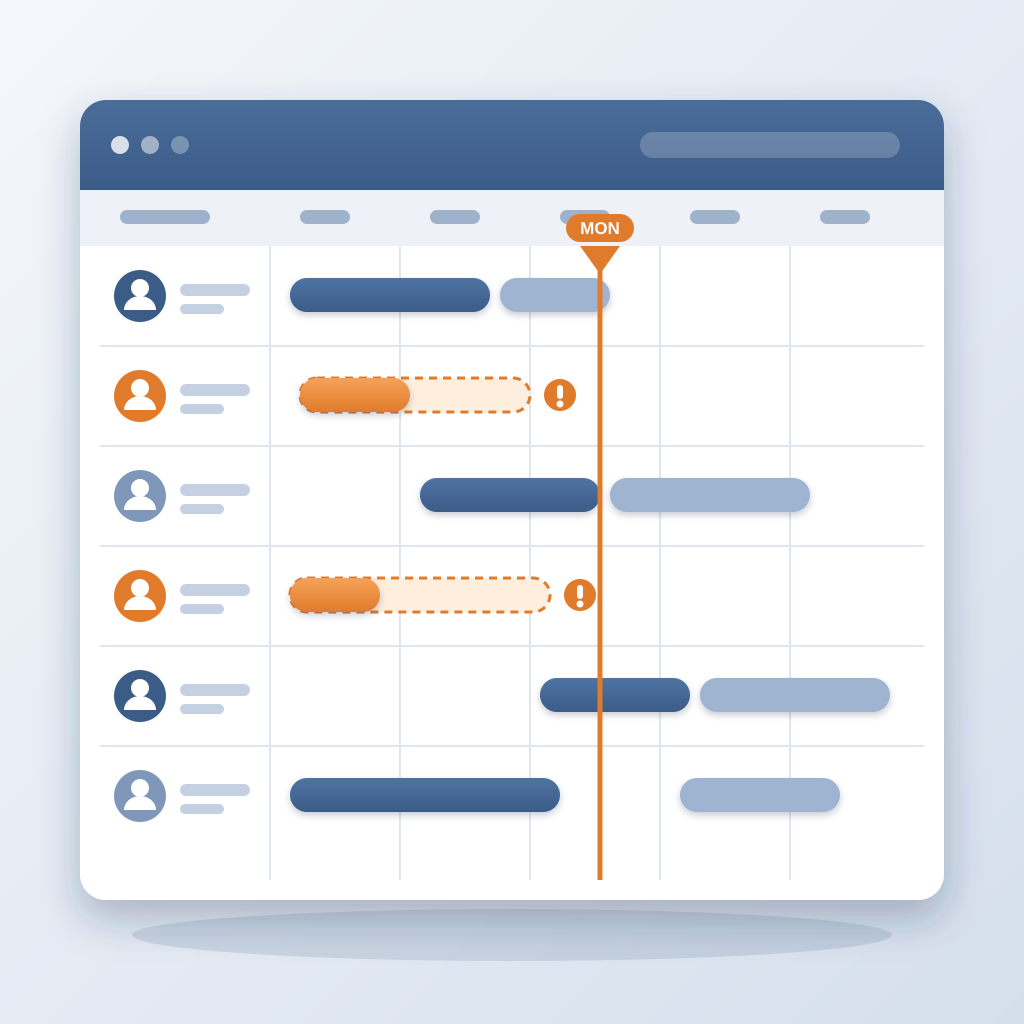
BidLight also gives you the project view that shows who is behind while there is still schedule to recover. That is the difference between a change log that documents the past and one that changes the schedule. You are not reading history. You are reading the next two weeks.
From diff to digest: making the log actionable
A diff is only useful if someone acts on it. The 6am digest is how BidLight makes the diff actionable. Every morning, each owner gets a summary of what they own: open issues, changes that affect their scope, items that closed with proof. It is the change log delivered to the person who needs it, before the day starts.
The digest is not a report. It is a to-do list with evidence. An issue closes only with a screenshot, a tagged user and the model commit that fixed it. That means the digest can say closed and you can trust it. The same problem does not come back on site because the closure is gated. You are not reading a status that someone typed. You are reading a status the model proves.
The project view is the other half. It shows every issue against its owner, so you can see who is behind while there is still schedule to move work. That is the view a project manager needs on Monday morning, not a spreadsheet that is three weeks stale. The diff tells you what changed. The project view tells you who is behind. Together they are the change log that runs the job.
The 18,000+ hours saved and $12.3M cost saved on the hyperscale programme came from this loop: diff, digest, project view, gated closure. Not from a bigger meeting. From a log that updates itself and a daily habit of reading it. The programme did not add coordinators. It removed the work of reconstructing the log.
You can run this on Basics at $260 per licence per year, or Max at $590, with custom Enterprise pricing. The price is not the point. The point is that the change log stops being a second job. It becomes a byproduct of the model, and the model becomes the record everyone trusts.