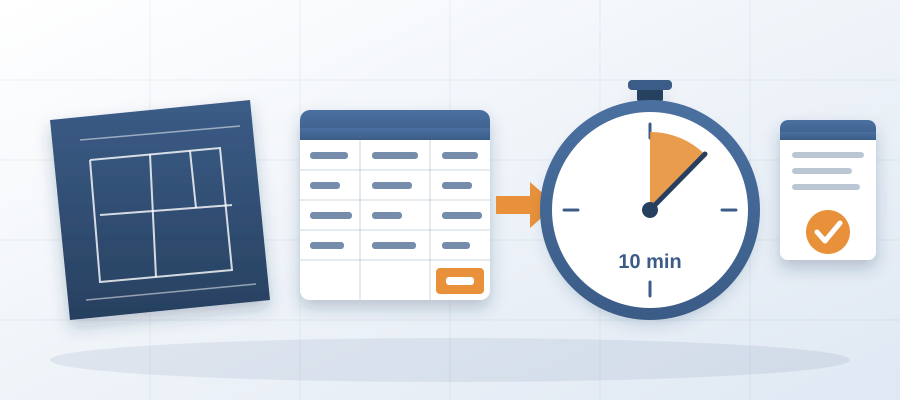
One Export, Ten Minutes: How to Stop Losing Bids to Slow Estimates
The Cost of a Slow Estimate
Plenty of mid-size general contractors lose bids to firms that are not cheaper or better. Those firms just respond faster. A typical estimating team spends two to three weeks on a single bid, measuring takeoffs from PDFs and updating spreadsheets as new revisions come in. By the time they submit, the design has often changed twice, and the client has already signed with someone else. The pattern repeats for months, and the pipeline shrinks.
Slow estimates bleed money in ways that do not show up on a profit-and-loss statement. Every week spent pricing a job is a week not spent pursuing the next one. Every estimate that misses the mark because it was based on outdated drawings is a proposal the client will not trust. Add up the bids you should have won and lost on timing alone, and the number would sink most mid-size firms if it persisted.
The root cause is rarely the team's skill. They know construction. The bottleneck is the toolchain. They juggle a BIM model, a separate estimating program and a shared spreadsheet, none of which talk to each other. Every wall move in Revit means hours of manual re-measurement in the estimating tool. Every new door schedule means rechecking quantities line by line. The process is fragile, slow and completely dependent on one person's ability to catch every change.
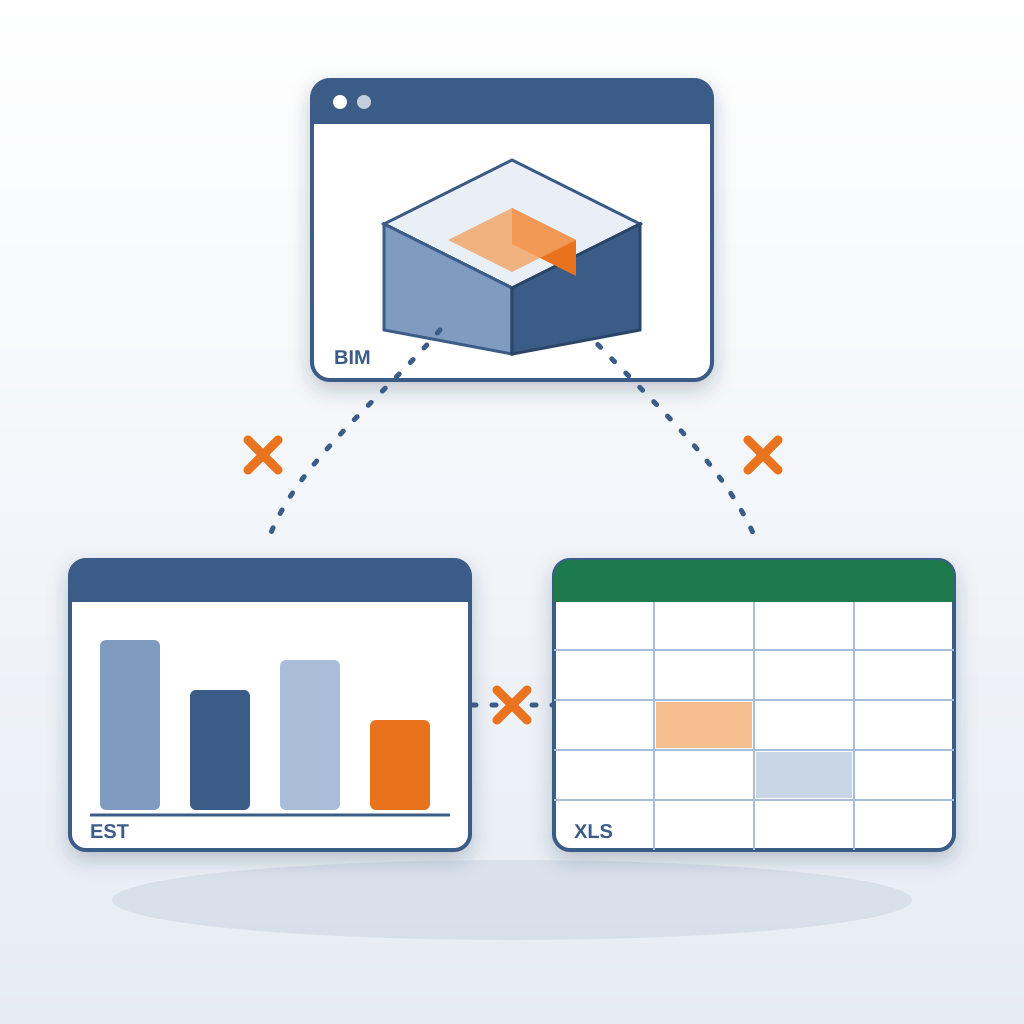
BidLight takes a different approach: estimate from the Revit model itself, get a line-item cost with labor, equipment and materials in minutes, and have it update when the model changes. The sensible way to test that claim is on an active project. Run the export, then spend the rest of the day checking quantities against your own manual takeoff. Where the two differ, it is usually down to how the model groups components, which you can see and correct.
The real difference shows up the next time the architect moves a corridor wall. In the old workflow, that single change triggers a full afternoon of re-measuring and updating the estimate. With BidLight, you re-export the model and watch the price adjust, reflecting new wall lengths, updated door counts and adjusted labor hours. The estimate stops being a static document. It becomes a number that tracks the design.
That is how a project goes to bid priced in an afternoon instead of two weeks. When the time per bid drops that far, you can price more of the work you are invited to, instead of turning jobs down because the team is buried. Estimation becomes a tool for winning work, not a chore to survive.
Why Speed Matters More Than Precision
In construction, the best price does not always win. Often, the contractor who responds first wins, especially when budgets are tight and owners are anxious to lock in a number. A better win rate rarely comes from being 2% more accurate on every estimate. It comes from being ready to bid on work that other firms simply cannot turn around in time.
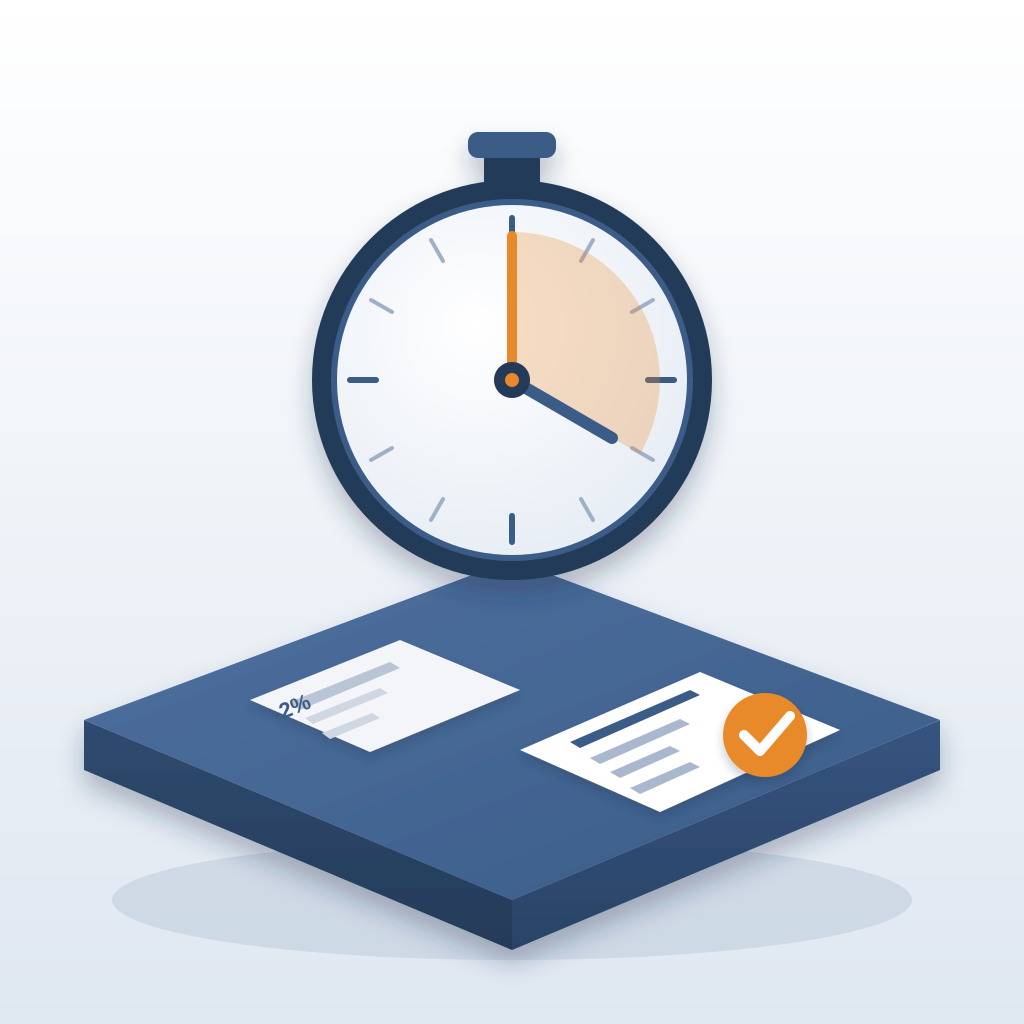
Consider the typical bid cycle for a mid-size commercial project. The architect issues drawings, the owner sets a deadline, and estimators race to price every trade. The contractor using BidLight can export the model on day one, get a baseline estimate in minutes, and then spend the next week refining subcontractor quotes and supplier pricing. That means they are not scrambling on the final night. They are checking numbers, not re-entering them.
This speed also changes the kinds of projects a firm can go after. Fast-turnaround bids become feasible. Design-build proposals that require a rough cost early in the process become less risky. Even a large building can be priced in far less time than a manual takeoff would take an experienced estimator.
The precision is still there. Two AI models read geometry and metadata to classify BOQ (bill of quantities) line items at 86% accuracy, with pricing from a database that costs roughly $30,000 a year to maintain, plus Craftsman, 1Build and RSMeans. That means the initial number is defensible, not a wild guess. The items the AI does not classify correctly are there for you to review and fix, which takes far less time than building every line from scratch.
What you really gain is the ability to iterate. You can run 'what-if' scenarios with the architect, showing how moving a wall or changing a finish would affect the bottom line. That kind of collaboration builds trust, and trust converts into repeat work. An owner who sees the estimate adjust during a design review meeting is far more likely to invite you into preconstruction on the next project.
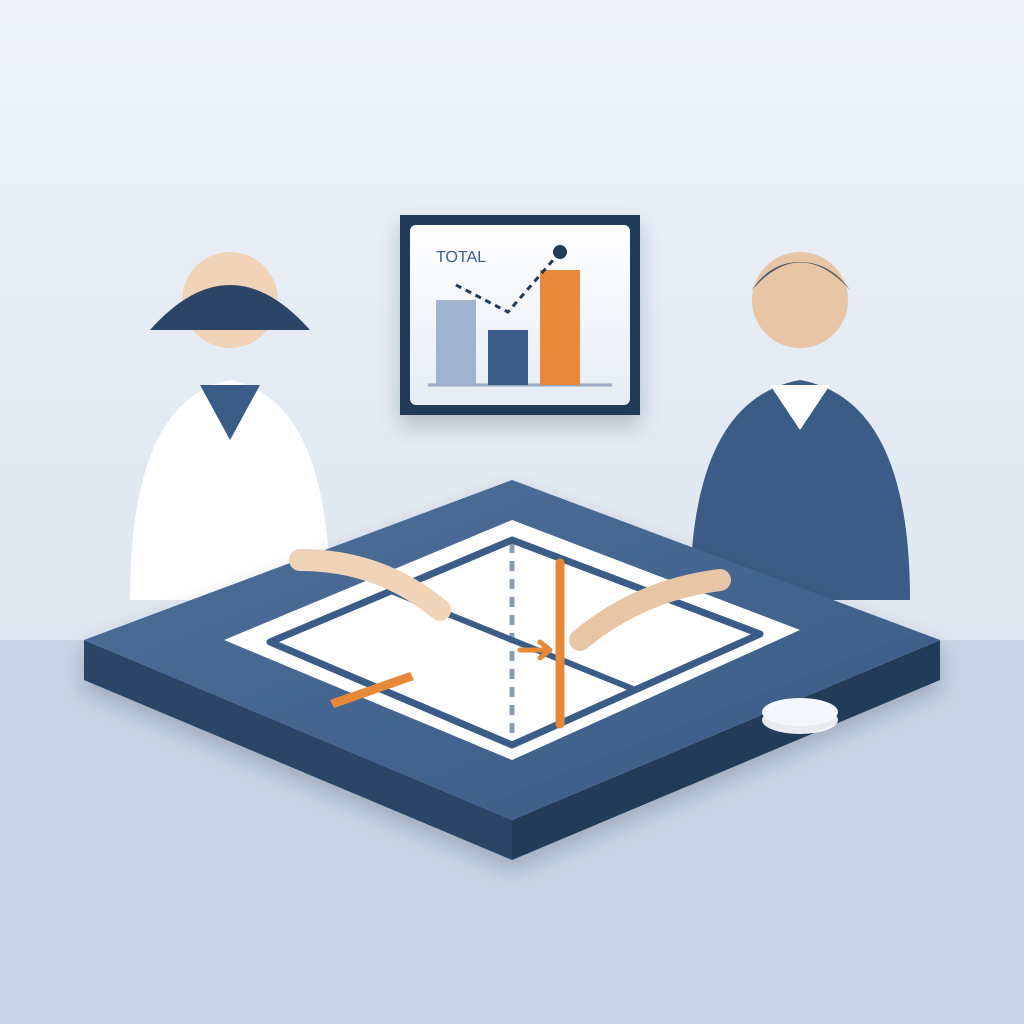
The lesson is that speed is not the enemy of accuracy. It is the enabler. When a team can quickly produce a reliable number, they can spend more time refining the parts that truly matter, like vetting subcontractors and sharpening the schedule. Slow processes force teams to prioritize just finishing over depth, which is exactly the opposite of what wins bids.
Turning Early Estimates into Billable Services
One of the more profitable side effects of fast estimating is that you can charge for early estimates. When producing a conceptual cost from a Revit model takes minutes, you can offer preconstruction services to owners who have not yet committed to a full design contract.
Without that speed, early estimates are too slow and imprecise to justify billing. A rough number from a PDF requires re-drawing quantities or spending hours on a manual takeoff. The result is either a vague guess that owners do not trust or a detailed estimate that takes two weeks, far too long for the preliminary stage. BidLight changes that by reading geometry and metadata directly from the model, so a mid-design model can be priced in minutes.
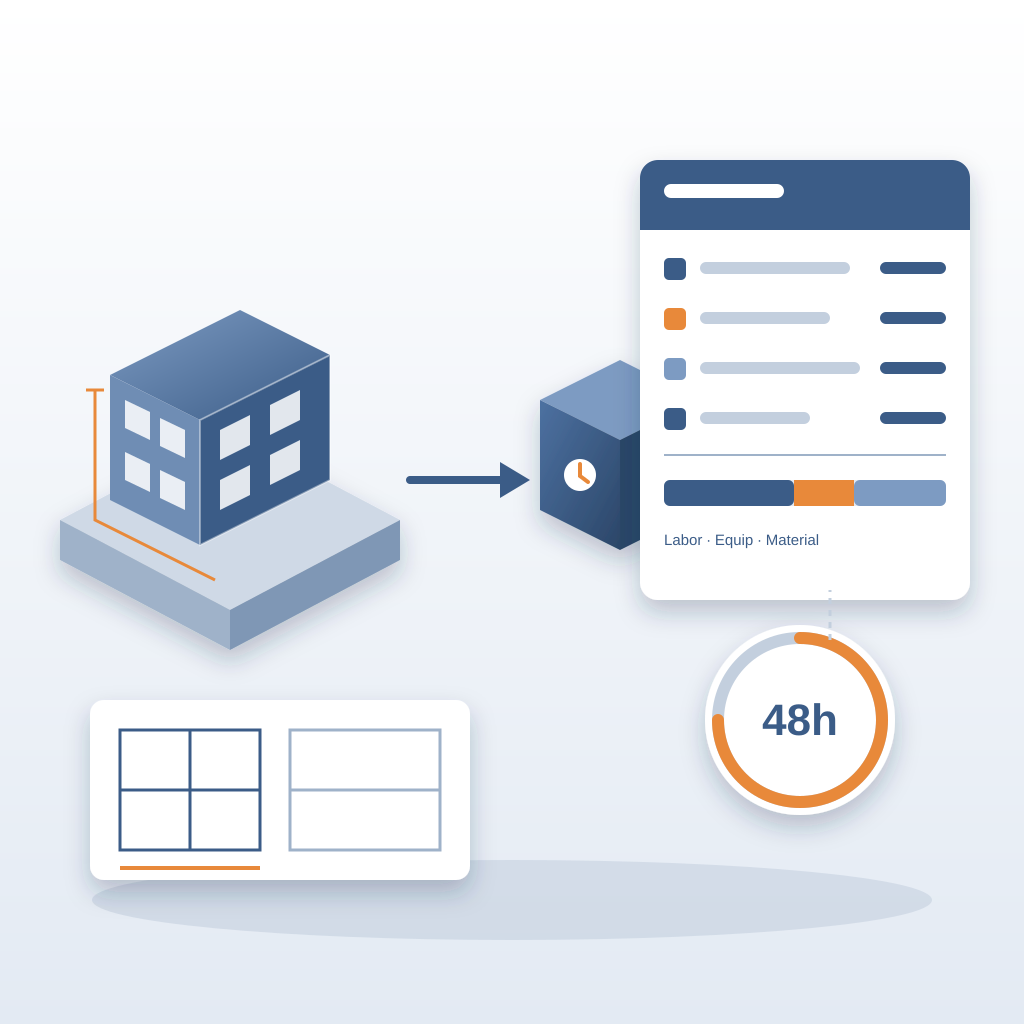
A fixed-fee preconstruction package is a natural fit: for a flat fee, you take the owner's Revit model, run it through BidLight, and hand over a line-item estimate with labor, equipment and material costs within 48 hours. Because your internal time per estimate is small, the service carries a healthy margin, and it introduces you to owners who have never worked with you before.
This shift also changes how you position your main bids. Instead of leading with 'we'll give you a free estimate,' you lead with 'we can tell you what it will cost before you commit to a full design.' That positions you as a partner in the owner's financial planning, not just a vendor waiting for a final drawing set. The estimating service becomes a differentiator that competitors find hard to match.
The takeaway is that speed creates revenue opportunities beyond the obvious win rate improvement. Every hour saved in the estimating process is an hour that can be redirected to business development, client relationships, or simply going home at a reasonable hour. A senior estimator who is not re-measuring revisions can take on more projects without you hiring extra staff.
The real win is not just the speed; it is the credibility that comes from having a defensible number at any stage of design. Owners trust contractors who can talk about cost from the very beginning, not just at the end. That trust translates into longer-term relationships and a fuller pipeline.
What This Means for Your Firm
Any firm that relies on Revit and regularly bids projects can benefit from the same workflow. The key is to stop treating estimation as a separate, slow phase and start integrating it into the design process itself. When the estimate runs on the same model, every change is reflected in the price.
This is not just about software. It is about changing the mindset from 'we'll price it when the design is done' to 'we'll price it as the design evolves.' That shift allows firms to catch costly changes early, negotiate better with owners, and make smarter decisions about where to invest their limited estimating hours.
You do not have to overhaul your entire operation. You switch the estimation workflow to BidLight, keep your existing Revit models, and let the tool do the heavy lifting. There is no training catalog to work through: we walk your team through it and set you up.
Higher plans add pricing and custom databases, so you are not starting from scratch. You can bring your own cost data alongside current market pricing. For a firm used to manually updating cost books every quarter, that is a relief.
The result is not just more bids won. It is a calmer, more confident team. The stress of final-week bid preparation fades, because the estimate is always current and ready to share. You can host client meetings with the live model open, showing how design changes affect cost as they happen. Clients notice. It makes you the most prepared person in the room.

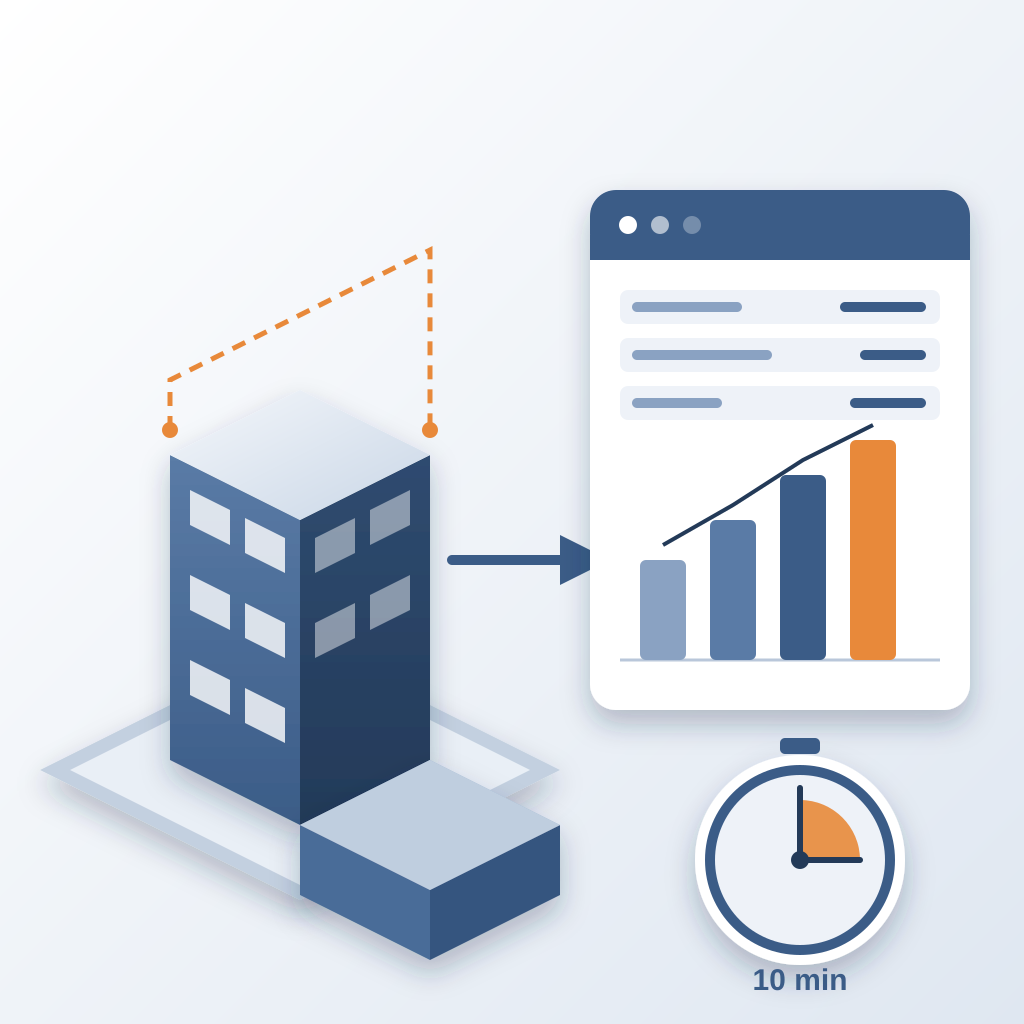
If there is a single takeaway, it is that the cost of a slow estimate is not just the hours lost. It is the bids you never submit, the clients you never impress, and the revenue you never see. Making your estimating process fast enough to keep up with the design is how you go from losing bids to winning them. One export, ten minutes. That is the difference between pricing last week's model and pricing today's.