Your Revit Model's Hidden Coordination Record
Your Revit model holds more than geometry. It holds the record of your project.
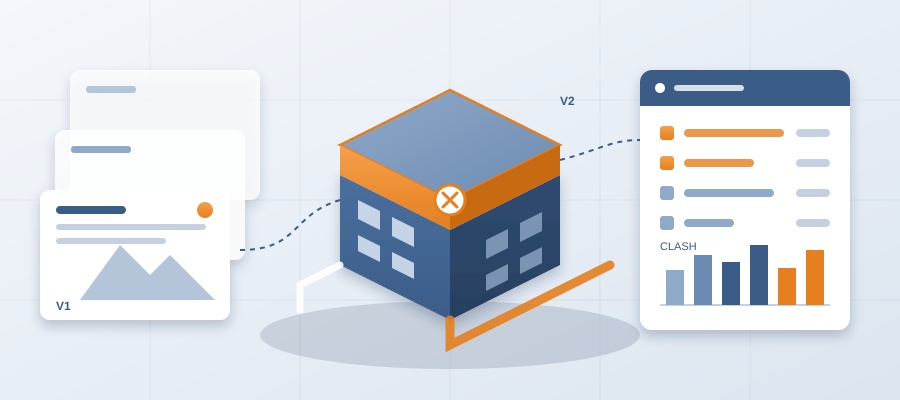
Every hour spent building a Revit model goes into tagging walls, specifying window types, assigning materials, defining levels. That detail is not just for looks. It is the same detail a coordination team needs to see what changed between two revisions. But for most teams, that metadata sits unused once the sheets go out. You end up comparing exports by eye, hunting through email for the latest markup, and hoping nobody built from the old version. The information is already there. You just cannot get to it.
Your Metadata Is Already a Change Log
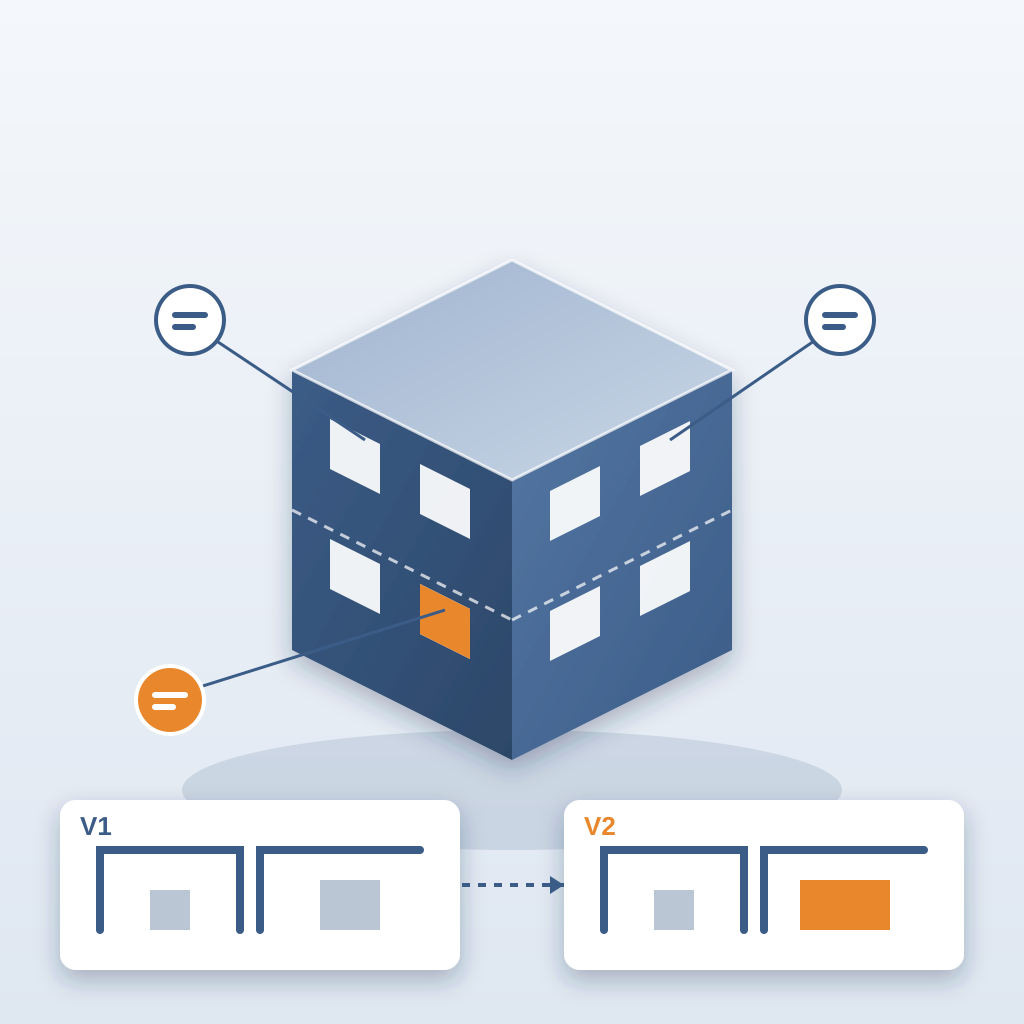
Think about doors. Each one has a fire rating, hardware and a manufacturer. When any of those changes between revisions, a trade somewhere is affected. Without a system that reads it, that change is noise. You are left opening two models side by side and spotting differences by eye, and losing days to it. Teams lose about 11 hours a week working out which model version is current.
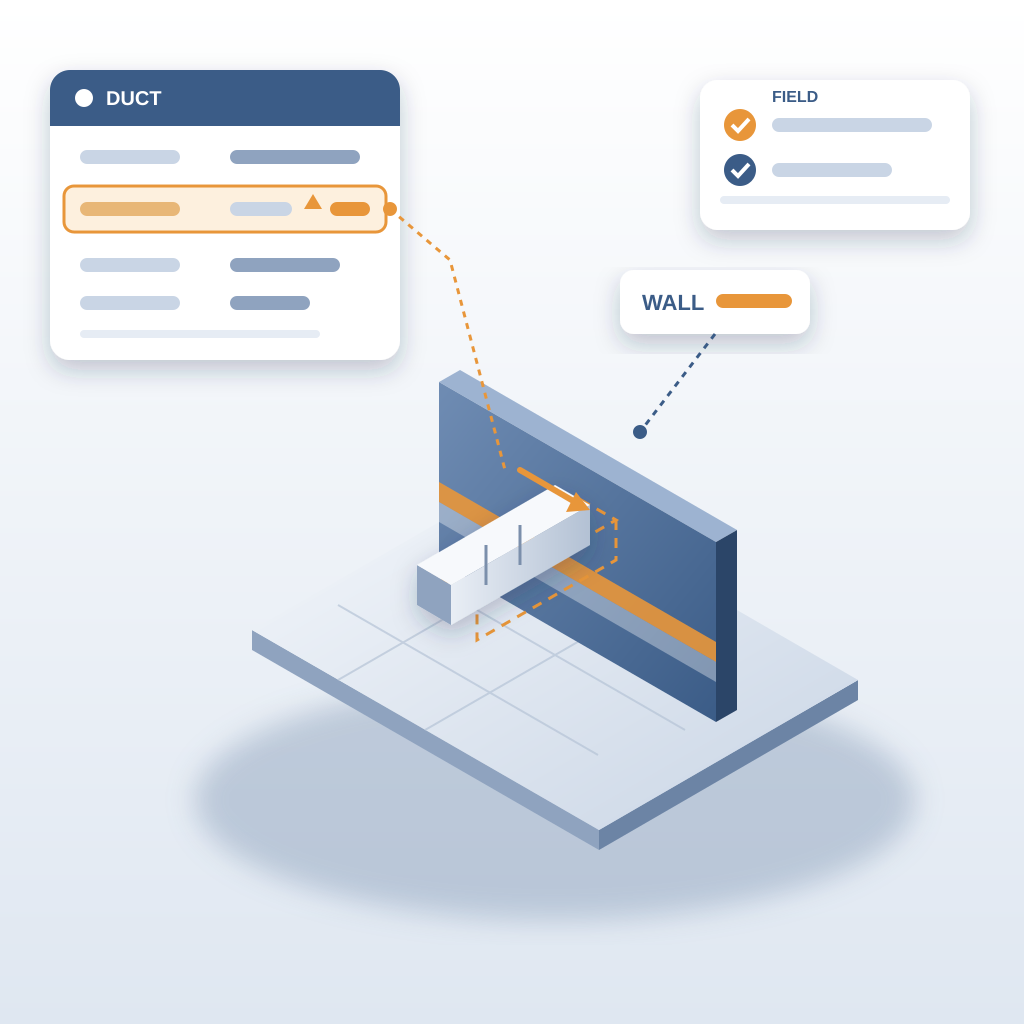
That overlooked data is a real cost. Every piece of metadata, from a duct's system family to a wall's insulation type, tells you whether the element moved or changed. When nothing reads it, a change reaches the field before it reaches the people it affects, and that is when it turns into rework. The fix is to see your Revit model not just as a design tool but as the foundation of your coordination record.
How BidLight Turns Metadata into Pinned Issues
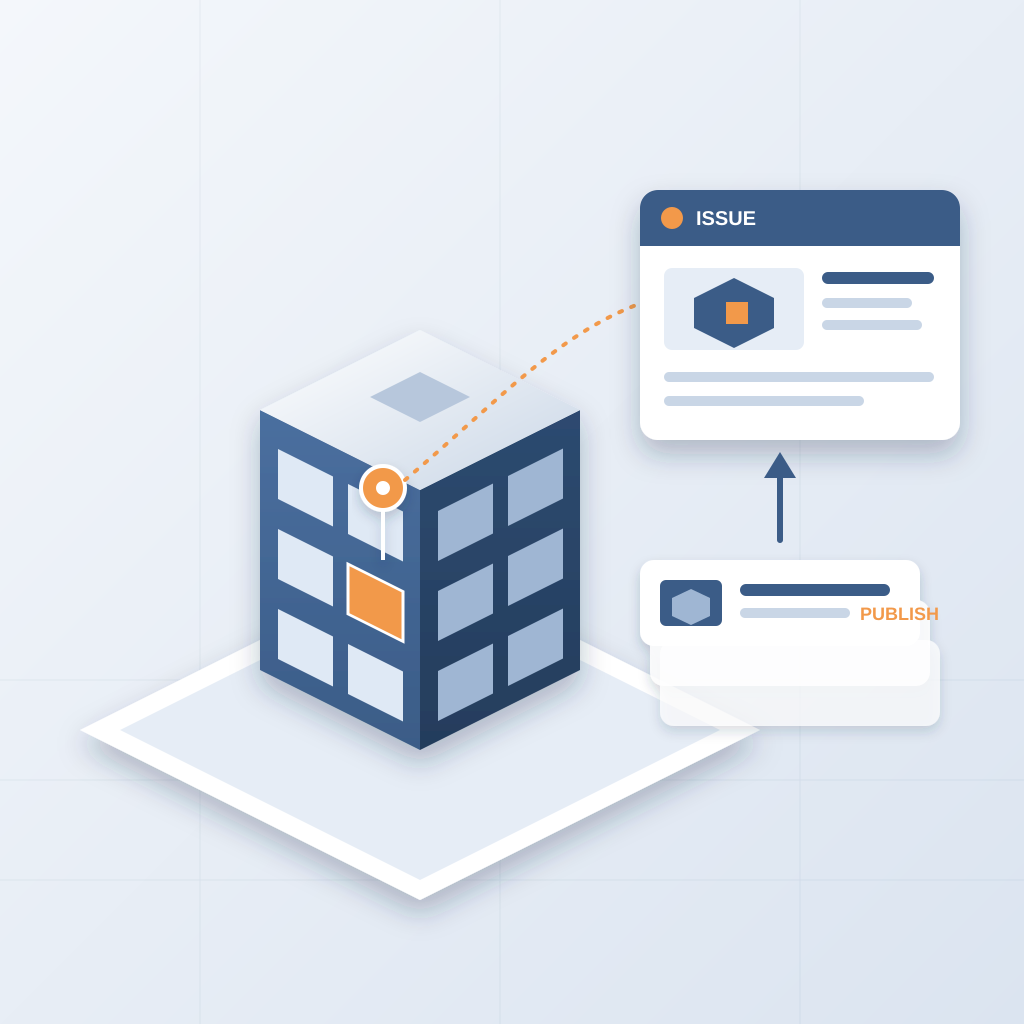
BidLight runs inside Revit and Navisworks, so you publish straight from the model. Each publish becomes a versioned snapshot with its own files, author and milestone. Compare any two revisions and the elements that changed show up one by one, grouped by category: structural, MEP, envelope, interior. The details you already assigned, like a wall's fire rating and material, are what the comparison reads.
That changes the workflow. Coordination stops being a separate, manual chore. It becomes an output of the design process. When a window swaps, a wall moves or a material changes in Revit, the next publish shows it. You raise an issue on that element. It carries the sheet and the revision it came from, and it stays attached to the geometry.
Answers You Can Stand Behind
Chasing updates across email, Teams and 47 versions of the same markup is a headache nobody needs. The comparison takes about 15 minutes instead of a 90-minute meeting, and that time goes back into the work that actually moves the job.
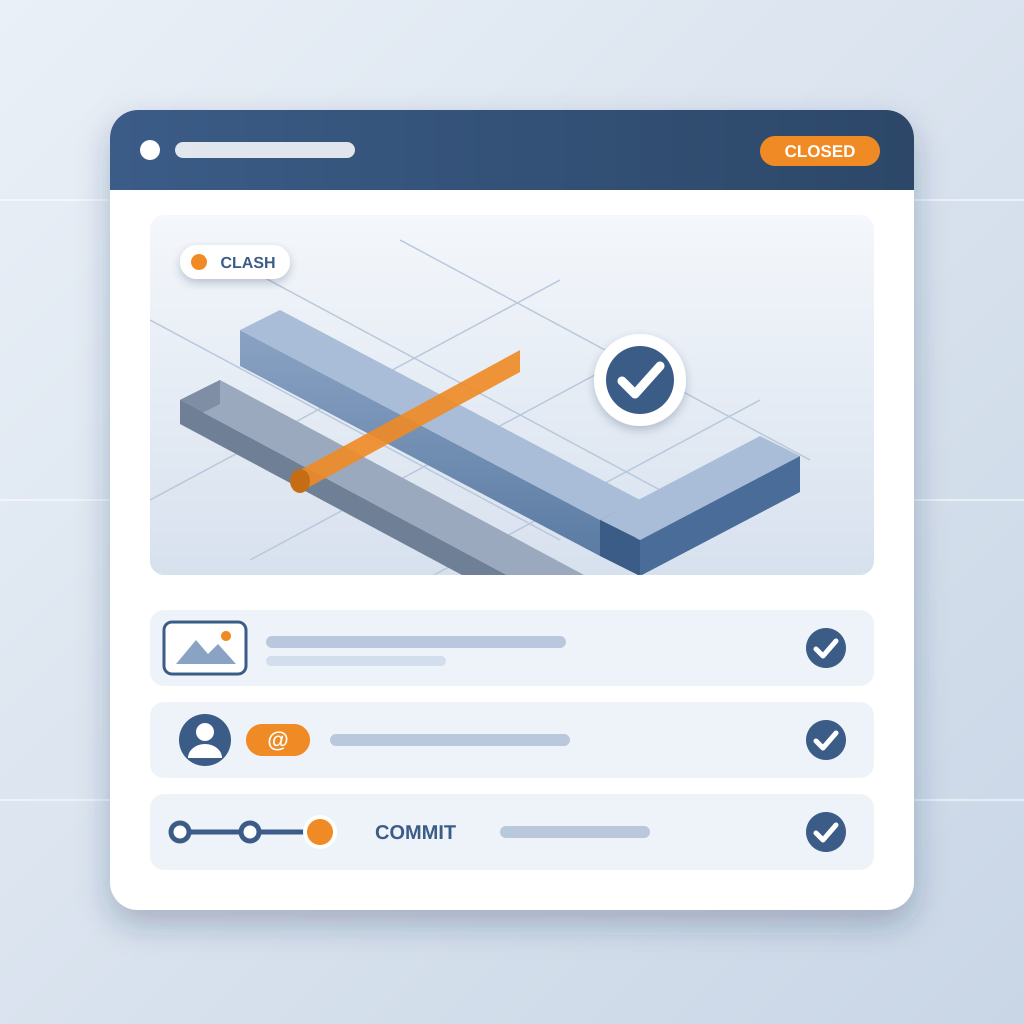
You can also stand behind what you report. An issue closes only with a screenshot, a tagged user and the model commit that fixed it. When a GC asks whether the clash is really gone, you point to the commit. A clash caught in the model costs about $50. The same clash found in the field costs $5,000 to $50,000. Stop leaving value in your model. Start using it.