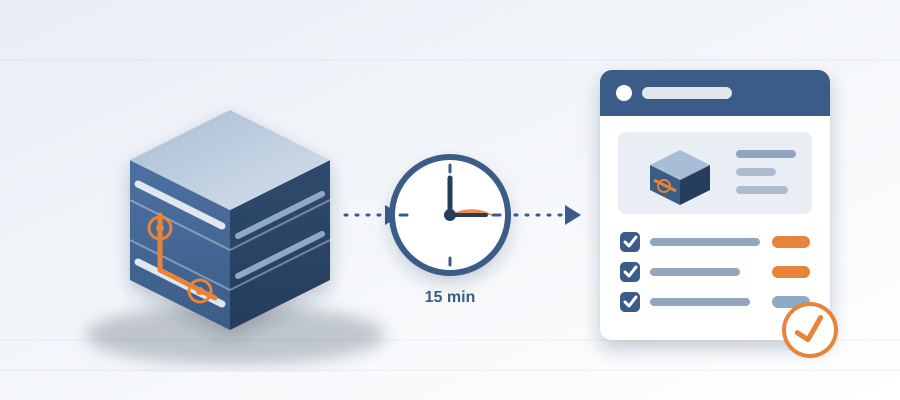
From Revit Model to Coordination Record in 15 Minutes
The Coordination Work Nobody Sees
You know the drill. A coordination meeting is coming. You spend the weekend working out which model is current, squinting at PDFs and rebuilding what changed since last week. You walk in with a list. The meeting runs 90 minutes. Half of it is people arguing about whose version is right. Then the list goes out in an email, and by Friday nobody can find it.
That weekend was free work. It consumed your time, and it did not stop the next surprise on site. It is the part of the job that never makes it onto a schedule, and it is the part that decides whether the job runs clean.
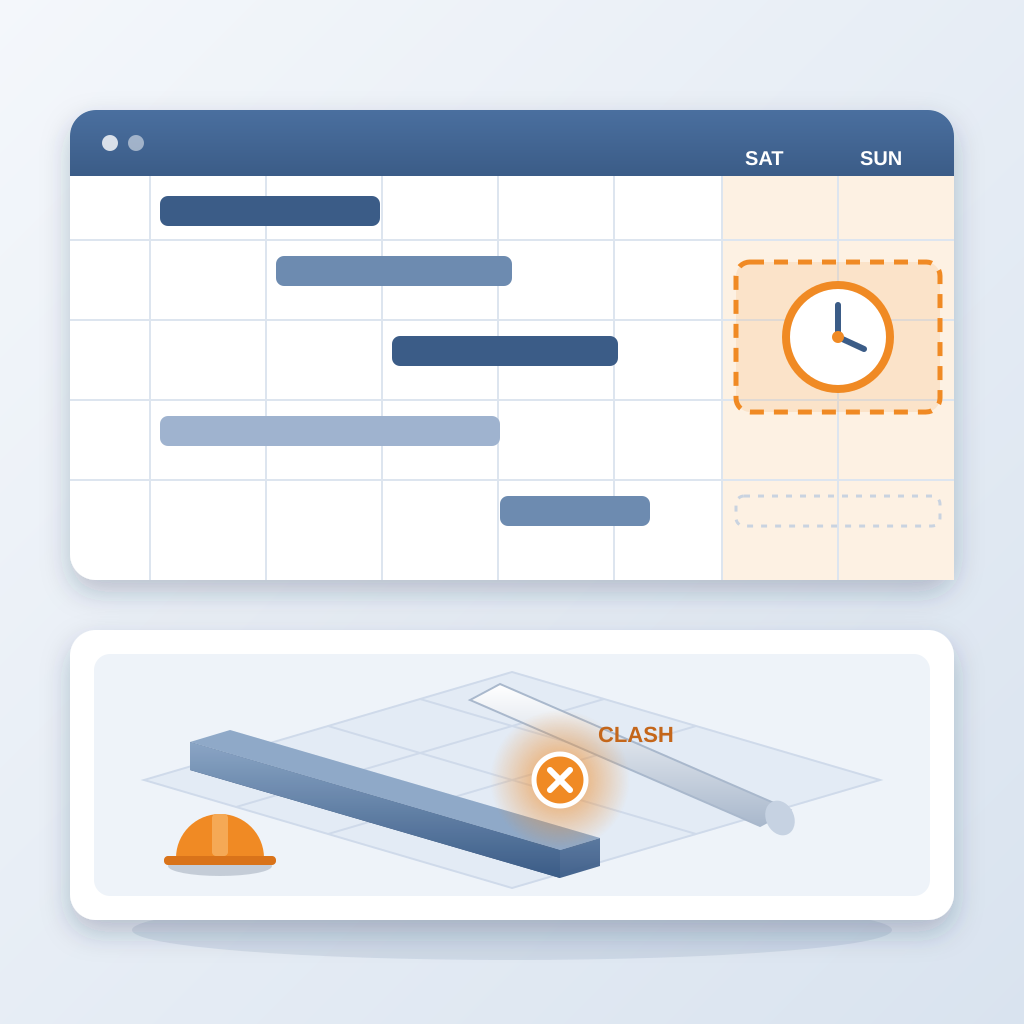
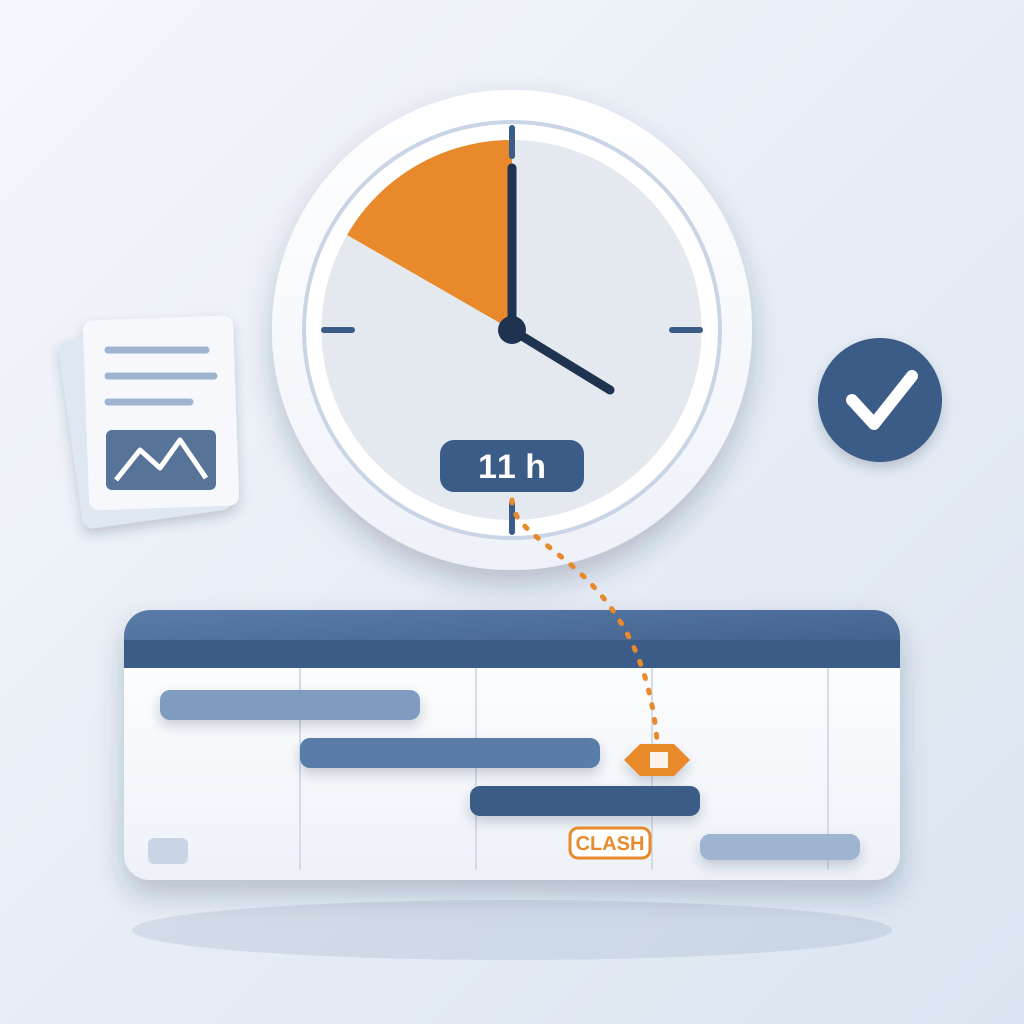
Every team does this. It becomes a rite of passage. You tell yourself the chase is part of the job. But it is a broken way to run it. You lose about 11 hours a week working out which model version is current, and that is before any real coordination starts. The cost shows up later: a clash that sits 47 days can burn $28,000 in idle field labor.
BidLight changes the routine. You publish from Revit, and in about 15 minutes you have a comparison against the last revision: what changed, element by element, by category. Not a guess. A record you can stand behind, with the files, the author and the milestone attached to every snapshot.
When the comparison takes minutes, you stop treating it as a weekend job. It becomes the first thing in the morning. The meeting shrinks, because the argument about versions is already settled.
Think about the hours. Give 11 hours a week back to coordination that moves the job, and you have time for the issues that are really blocking the schedule.
The 15-Minute Workflow
Here is the exact routine that gets you from a Revit model to a coordination record in about 15 minutes. You do not need a new process. You need to publish every time you export.
Step one, publish your model from Revit, or the federated model from Navisworks. It is the same export you already make for coordination. Step two, BidLight stores it as a versioned snapshot with its files, author and milestone. Step three, pick the previous revision and compare. The diff reads every element and sorts the changes by category: structural, MEP, envelope, interior.
Now you can see what moved. Walls, floors, ceilings, MEP components. The comparison is the difference between squinting at two PDFs and knowing.
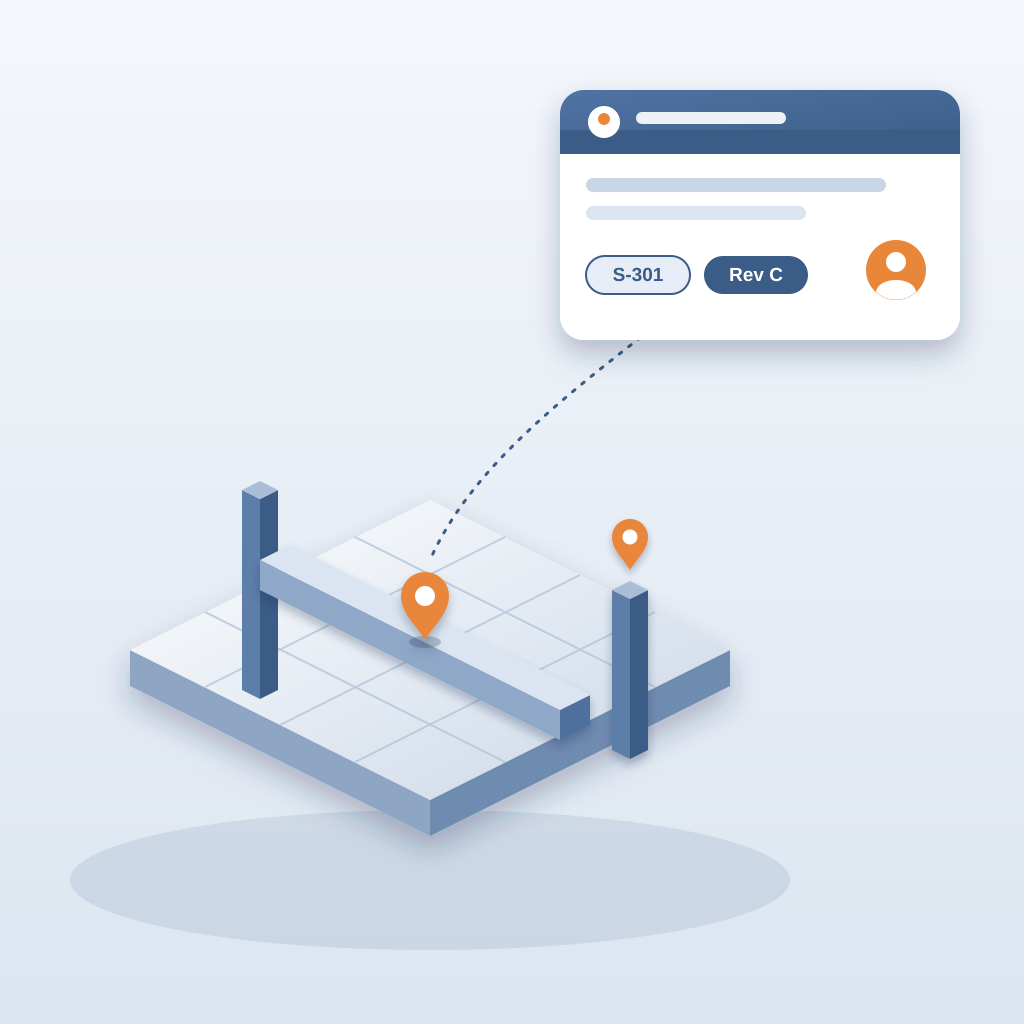
Step four, pin the issues. Each one attaches to the Revit element it concerns and carries the sheet and revision that raised it. You tag an owner. You do not write a long email. You do not need to describe where the thing is. It is pinned to the geometry.
Step five, let the digest work. At 6am every owner gets the issues assigned to them. The project view shows who is behind. You can see it while there is schedule left to move work, not at the next GC meeting.
When the design changes again, you publish again. The next comparison runs the same way. No more rebuilding the history from email. No more asking who has the latest. The record stays current because it is made from each publish. That is not only a time saver. It changes how you manage the project.
3D viewing uses GLB and JSON, and screenshots are captured automatically, so the proof for each issue is already on hand when you need it.
Turning a Routine Into a Habit
So how do you make this stick? It starts with changing your mindset. You are not just collecting updates. You are the person who keeps one record of the project, kept as the work happens.
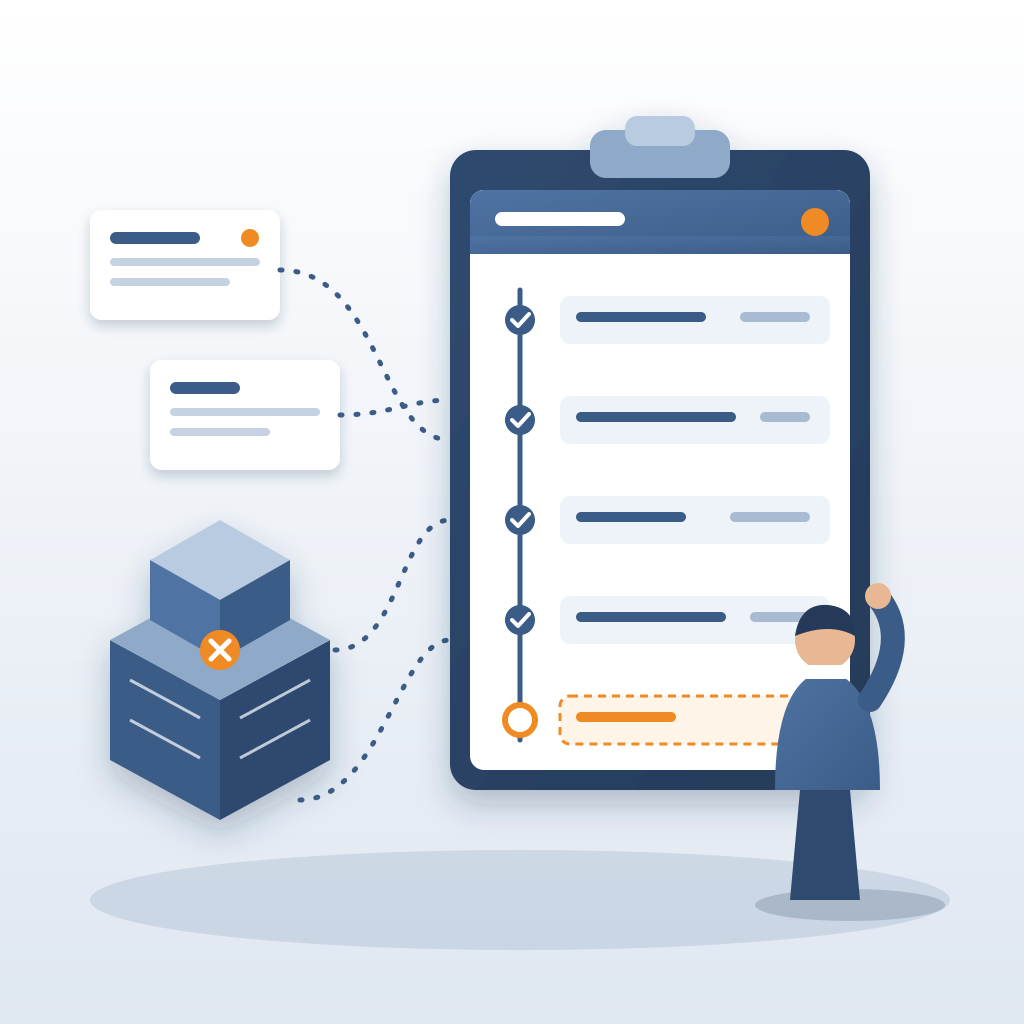
You would be surprised how fast the team adopts it. They are tired of scattered updates, 47 versions of the same markup and threads nobody can search. When the owner of an issue sees it in their 6am digest with the screenshot attached, they stop asking you where it is.
You can also set a rhythm. Publish after every model session. Compare against the last milestone each morning. Review the project view before the weekly call and spend the call on the items that are behind. Leave the rest to the digest.
Gated closing helps too. An issue closes only with a screenshot, a tagged user and the linked model commit. That means a closed issue is real. A fix that lives only in a conversation does not count. After a few weeks, the team stops closing issues "because someone said so".
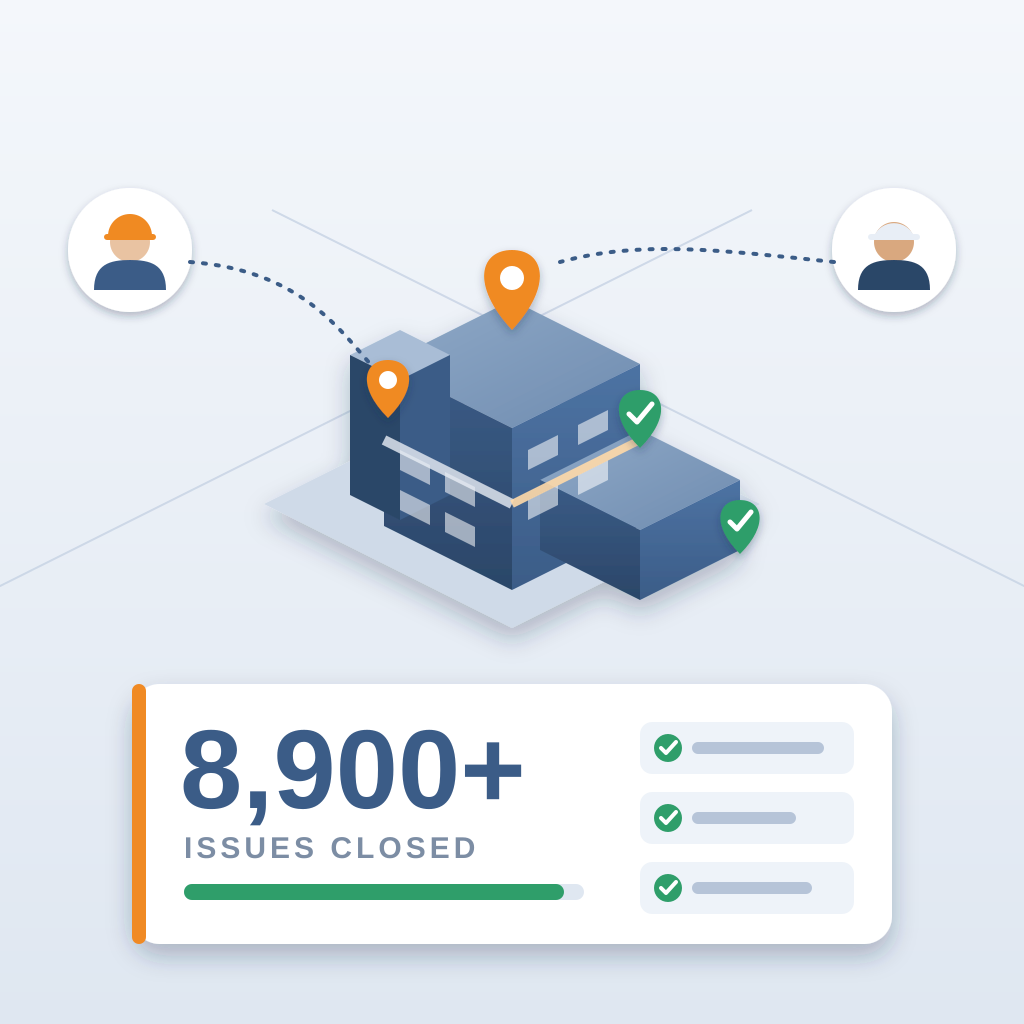
The side benefit is trust. When owners and trades see you are on top of the model, they bring problems earlier. They know they will be pinned, owned and closed with proof. On the hyperscale programme this approach came to 8,900+ issues resolved and 18,000+ hours saved.
Beyond the Software: Done-for-You BIM Services
If you are thinking "I do not have time to learn a new tool," there is another option. BidLight also delivers BIM services. You hand over the model and our team does the work. That covers execution plans, content and design development, fabrication detailing and spooling, 4D sequencing, as-built modelling and construction digitalisation consulting.
For small firms that matters. You might need fabrication detailing on one job a quarter. Hiring a full-time specialist for that is overkill. Bringing in a team for one project makes more sense. You get the BIM experience without the overhead, and the team works in Revit every day.
The services also cover the work you would rather not do. Execution plans, for instance. Those documents define how the model will be built, what level of detail, who owns what. They are critical on complex projects, and they are tedious to write. We can handle that. Same with fabrication detailing and spooling. If you are running prefabricated runs, you need to know exactly where every piece goes. That is precision work.
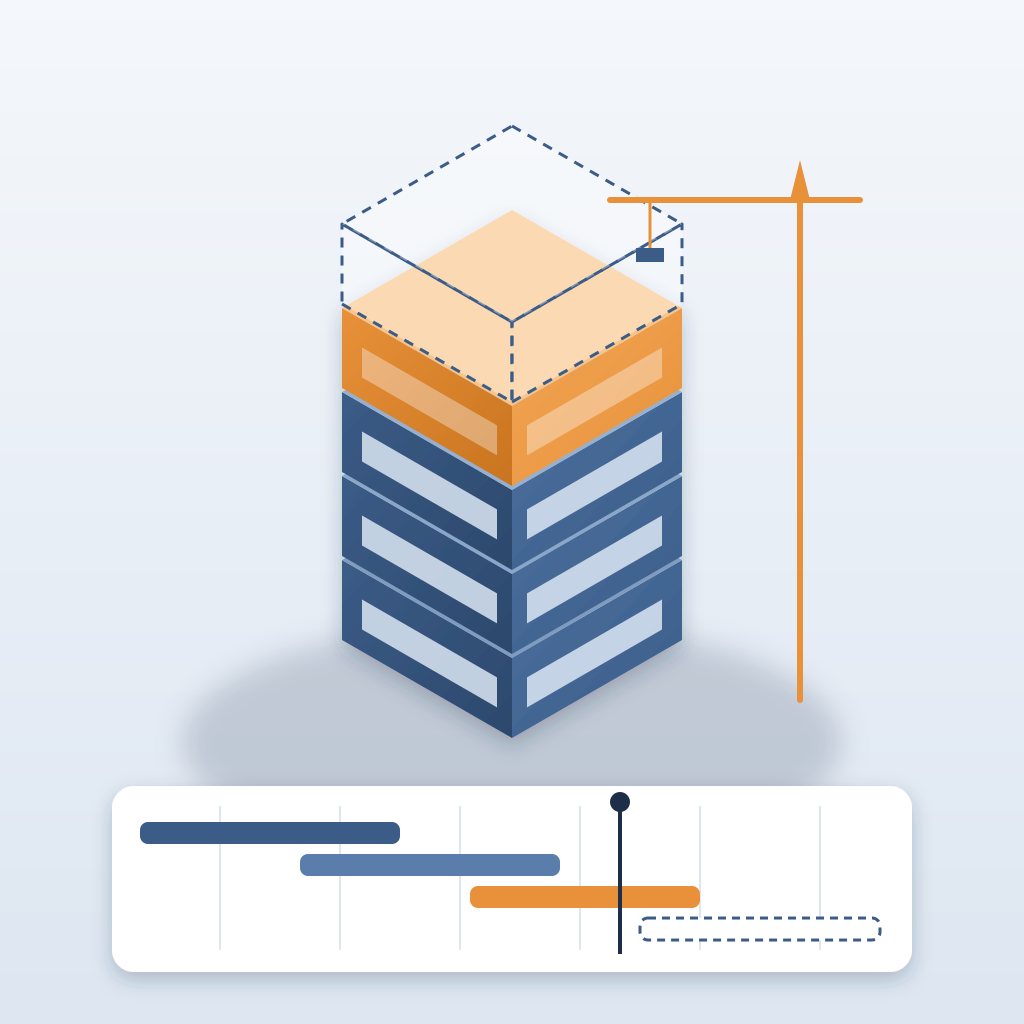
And then 4D sequencing. That is construction sequence linked to the model, so everyone can see what gets built when. Clients love seeing a visual timeline. Building one is a lot of work. We do it for you, from the same model your team coordinates in.
So whether you use the software yourself or bring in our team, the result is the same: one record of the project, kept as the work happens, with clashes and changes caught in the model rather than in the field. A clash caught in the model costs about $50. The same clash found in the field costs $5,000 to $50,000. Plans run from Basics at $260 per licence per year to Max at $590, with unlimited projects on every plan. To talk it through, call +1 480 859 4697.