Design Changes Cost Less When You See What They Touch
Why Design Changes Create Rework
Design development is where problems are born and buried. Every door relocation, every structural bay shift, every finish change moves something else. But because feedback on what a change touched typically comes days or weeks later, from a coordination review on a frozen model, small moves become big problems. By the time you see the impact, the decision is already in the next drawing set. Reversing it costs more than getting it right the first time.
The traditional workflow severs the design from the people affected. The architect moves a wall to improve sightlines. The engineer reroutes a duct to clear a beam. The owner nods at a render. No one pauses to ask what those moves touched, because no one knows. The coordinator is working from a model export from three weeks ago. That lag turns small, innocent moves into rework that surfaces on site.
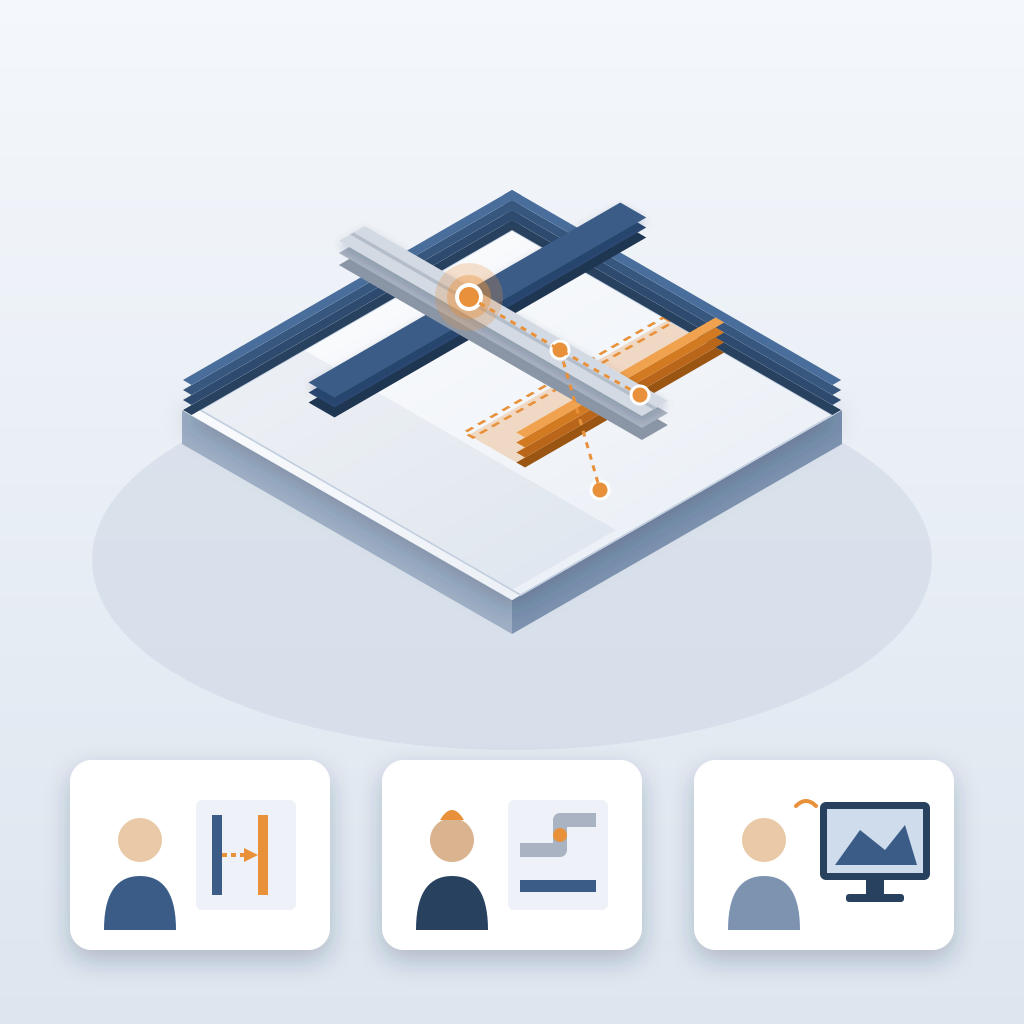
What if you could short-circuit that cycle? Not by redesigning your process, but by pulling the record into the tool you design in. That is the premise of BidLight. It runs inside Revit and Navisworks. Each publish is a versioned snapshot. Compare two of them and you see exactly which elements changed, in about 15 minutes instead of a 90-minute meeting.
That kind of feedback loop changes how a team works. You catch the ripple the moment it happens. When a wall move touches a duct and a sleeve, the owners are told while the layout is still open. That saves rework, redesign cycles, client trust and the awkward call you make late.
How Element-Level Comparison Puts the Change Where It Belongs
Catching changes by eye does not scale. BidLight compares any two revisions element by element, grouped by category: structural, MEP, envelope, interior. A wall, a duct, a steel beam, each shows up as changed, with the author and milestone beside it.
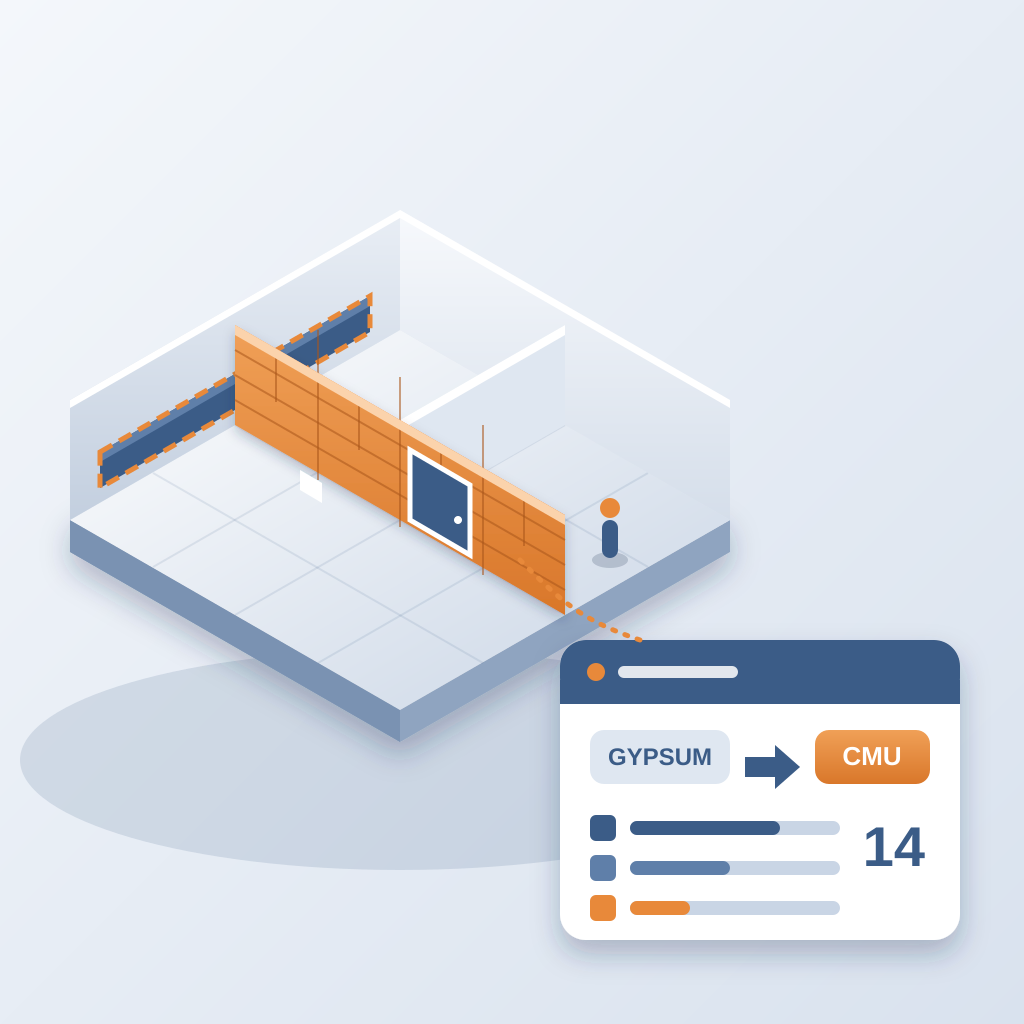
This is not a separate dashboard you tab out to. It lives alongside the model your team already works in. When someone swaps a wall type from gypsum board to CMU, the next publish shows the swap, along with the elements it touched. The designer stays in flow, and the coordinator sees the consequence.
Compare that to the usual process. Someone exports the model, marks up drawings, mails them to the team, and waits for replies. If the model updates, and it will, they start over or spend hours reconciling versions. About 11 hours a week go to working out which model version is current. Speed is the real problem, because manual methods cannot keep up with design velocity.
The workflow is straightforward: design, publish, compare, pin. The record is live, not archival. That shift from static to dynamic is what makes this a design tool and not only a close-out tool. You are not documenting a past decision. You are seeing the one in front of you.
Instant Visibility Turns Designers Into Owners
When feedback arrives quickly, the designer's relationship with the model changes. Instead of treating coordination as a review that someone else runs, they start to see it as part of the design, like structural load or program area. They can ask, "If I shrink this corridor, what does it touch?" and get the answer before the meeting ends.
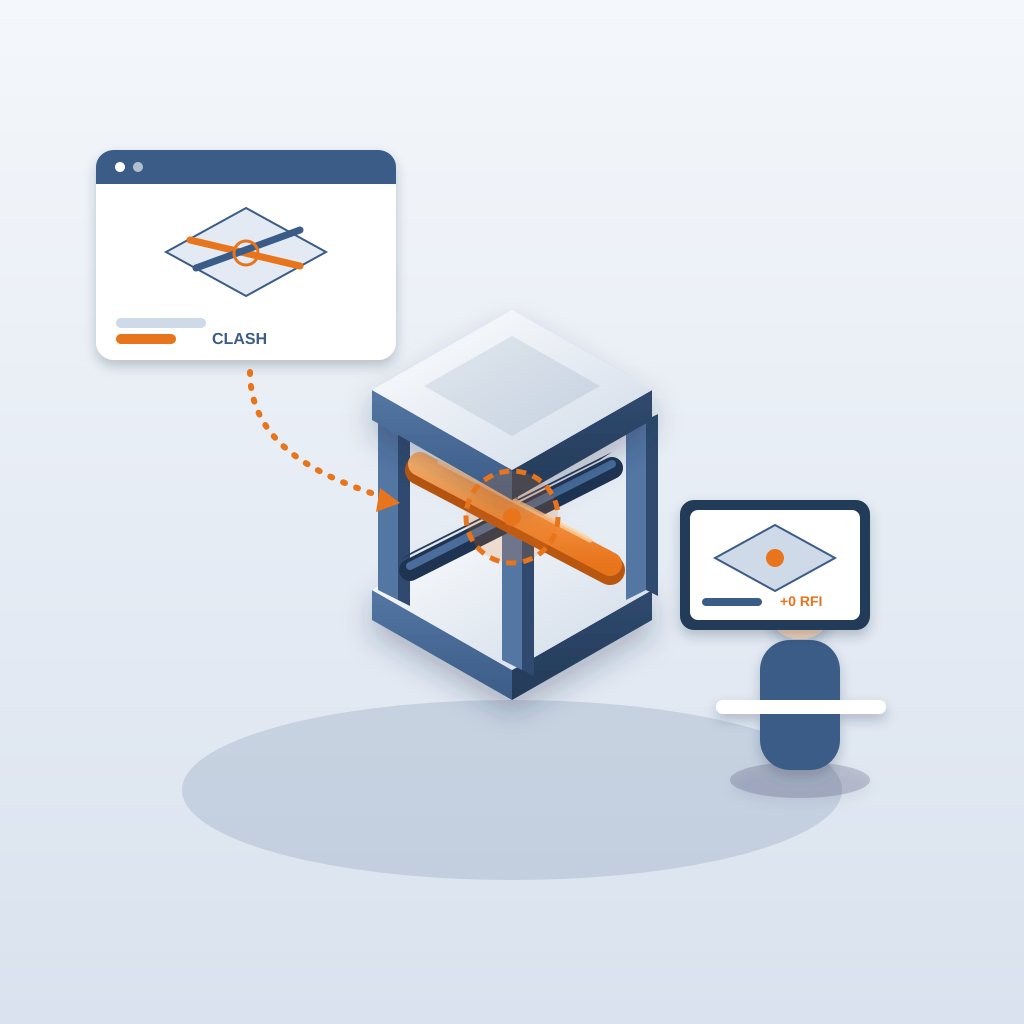
This is where it gets practical. Each issue is pinned to the element it concerns and carries the sheet and revision. Designers learn which moves ripple and which are clean. They make bolder choices when the change list is short, and they pull back when it grows.
The result is a tighter loop. When the answer to "what did that touch?" drops from days to minutes, the coordinator works on more of the project, and the team can test options while decisions are still open.
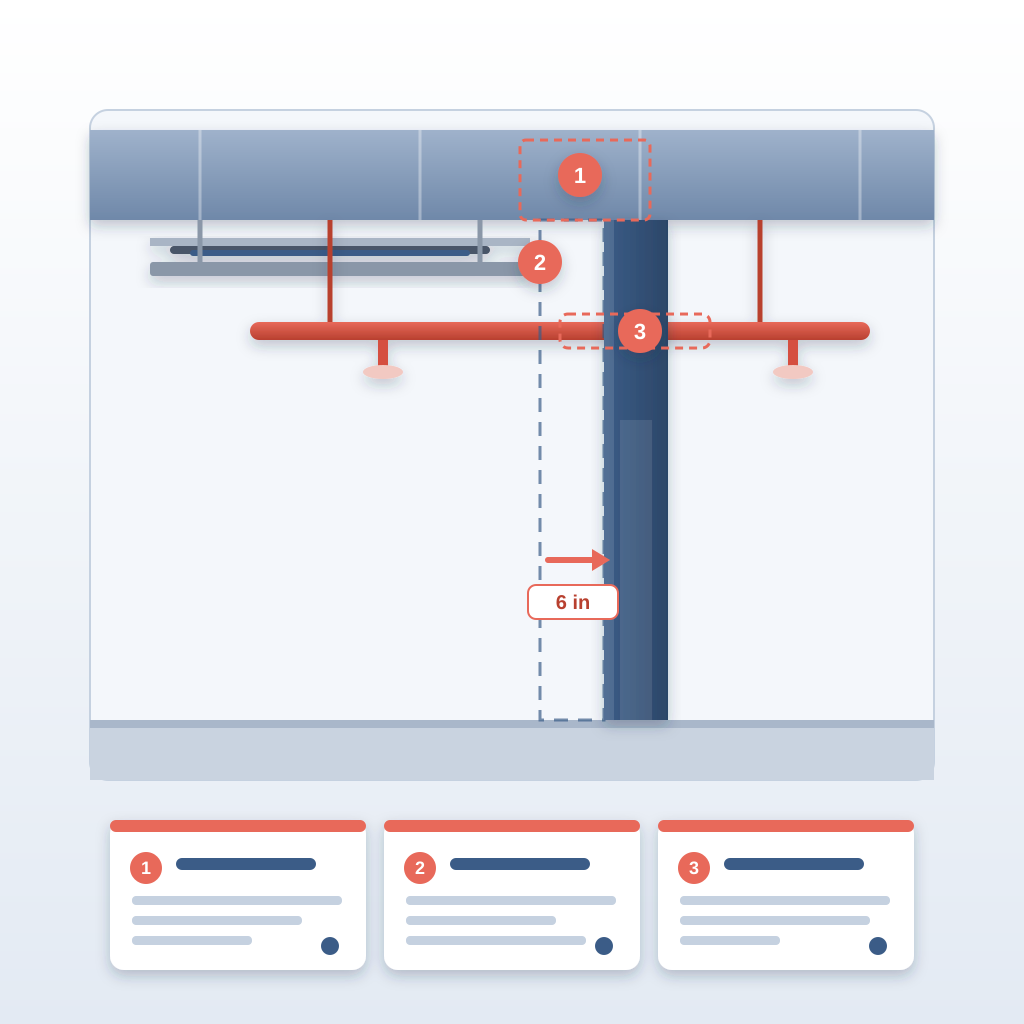
Picture the corridor wall that moved six inches. The ceiling above it, the sprinkler branch and the cable tray all sit in the changed list the same morning. Three owners get a pinned issue each. Nobody needs a meeting to find that out, and nobody finds it on site.
Make the Follow-Up Visible and Owned
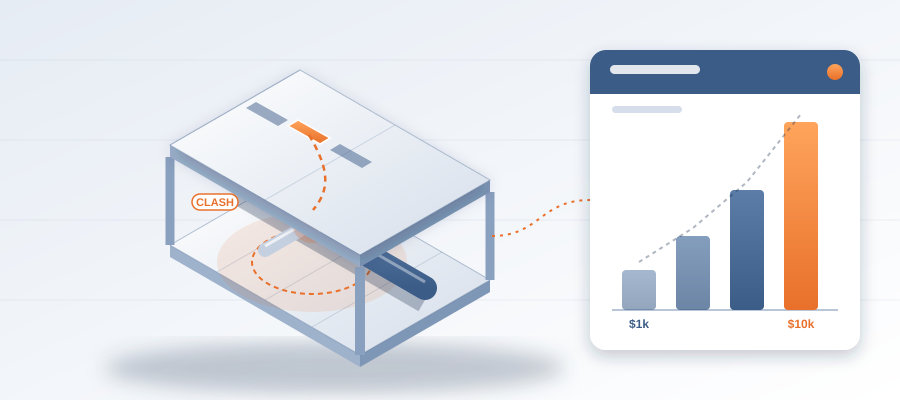
Here is the business case. Late changes cost money in the field. A clash caught in the model costs about $50. The same clash in the field costs $5,000 to $50,000. An unresolved one can burn $15K to $50K a week in idle field labour while a crew waits.
An issue in BidLight can only close with a screenshot, a tagged user and the linked model commit. So the loop is closed with proof, not a promise in a meeting. The 6am digest tells each owner what is theirs, and the project view shows who is behind while there is time to recover.
BidLight is priced per license, billed annually or monthly: Basics at $260 a year ($30/month), Core at $330 ($39/month), Complete at $440 ($51/month) and Max at $590 ($69/month), with custom Enterprise pricing. Every plan includes unlimited projects, and AIA members get discounts of up to 29%.
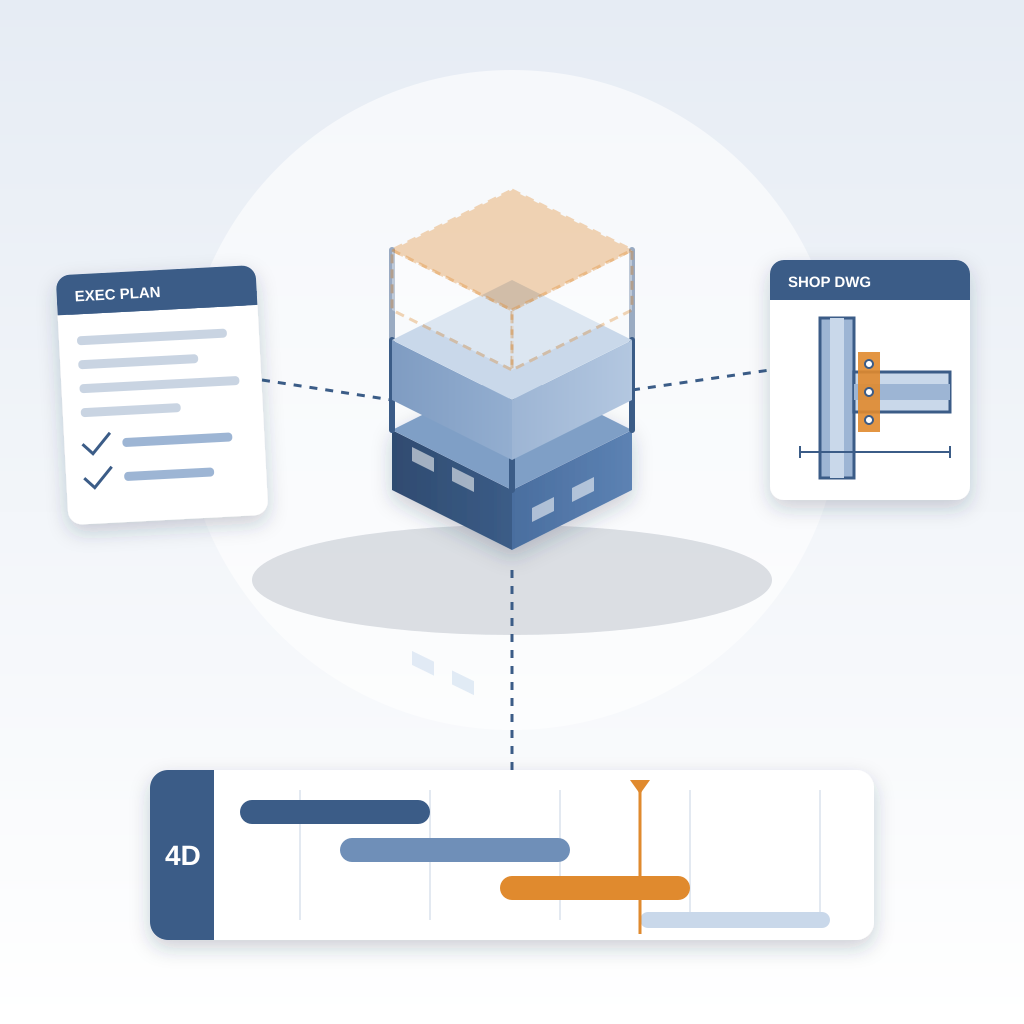
Done-for-you BIM services, including execution plans, 4D sequencing and fabrication detailing, are also available if you want to hand off the heavy lifting.
Making the Switch: From Static to Live
The biggest hurdle for most firms is inertia. You have a workflow, it kind of works, and changing it feels risky. But the risk of not changing is higher: rework, idle crews and hours spent chasing outdated files.
You do not need to dismantle your process. Start with one project, maybe a mid-rise mixed-use where late changes hurt. Publish the model, compare the next revision and read the diff in your weekly coordination meeting. The feedback loop is quick, so learning happens in hours.
Here is what changes. The team starts using the change list as a decision filter. Substitutions that quietly break something else get flagged while they are still easy to reverse. And the owner notices when you catch them early.
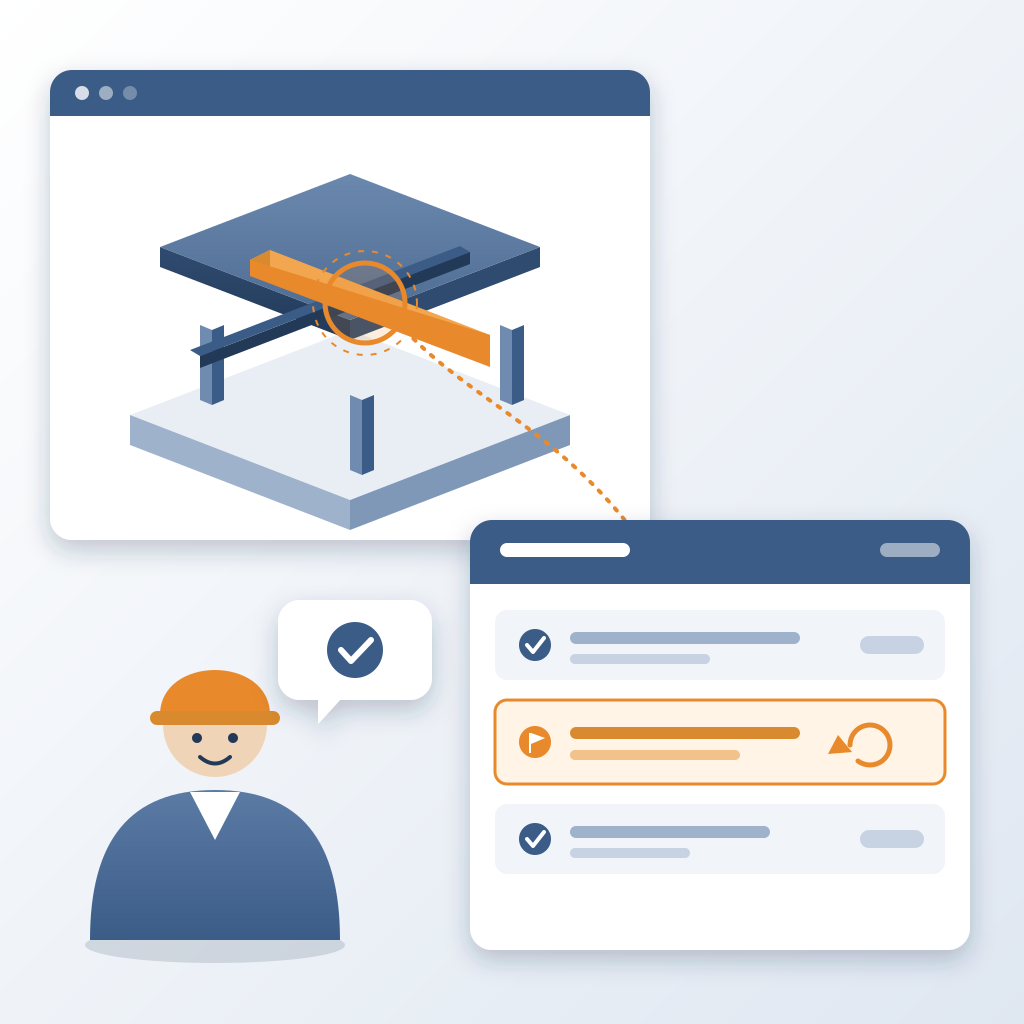
The move from static review to a live record does not abandon what you do now. It layers a versioned record on top of your existing rigor, and the people who review drawings keep reviewing drawings. The difference is that they review them against what actually changed. You publish once, and from that point every change is visible. No second round of markups. No "we will get you that next week." Just a direct line from the model to the person who has to act.