Architects Move Walls. The Field Pays.
The Wall Nobody Told You About
Every time an architect moves a wall, someone downstream is working from the old one. The sub keeps framing. The MEP crew keeps hanging. Weeks later it shows up on site as rework and a change order. Those hours add up, and so does the idle labour: an unresolved clash can burn $15K to $50K a week.
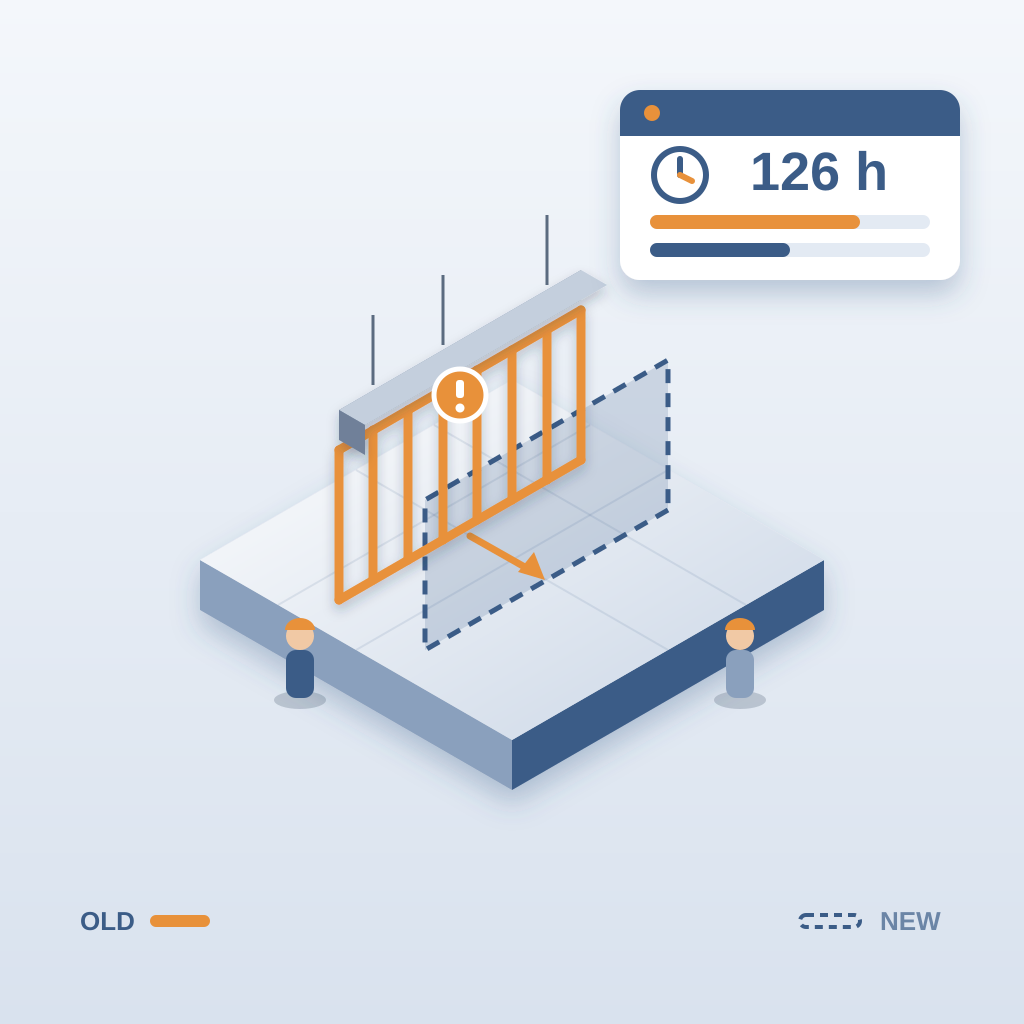
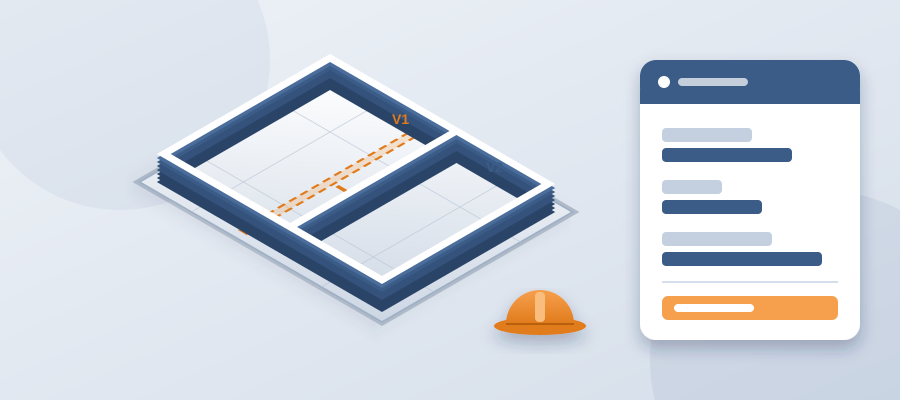
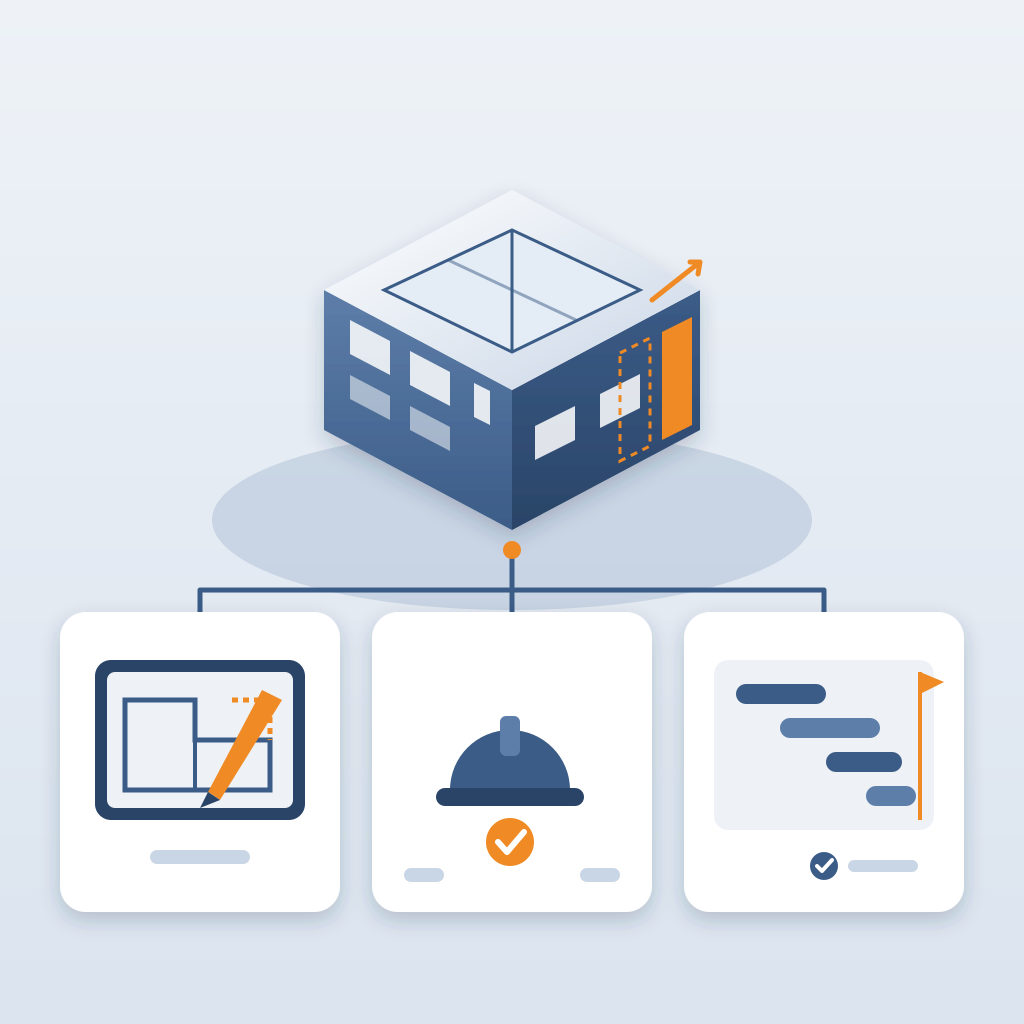
BidLight keeps the record alive inside Revit. Publish the model and the version is stored with its files, author and milestone. When the design changes, publish again and the two revisions compare element by element, grouped by structural, MEP, envelope and interior. No re-reading drawings by eye. No surprises on site. Issues pin to the moved wall and carry the sheet and revision that raised them, and each one closes only with a screenshot, a tagged user and the model commit that fixed it.
Teams that work this way stop treating rework as normal. They see changes sooner and route them without a meeting. The design team gets freedom to iterate. The trades get time to react. The owner gets a schedule that stays realistic.
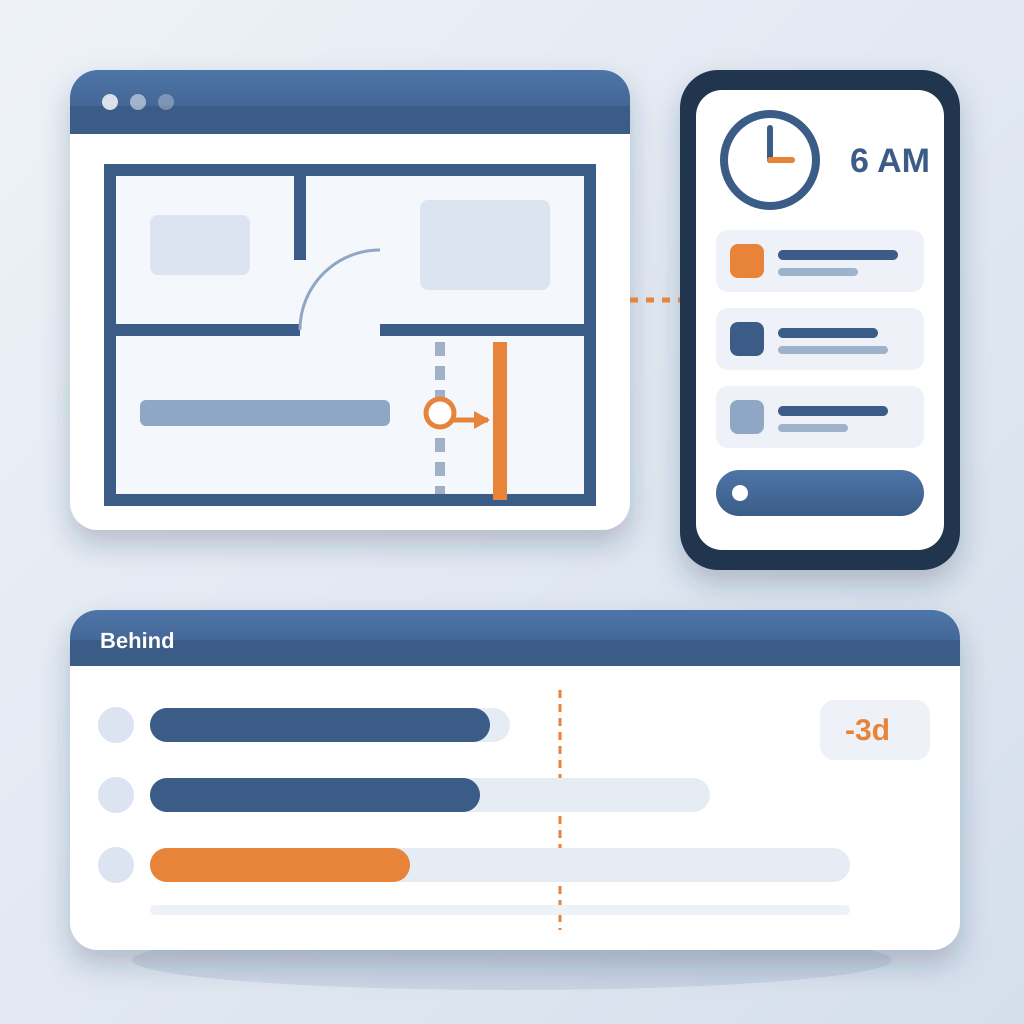
Architects move walls constantly. That's fine. With BidLight, the 6am digest tells the owners of the affected work what moved, and the project view shows who is behind while there is still time to recover. Your team spends its day fixing the next problem instead of finding out about the last one in the field. A clash caught in the model costs about $50. The same one found on site costs $5,000 to $50,000.