8,900 Issues Closed. Count What Each One Would Have Cost in the Field.
What Does an Unresolved Clash Cost You Once It Reaches the Field?
You know what a change order costs. You have signed enough of them. But the most expensive problems on a job never produce a change order. They produce idle crews, rework and a schedule that slips a week at a time.
Here is the number that sizes it. An unresolved clash burns $15K to $50K a week in idle field labour. That is not the cost of the fix. That is the cost of a crew standing around while someone decides what to do.
This piece sits in cost control. We look at what a clash costs in the model against what it costs in the field, and how you see that cost before the owner meeting.
The gap is where the money goes
A clash caught in the model costs about $50 to fix. The same clash found in the field costs $5,000 to $50,000. The range is wide because the field cost depends on how late you find it.
A duct that has to move before the ceiling grid goes in is one number. A duct that has to move after the grid, the sprinkler and the cable tray are hung is another. Nobody writes that second number down. It shows up as overtime, a lost week or a conversation at the post-mortem.
On a data center job the stakes are higher. 9 in 10 data center projects overrun schedule. The overrun rarely comes from one big failure. It comes from a clash here, a late RFI there and a change nobody reviewed. Each one adds a day or a week.
So the question for you is not whether to fix clashes. It is where you find them. We say it plainly: solve it in the model, not in the field.
Why the Model Is the Cheapest Place to Find a Problem
Moving a line in Revit is cheap. Moving a crew, a lift and a truck is not. In the model, you change a parameter and rerun clash detection. In the field, you stop work, order a new spool, wait for the crew to come back and pay for the rework. The $50 fix is real. The $5,000 fix is real. The only variable is where you found it.
BIM coordination management is the work of finding those problems before anyone cuts metal. Every Revit and Navisworks export we handle is versioned and diffed element by element. You see the moved wall, the resized duct and the shifted hanger before the coordination meeting starts.
That is why the meeting drops from 90 minutes to about 15. Nobody spends the hour recapping what changed. The diff already says it, with the author and the milestone on each change.
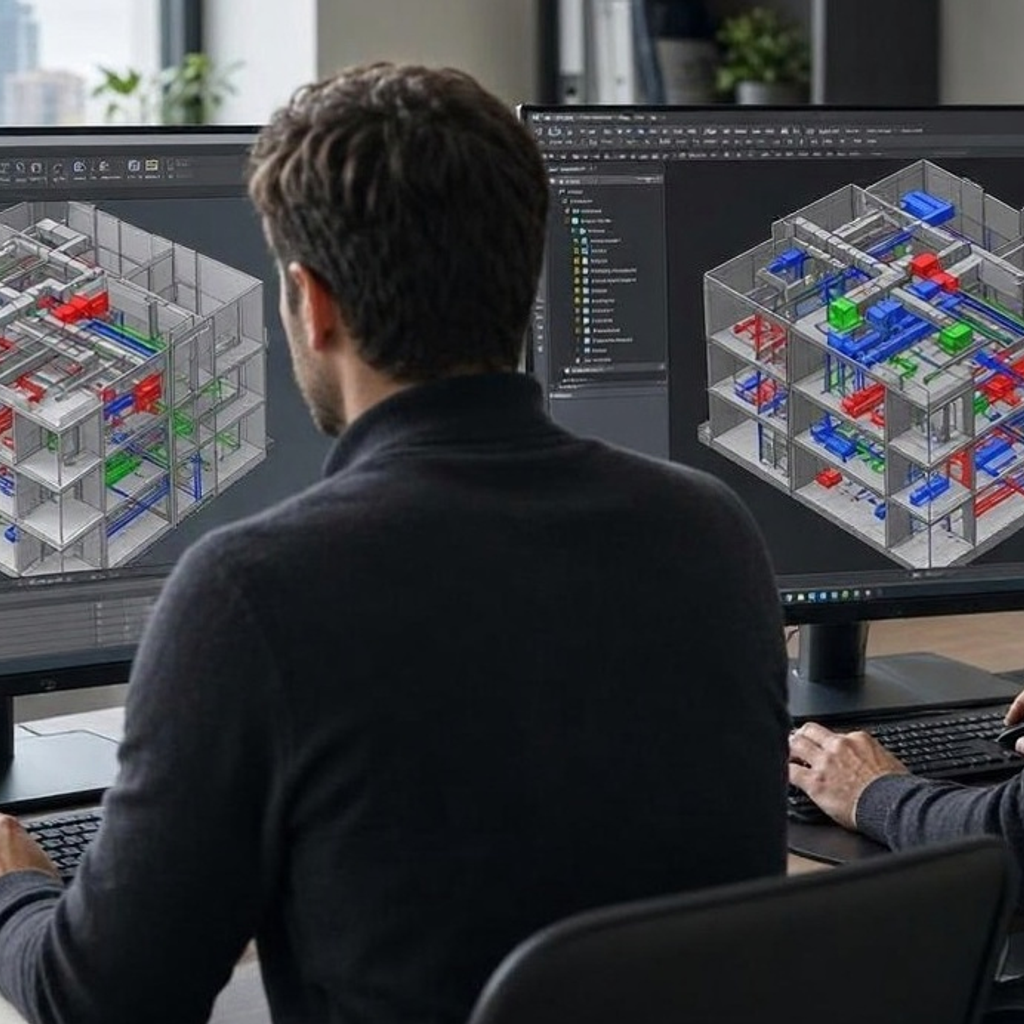
The meeting itself is a cost. Each 90-minute coordination meeting carries $2,000 to $3,000 of labour. When you open with the diff, you skip the recap and go straight to the changes that matter.
Then there is the ripple. A duct that has to move pushes the ceiling grid. The grid pushes the sprinkler. The sprinkler pushes the electrical rough-in. Each trade waits on the one before it. That is how one clash becomes a week of idle labour, and why the $15K to $50K a week figure is not a stretch. It is what happens when a crew shows up and cannot work.
How to See the Cost of a Change Before the Owner Does
You do not need a complex model to see where cost is drifting. You need the cost impact tied to the revision that caused it.
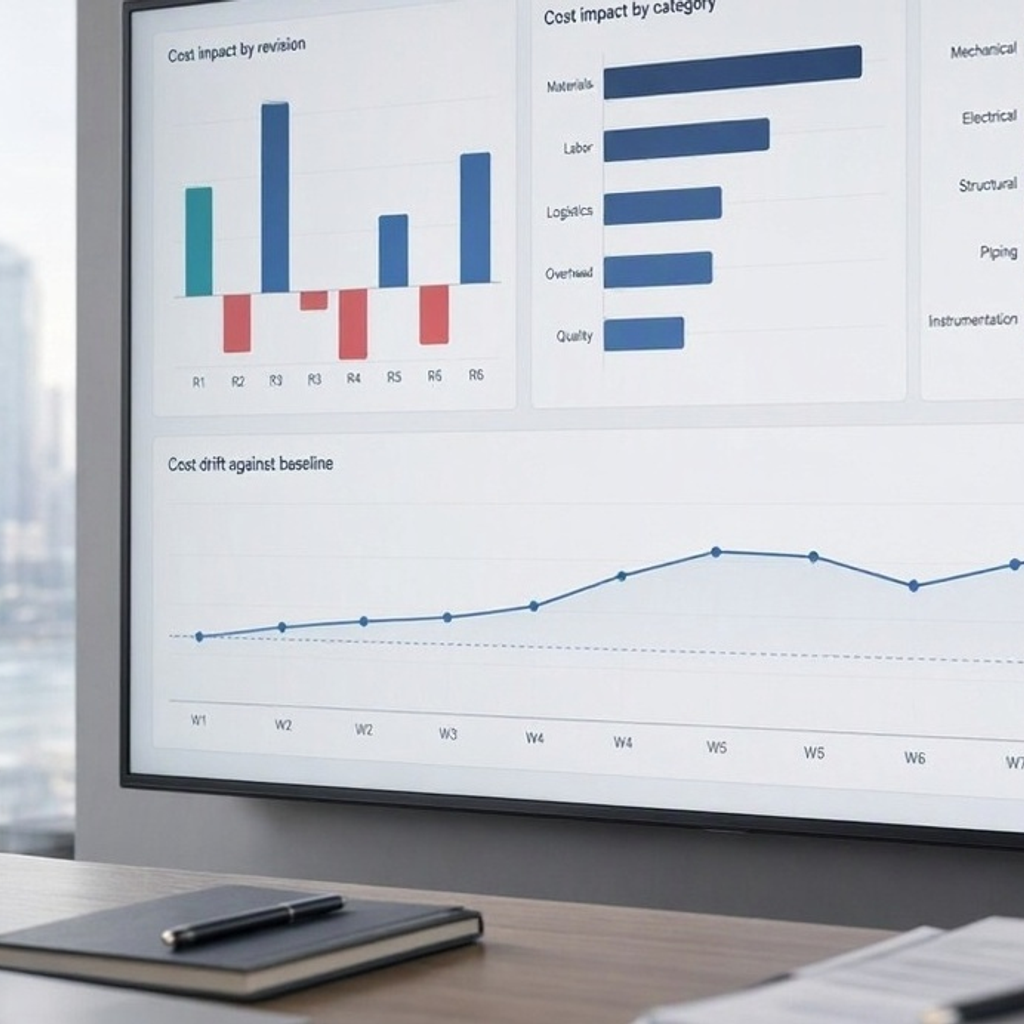
In BidLight, every model change shows its cost impact per revision, per category and per trade against the baseline. You see who made the change and when. Cost drift gets caught before the owner meeting, not at the post-mortem.
Three questions help you read it.
First, which trade is involved? A duct that hits a beam is one problem. A duct that hits a beam, a sprinkler main and a cable tray is another. The more trades on the clash, the more the field would charge you for it.
Second, has the area been released to the field? A problem found before release costs you the fix. A problem found after release adds idle labour, because the crew is already mobilised. That is where the $15K to $50K a week comes from.
Third, what else did the change touch? A moved duct can mean a new hanger, a new penetration and a new inspection. The revision record shows what moved, so you are not rebuilding the story from memory.
When a change order conversation comes, you walk in with a revision-by-revision record of what changed, who changed it and what it cost. That is a different meeting from one built on recollection.
The Mechanics Behind It
The coordination runs inside Revit and Navisworks, not in a separate portal. Five pieces carry the load.
Versioning. Every export is versioned and compared at element level, by category. You see what changed between versions without opening a single model. Without it, you are comparing screenshots and hoping you did not miss anything.
Issue pinning. Every issue pins to the element and carries the sheet and the revision that raised it. No more hunting through the model for the wall that moved.
Gated closing. An issue closes only with a screenshot, a tagged user and the model commit that fixed it. A verbal assurance does not close anything. That is how the same problem stays off the site the second time.
The quality gate. Model health checks, naming validation and clash detection run on every change. A fix in one trade does not quietly create a problem in another.
The project view. It shows who is behind, which issue has no owner and which change was never reviewed, while there is still schedule left to move work. A daily 6am digest, schedule by person and per-person resolution rates in the Problem Solver Index make ownership visible. You stop chasing updates across Teams, email and Bluebeam.
The cost impact sits on top of all of it. Every revision carries its dollar figure by category and by trade, so cost control and coordination work from the same record.
What This Means for Your Next Job
Here is a number from a real programme. On the hyperscale programme we ran, the team saved 18,000+ hours and $12.3M in cost. That did not come from one big save. It came from problems caught early, change by change, when they were still cheap to fix.
You can apply the same discipline on a smaller job. Pick your last project. Ask four things.
Which clashes reached the field? What did the idle labour cost while they waited? Which changes did nobody review? Where did cost drift show up, and when did you find out?
You will have your own numbers. Use those, next to the $50 against $5,000 to $50,000 gap. They are your case for the coordination budget and for the next owner conversation.
If you want to see it on your own model, send us a model export. We will show you the diff, the issues and the cost impact by revision. Or request a demo and we will walk you through it. Pricing is per licence with unlimited projects on every plan, from Basics at $260 a year to Max at $590.