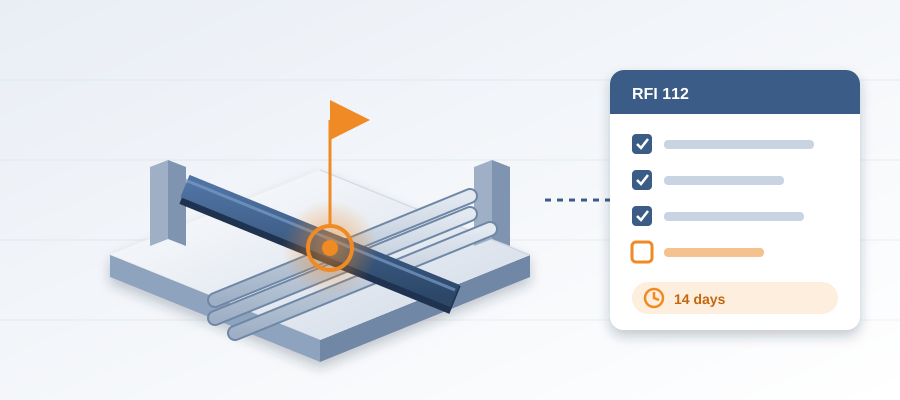
The Clash Fix Nobody Followed Up On
The Clash You Fixed, the Ripple You Didn't See
You know the feeling. A coordination meeting turns up a six-inch pipe running straight through an HVAC duct. The BIM manager highlights the clash. The team agrees to move the pipe twelve inches. The meeting moves on. Everyone feels good about catching it early.
But nobody checks what else that move touched. A pipe shifted twelve inches means new supports, a different path past the cable tray, maybe a sleeve in a wall that was already approved. The clash was visible. The ripple was not. Two weeks later a crew arrives on site, finds the conflict, and waits while somebody works out who was supposed to know.
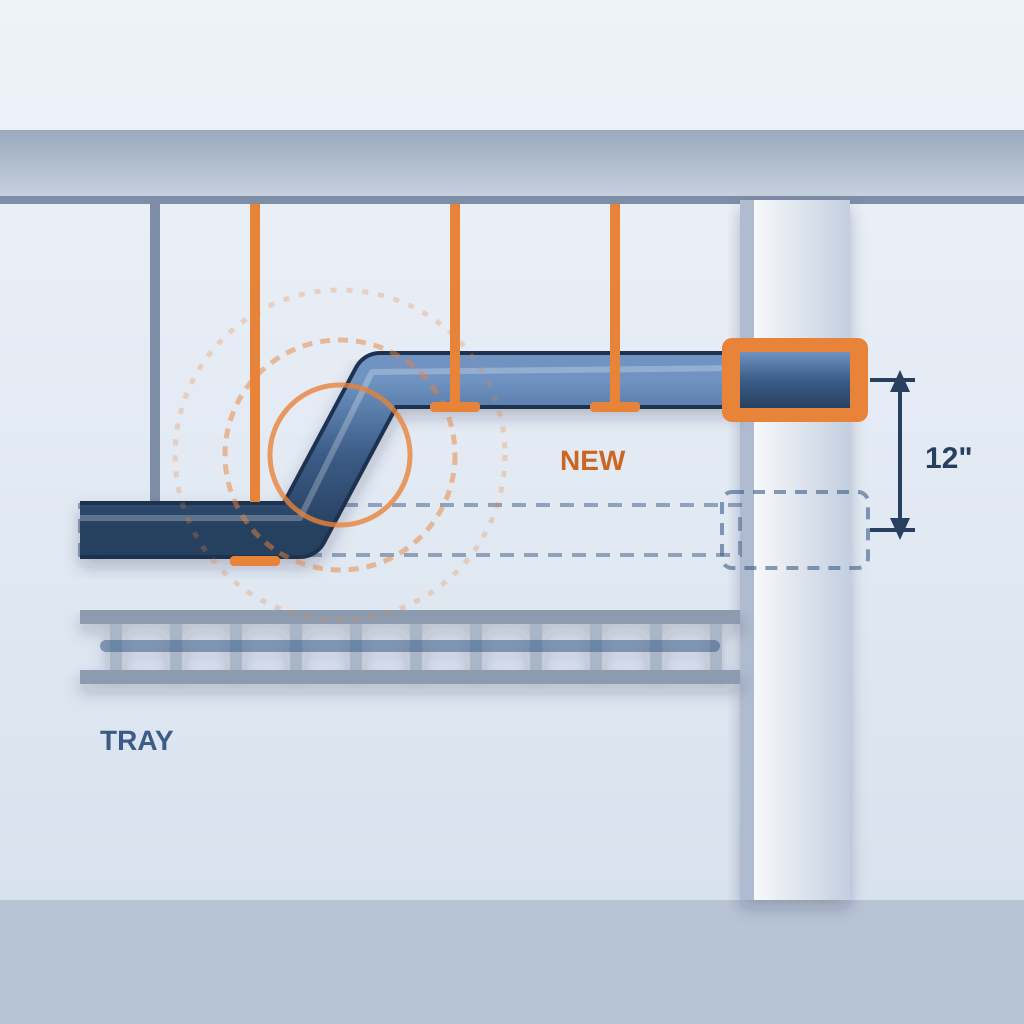
BidLight runs inside Revit and Navisworks. You publish from the model, and every publish becomes a versioned snapshot with its own files, author and milestone. When the pipe moves, the next snapshot shows exactly which elements changed, grouped by category: structural, MEP, envelope, interior. You see the ripple in the model, where a clash costs about $50, not on site, where the same clash costs $5,000 to $50,000.
Model Changes That Don't Wait for Your Next Meeting
Picture a large hospital project with thousands of elements. One architect changes wall heights in a patient wing. The change reaches rough-ins, ceilings and sleeves across three disciplines. Without a record, the coordinator spends days hunting for what moved, and catches the big items but misses the small ones that stop a crew.
With BidLight, you compare the new revision against the last one and read the list. Every element that changed is there, by category, with the author and the milestone it belongs to. Instead of a 90-minute meeting to work out what is different, you get the answer in about 15 minutes.
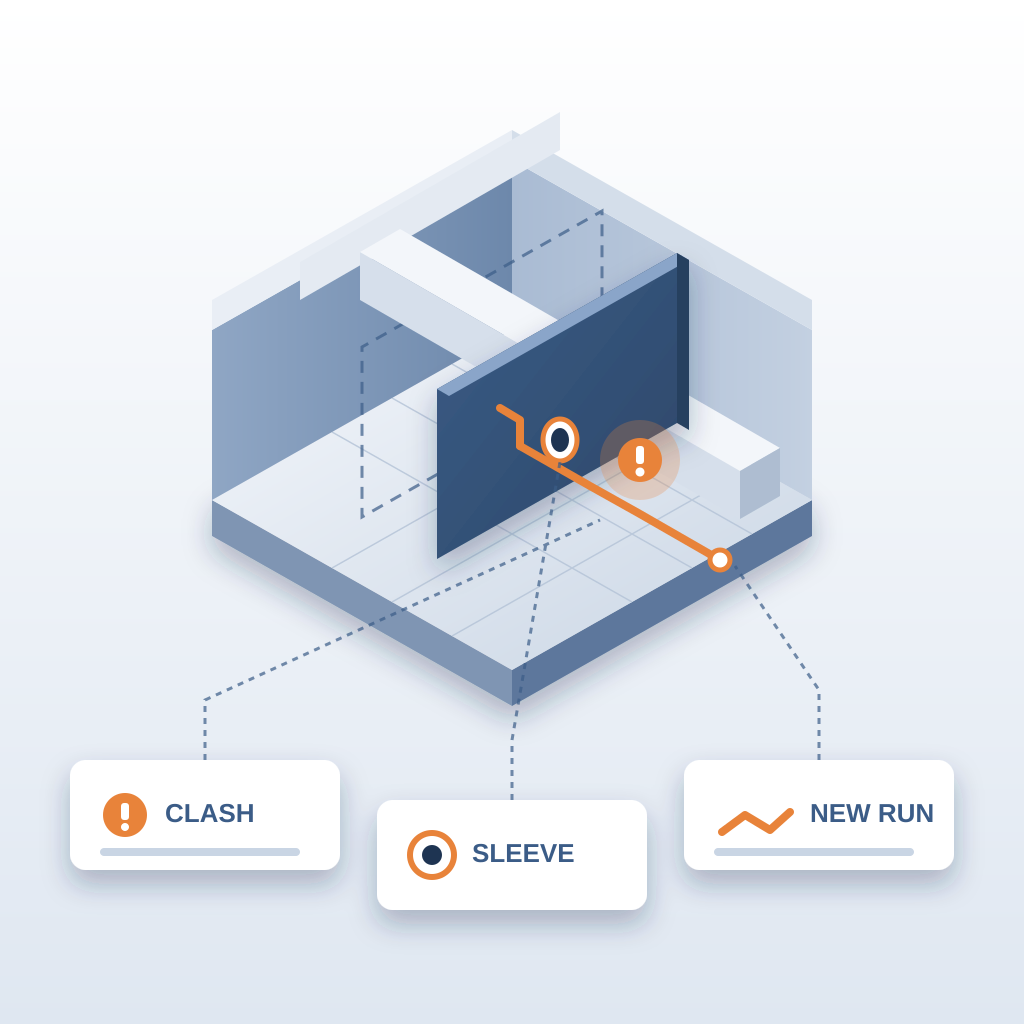
That matters because late changes are rarely one change. A moved wall is a ceiling conflict, a sleeve question and a new run for the electrician. When each of those is visible the day the model changes, the people who own them can act while the work is still on paper.
From Clash to Closed Issue
Most teams stop at the conflict. A pipe hits a beam. You move the pipe. Done. The follow-up gets buried in a thread and surfaces on site as rework.
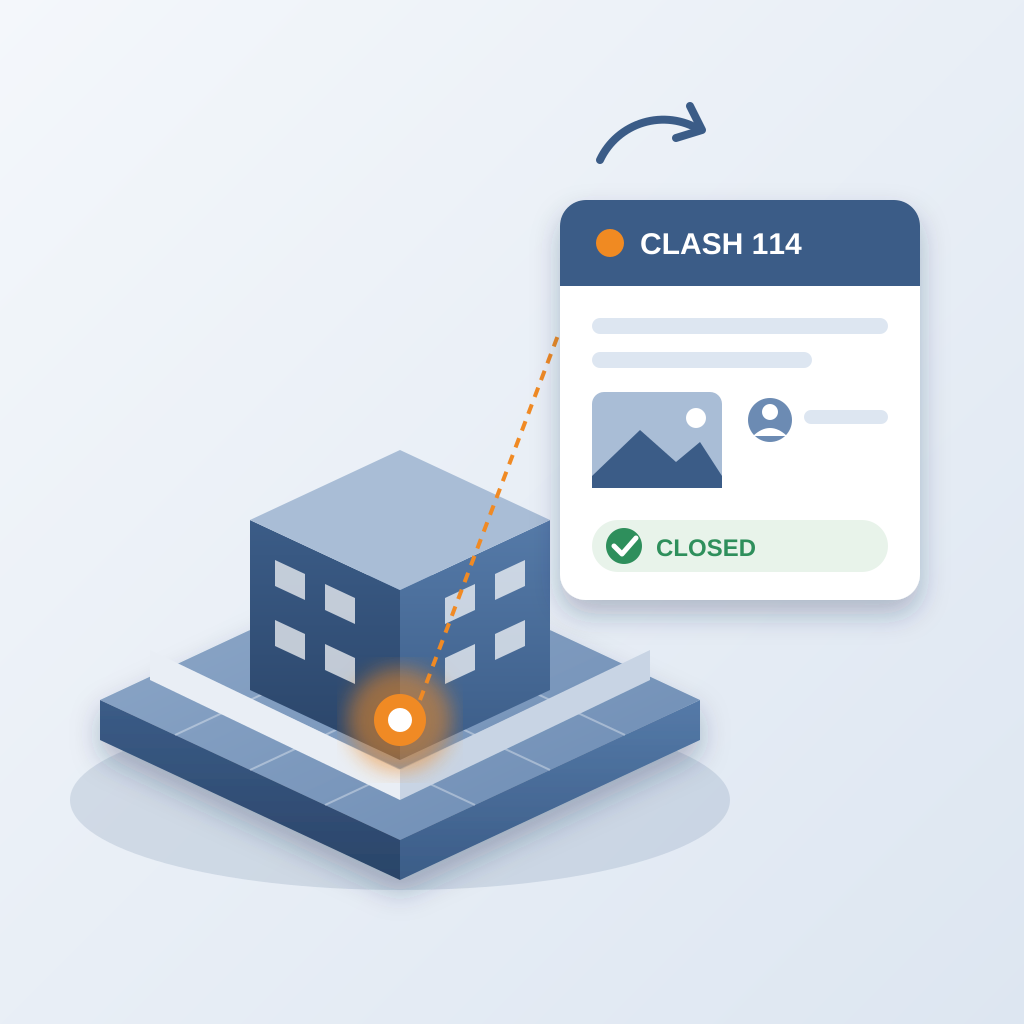
BidLight closes that gap by pinning the issue to the element it concerns. The issue carries the sheet and the revision it came from. It can only be closed with proof: a screenshot, a tagged user and the model commit that delivered the fix. So the pipe move is not "done" until the model shows it is.
In a coordination meeting, you stop saying "move the pipe" and move on. You say "move the pipe, here is what it touched, and these two people own the follow-up." The decision comes with an owner and a date.
The same logic applies beyond clashes. The architect thins a non-structural wall. A ceiling type changes. A client asks for a layout tweak. Each one lands in the next snapshot as a tracked change, pinned to the elements it touched.
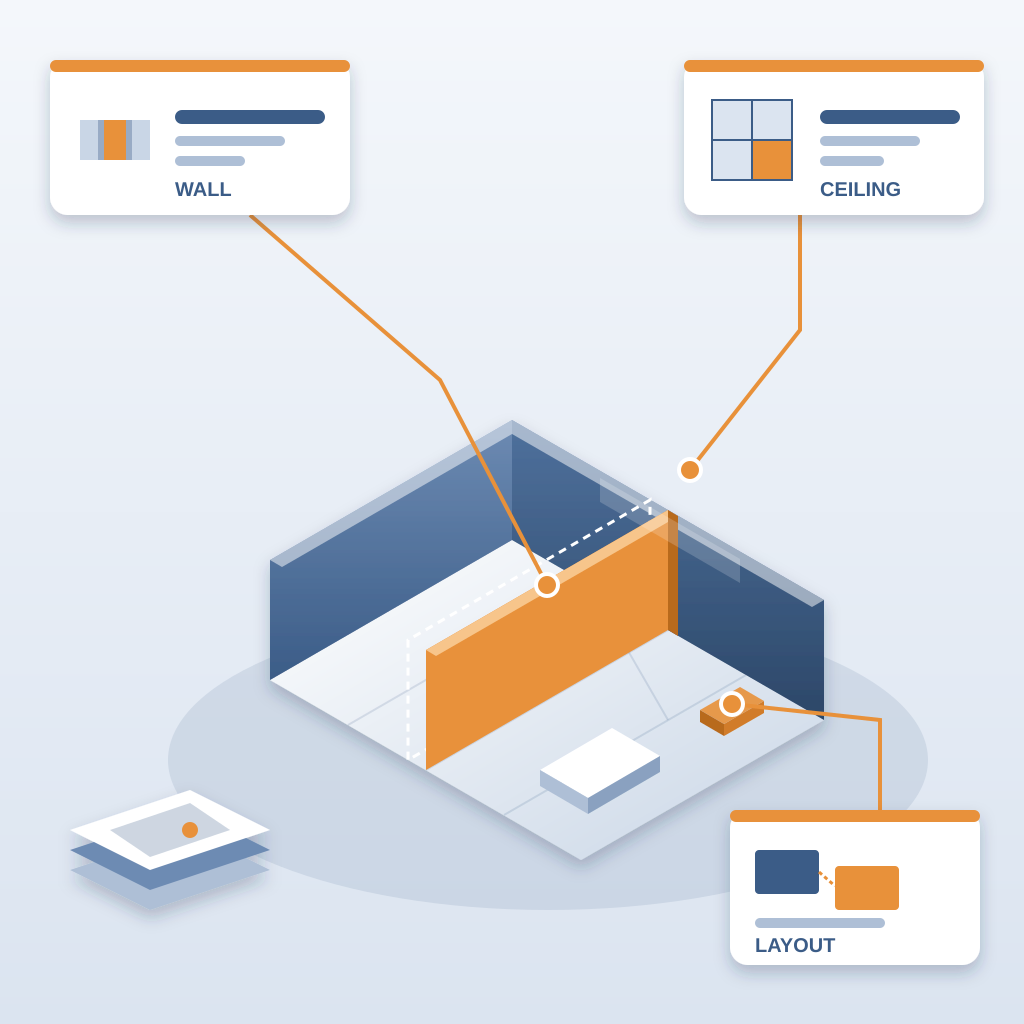
For firms that provide BIM services, this is the difference between a drawing set and a managed model. Execution plans, 4D sequencing and fabrication detailing are easier to trust when each model change has a record and an owner.
A Walkthrough: One Pipe, Four Owners
Take the pipe move from the meeting. Before anyone leaves the room, the coordinator publishes the updated model from Revit. That publish is a new snapshot with its own author and milestone.
Next morning, the comparison against the previous snapshot shows the pipe, two hangers, a sleeve and a cable tray bracket as changed. That is four owners: the plumbing trade, the structural team, the electrical trade and the architect who owns the wall. Each gets an issue pinned to their element, carrying the sheet and the revision that raised it.
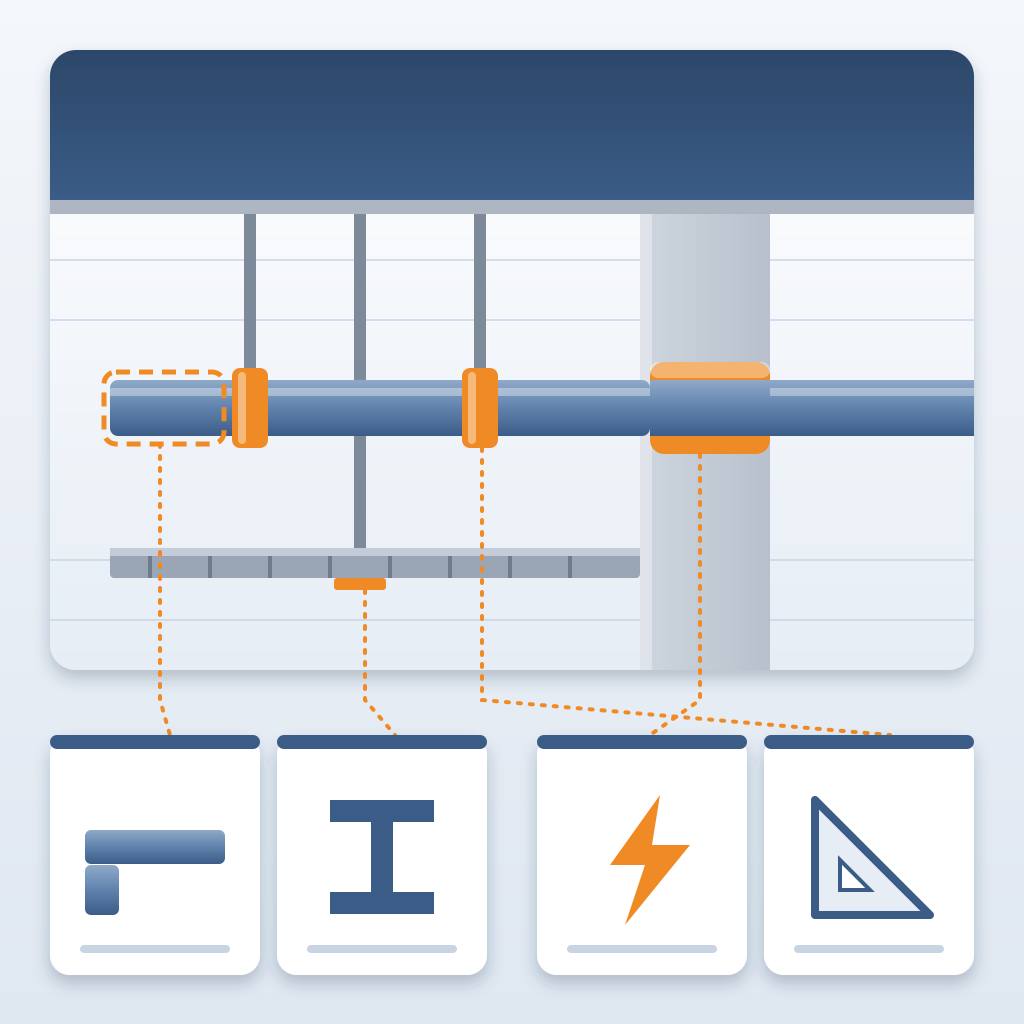
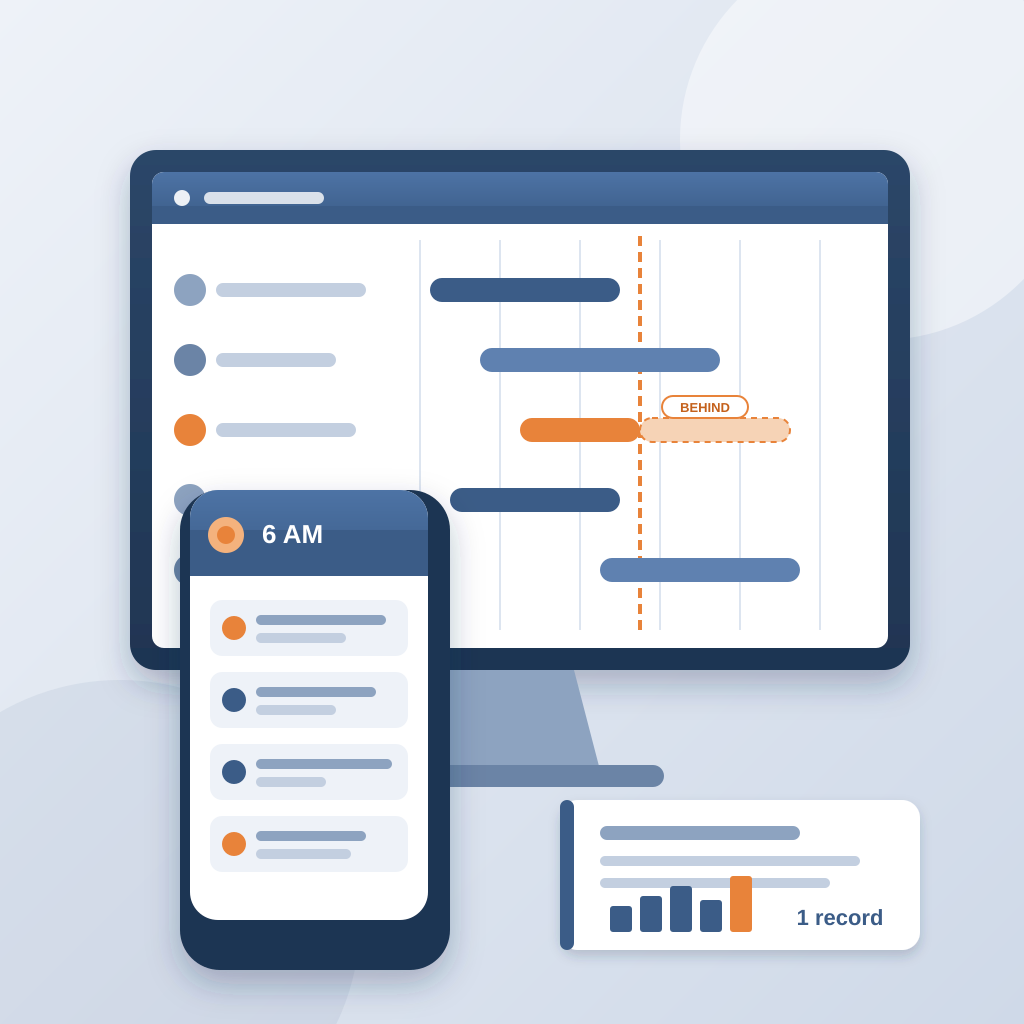
At 6am each of them gets a digest of what they own. Nobody has to be chased by email. By the end of the week, the issues are closed, each with a screenshot, a tagged user and the commit that delivered the fix. If one is not, the project view shows it against a name, and you still have time to move the work.
That is what "caught in the model" means. Not a clash report that sits in a folder. A set of changes with owners, deadlines and proof, all in the place where the team already works.
What This Means for Cost Control on the Job
Cost control on a construction job mostly comes down to timing. A clash caught in the model costs about $50. The same clash found in the field costs $5,000 to $50,000. An unresolved one can burn $15K to $50K a week in idle field labour while a crew waits. One that sat 47 days cost $28,000 in idle labour.
So the practical goal is simple: see the change the day it happens, put a name on it, and close it with proof. BidLight keeps your model and your issue list in sync from design through construction, and it does that inside the tools your team already uses.
The handoff between disciplines is where most of the damage happens. One team finishes a model and publishes. The next team starts from a file that is already out of date. With versioned snapshots, nobody has to ask which version is current. It is the latest publish, and the diff against the one before it is one click away.
Plans run from Basics at $260 per license per year ($30/month) to Max at $590 ($69/month), with Core at $330 ($39/month) and Complete at $440 ($51/month). Enterprise pricing is custom. Every plan includes unlimited projects, and AIA members get up to 29% off.
Stop Chasing Scattered Updates
You deserve better than the old way. Email threads with markups attached. 47 versions of the same markup. The late-night search for what changed after the architect sends a "final" model that is not final.
BidLight replaces that with one record of the project, kept as the work happens. A 6am digest tells each owner which issues are theirs. The project view shows who is behind while there is still schedule left to move work. You spend your time deciding instead of reconstructing history.
If you are tired of chasing scattered updates, remember that a six-inch pipe move can open a hole in the job without anyone noticing. BidLight shows you the ripple. You fix the clash in the model. And the field never has to find it.