Charging for Early Model Coordination
The Trap in Schematic Design
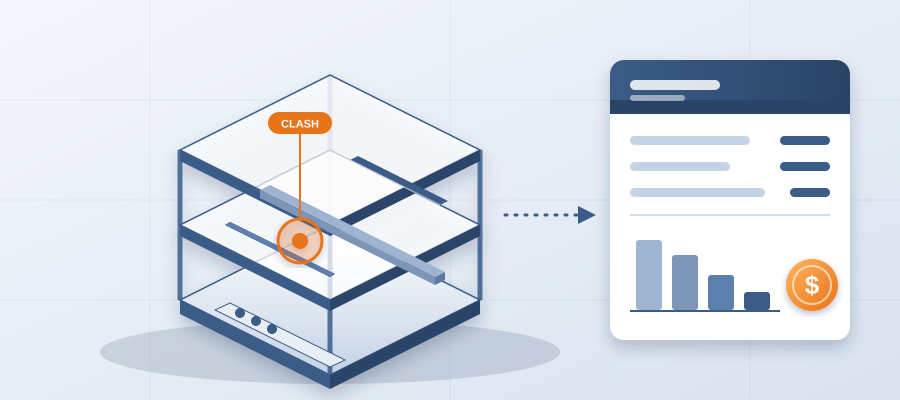
You have seen it happen. The architect finishes schematic design, hands off to the engineers, and everyone assumes the conflicts will get sorted later. Nobody owns them yet. The structure is not coordinated with the ducts. The ceiling heights are placeholders. Six months later, in design development, the clashes show up all at once, and half the layout is already set. Now the team is redrawing under pressure. Spaces get squeezed. Routes get rerouted. The owner is frustrated, the architect is blamed, and everyone loses time.
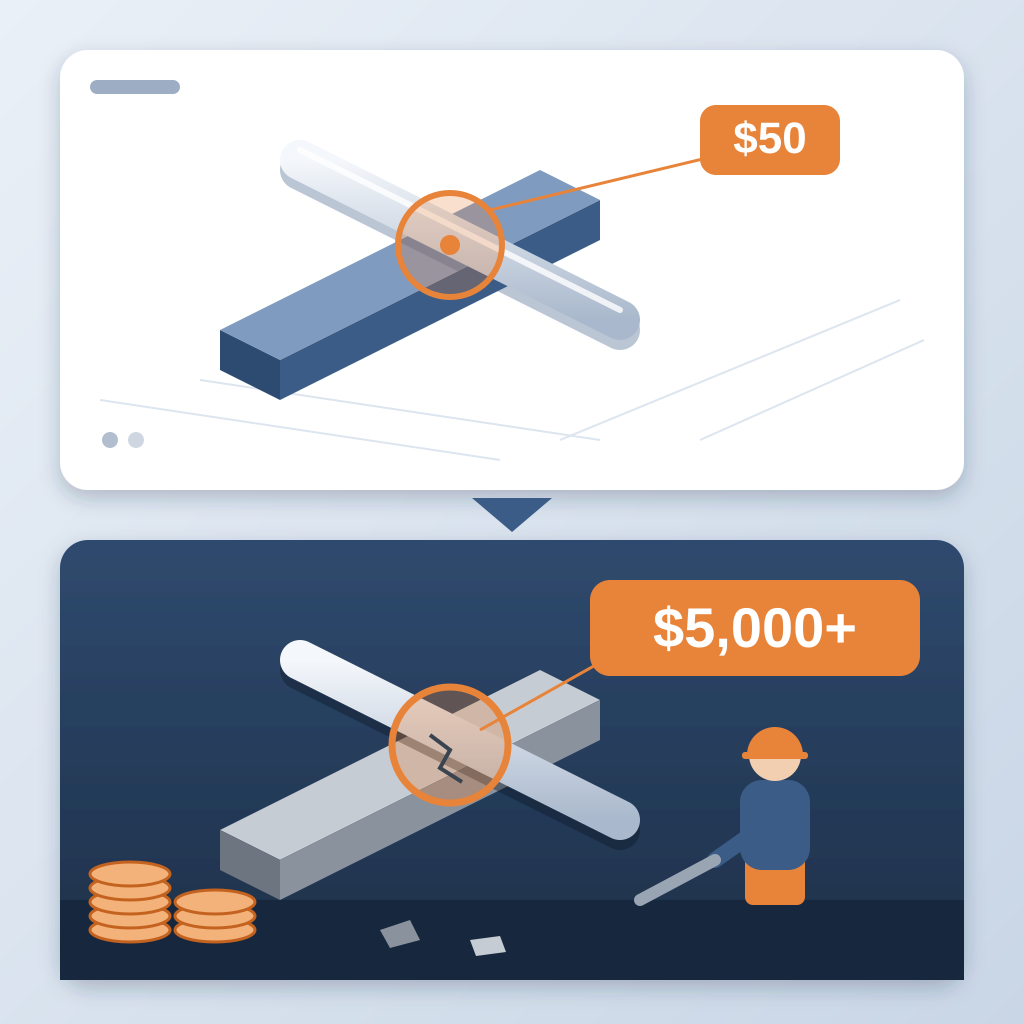
The root cause is waiting too long to coordinate. By the time you have a detailed model, the big decisions are already made. A clash caught in the model costs about $50. The same clash found in the field costs $5,000 to $50,000. Early is the cheap time.
Turning Early Coordination Into a Billable Service
What if you could hand the owner a documented coordination record from the schematic Revit model? That is the shift. You take the model you already built, even if it is just massing and room layouts, and publish it from Revit into BidLight. Every publish becomes a versioned snapshot with its own files, author and milestone. You pin issues to the elements they concern. You assign them to the people who own them.
Now you have something you can put in front of an owner: "Here is where the model stands, here is what is open, and here is who owns each item. I will update it as we refine the design." That is a service. You are not guessing. You are showing the work.
How the Workflow Actually Works
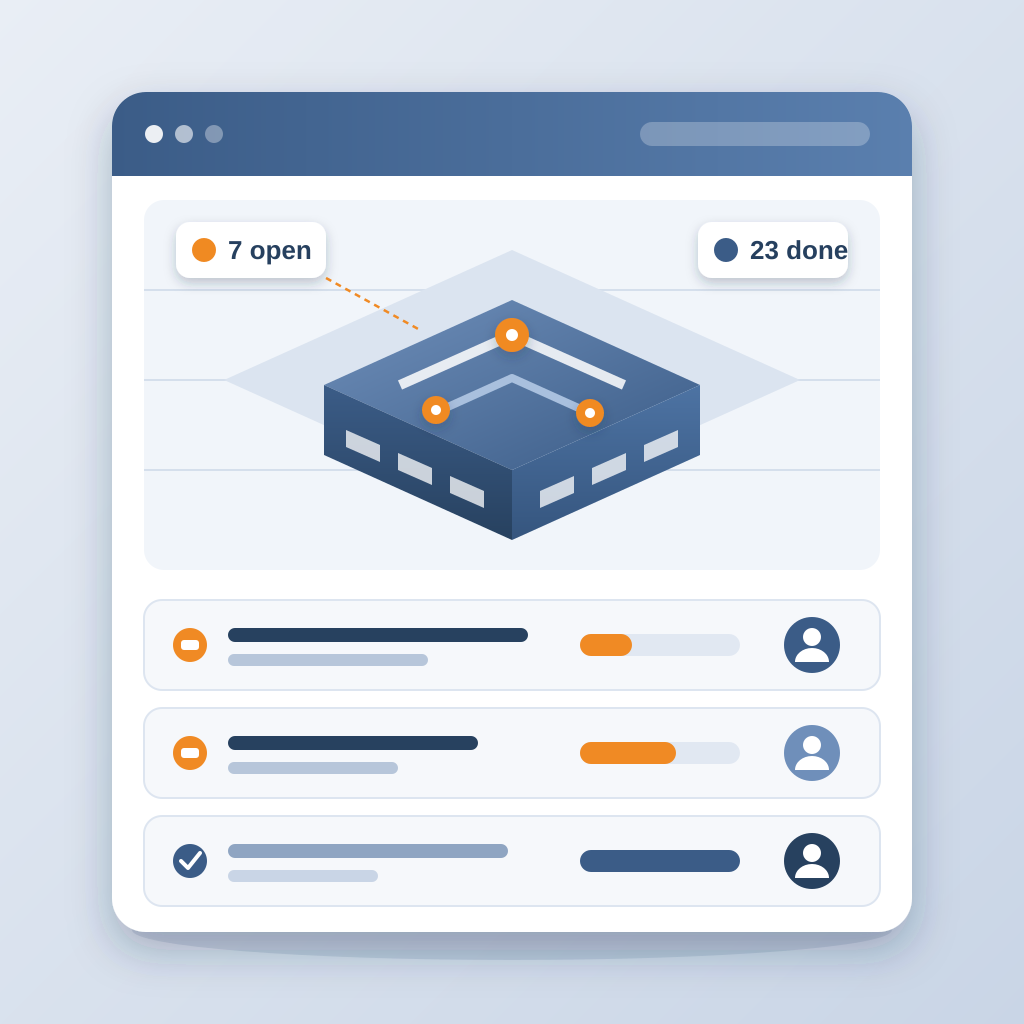
It is simpler than you think. You start with a Revit model at any stage, even schematic, with generic walls and placeholder rooms. Publish it. BidLight keeps it as a snapshot. As the design develops, you publish again, and the two revisions compare element by element, grouped by category: structural, MEP, envelope, interior.
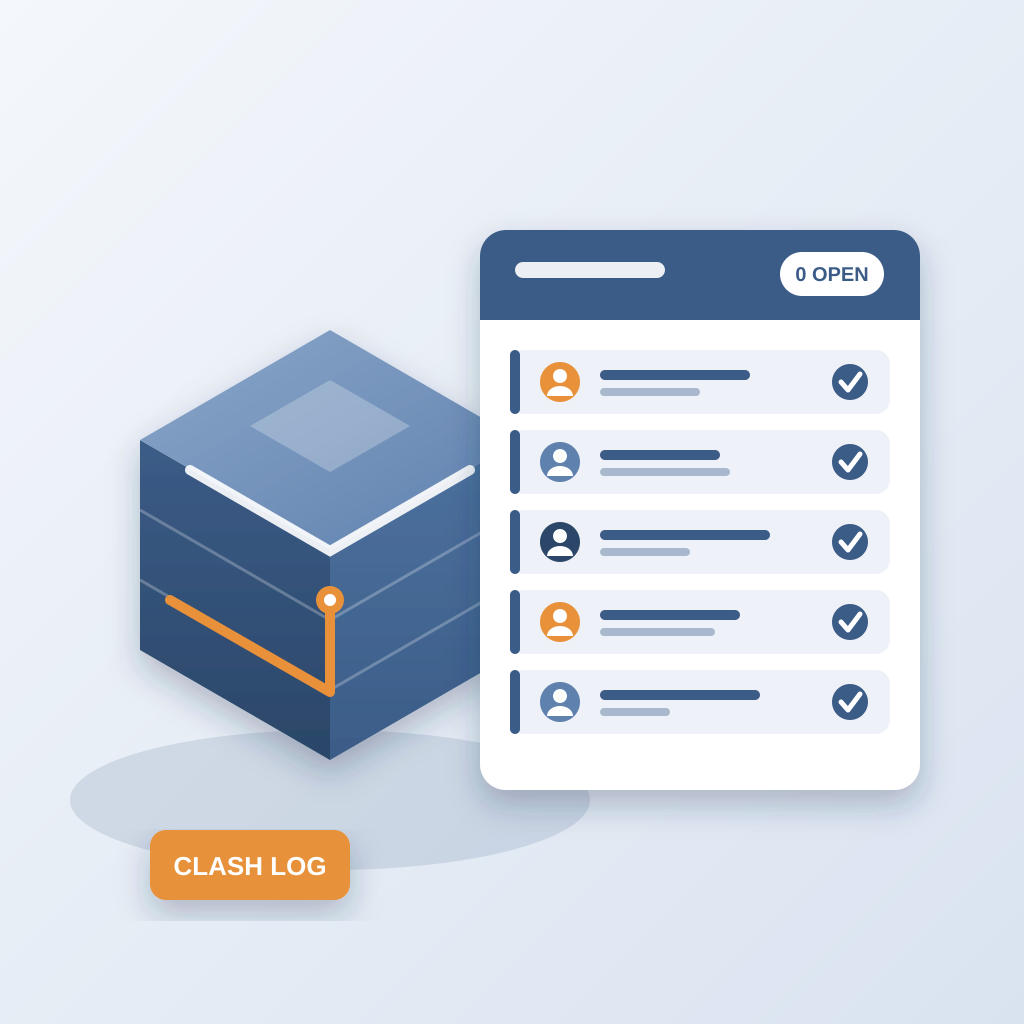
Every issue you raise is pinned to the element, with the sheet and revision that raised it. To close it, you need a screenshot, a tagged user and the model commit that delivered the fix. The whole workflow lives inside Revit and Navisworks, on the model the team already works in.
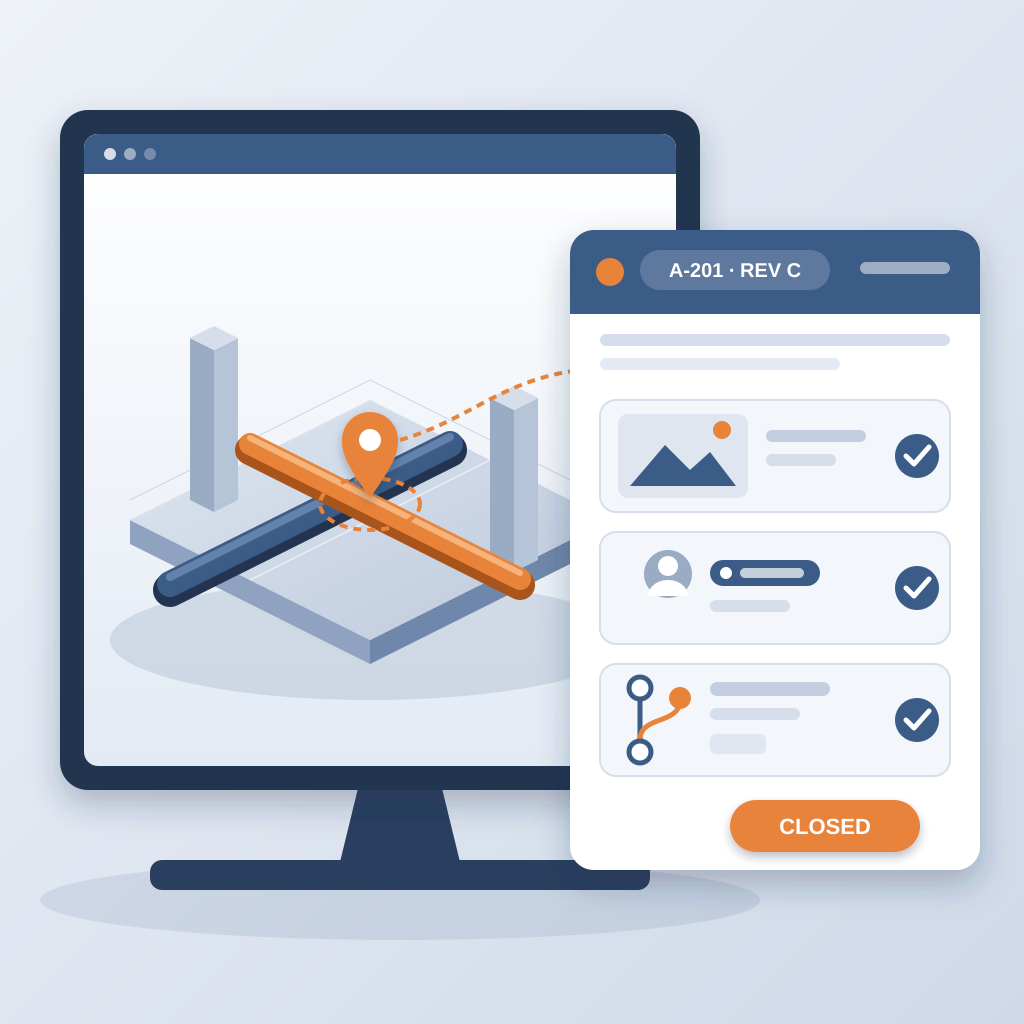
When the owner asks what a layout change touched, you open the diff. You do not need a meeting. A 90-minute meeting becomes about 15 minutes.
The Numbers That Make It Believable
People ask whether early coordination really pays. Look at what it avoids. An unresolved clash can burn $15K to $50K a week in idle field labour. One that sat 47 days cost $28,000 in idle labour. And teams lose about 11 hours a week working out which model version is current.
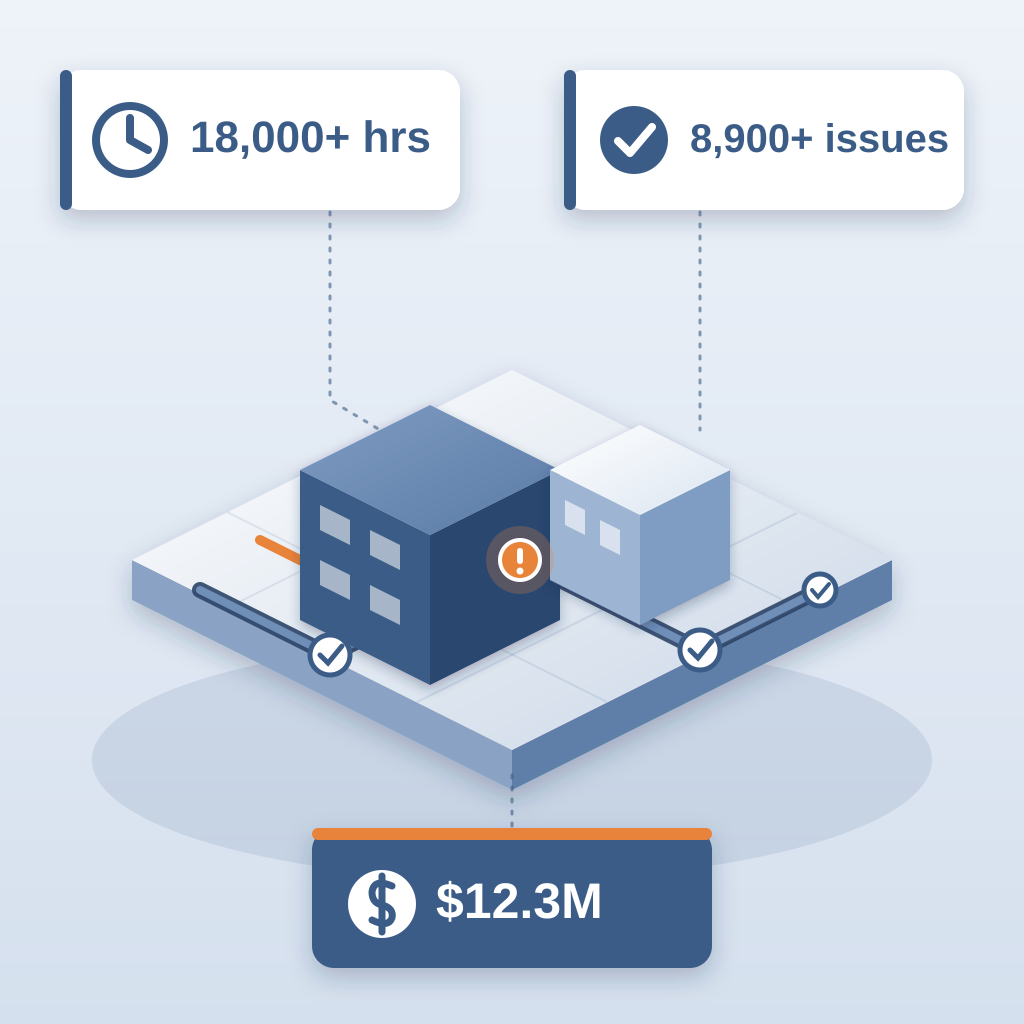
On the hyperscale program case study, the team saved 18,000+ hours, resolved 8,900+ issues and logged $12.3M in cost saved. That is a long way from a schematic study, but the habit is the same: record every change, give each issue an owner, close it with proof.
Why Your Competitors Will Do This
Firms that coordinate early win trust. An owner shopping for a team will pick the one that says "I can show you where the model stands at schematic, not just at construction documents." That is a competitive advantage. It also raises revenue per project, because early coordination is a service you can add without a new hire.
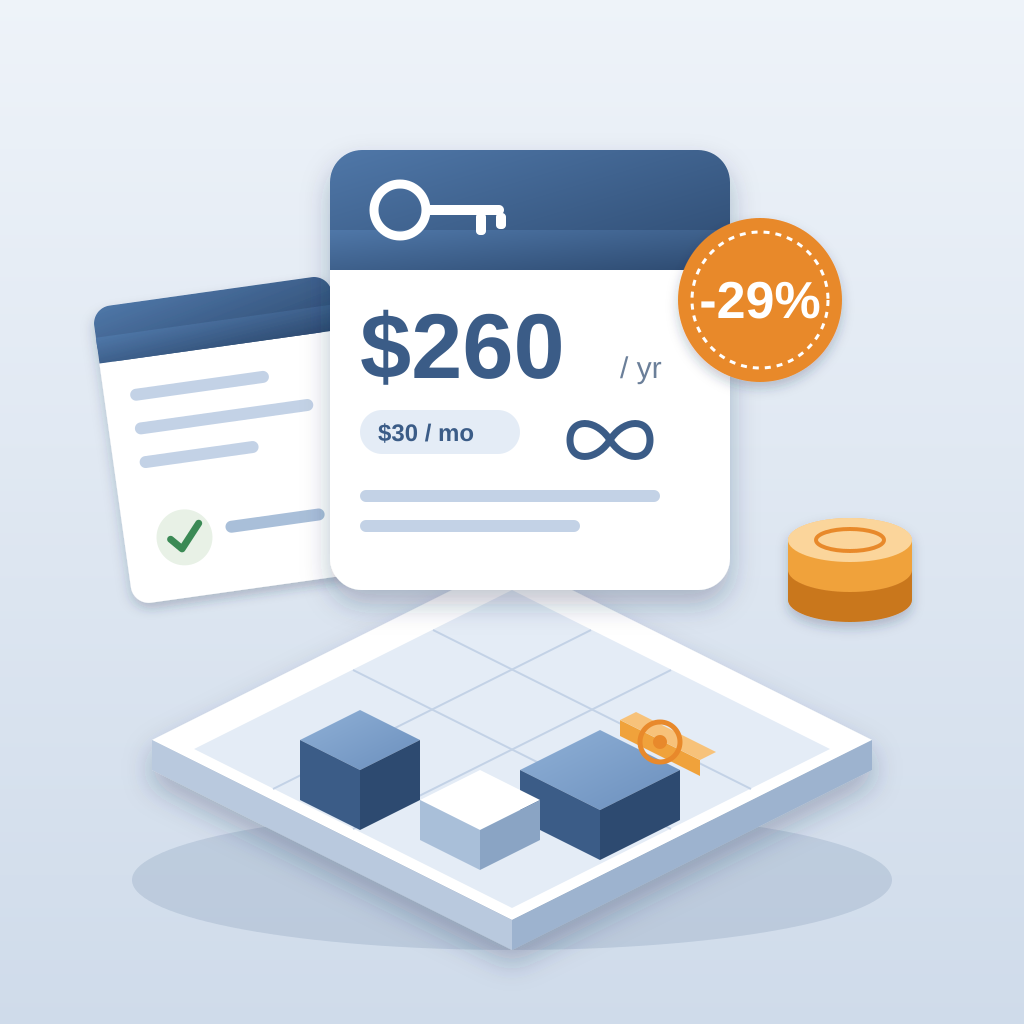
BidLight is priced per license, starting with Basics at $260 a year ($30/month), with unlimited projects on every plan. AIA members get discounts of up to 29%. For that, you get a record the owner can see and a service you can charge for.
Getting Started: Offer It on Your Next Project
You do not need a perfect model. Try it on a small project or a schematic study. Publish your Revit model, pin the issues you already know about, and send the owner the 6am digest view of what is open and who owns it. Present it as a value-add. If they ask for updates during design development, you can agree a fee.
Many owners have no idea an architect can provide this. Once they see a clean record with a name against every open item, they pay for it. Start small. Build the habit. In a few months, you will have a repeatable service that makes every project run better.
The Takeaway: Coordination Before It Is Expensive
The old model: design first, coordinate later, fix it in the field. The new model: coordinate at schematic, keep the record live, charge for the service. BidLight makes it possible with a Revit and Navisworks workflow that versions every publish and closes issues with proof. You catch problems when they cost about $50, not $5,000 or more. And you get paid for the coordination you are already doing for free.